AI Customer Support Automation: 9 Mistakes to Avoid
Nine AI customer support automation mistakes to avoid, plus a pre-launch checklist and handover rules for small businesses.
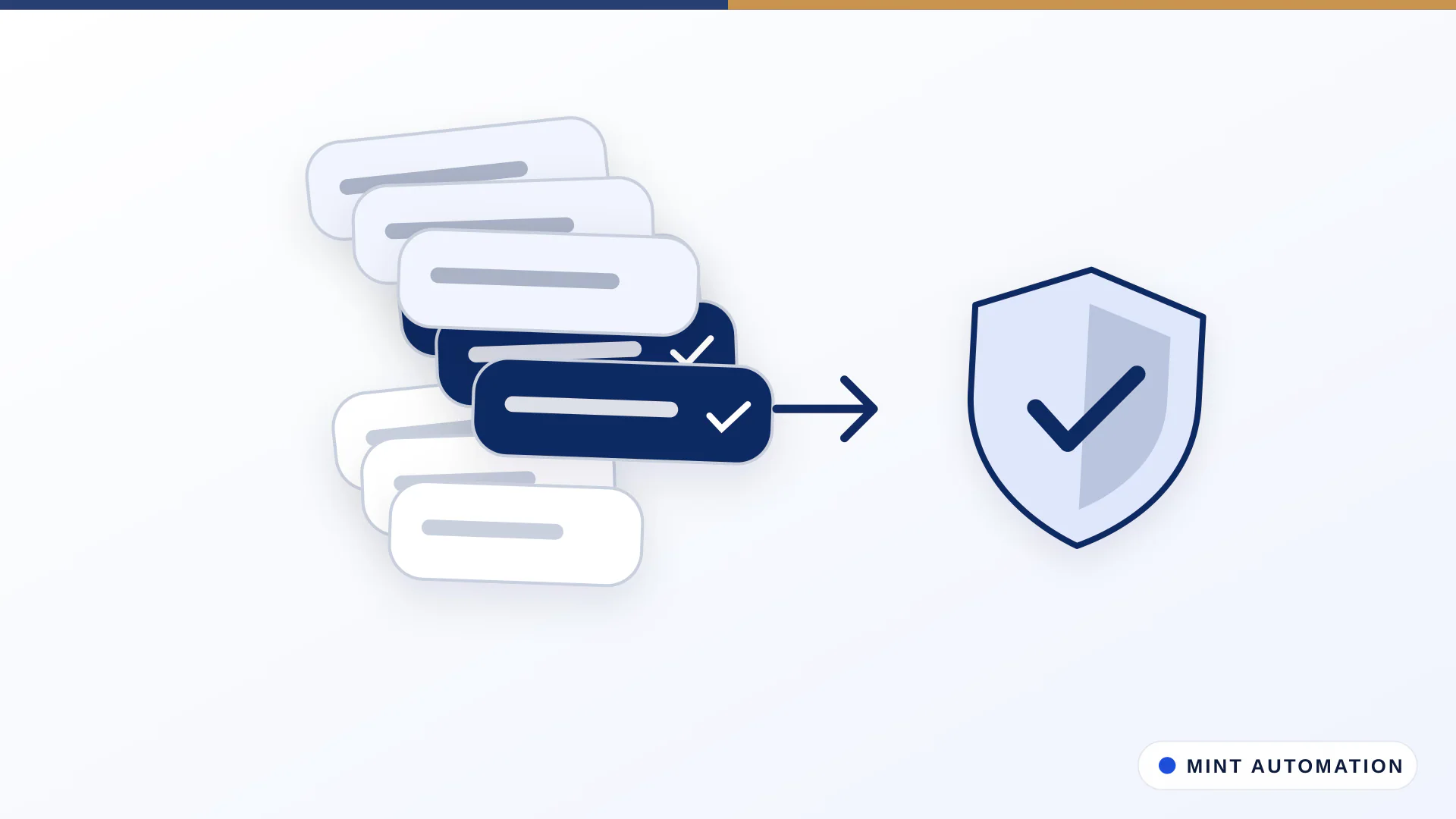
Your team answers the same customer questions by email, chat and WhatsApp every day, and you want AI to take some of that load without annoying customers or giving wrong answers. The short answer: automate a few low-risk enquiry types first, limit the AI to your approved content, make handover to a person easy, and test before you go live. Most problems come from the plan around the AI, not the AI itself.
What AI Customer Support Automation Actually Does
AI customer support automation is software that reads incoming enquiries, drafts or sends replies, and updates your other systems. A customer asks where their order is. The software finds the order, writes a reply, and logs the contact in your helpdesk. A chatbot is one common form of this, but the same idea works on email and WhatsApp too.
This article covers the risks. If you are still choosing a website chatbot, read Picking an AI Chatbot for Your Business Website. If you are weighing AI agents more broadly, see AI Agents for Business Operations: A Buyer’s Checklist.
Suggest, answer, or act: the three levels
Not every setup carries the same risk. It helps to know which level you are buying.
- Suggest. The AI drafts a reply and a staff member reads it, edits it and sends it. Risk is low because a person checks every message.
- Answer. The AI replies on its own to simple questions, such as opening hours or delivery times. Risk is moderate because mistakes reach customers directly.
- Act. The AI completes tasks, such as looking up an order, changing a booking or issuing a document. Risk is highest because it changes records or commits you to something.
Most businesses should start at level one and move up only when the results justify it. The nine mistakes below are grouped by where they usually happen.
Mistakes in What You Choose to Automate
Mistake 1: Starting with your hardest enquiries
It is tempting to point AI at the enquiries that eat the most time: complaints, disputed refunds, cancellations. These are also the ones where tone, judgement and goodwill matter most. A customer who is already upset and gets a scripted reply will often get more upset.
Start with enquiries that have a clear, factual answer. Keep emotional or high-stakes cases with people.
Mistake 2: Automating before you know what comes up most
Many teams guess which questions are common. The guess is often wrong. Before you build anything, take a few weeks of real tickets, emails and chat logs and sort them into groups. A simple spreadsheet is enough.
For each group, note:
- How often it appears.
- How long it takes your team to handle.
- Whether the answer is always the same or depends on judgement.
- Whether the answer needs information from another system, such as an order record.
The groups that are frequent, quick to explain and consistent are your candidates. The same thinking appears in What Can Be Automated in Your Business (and What Shouldn’t Be).
Mistake 3: Covering everything at launch
A launch that tries to handle forty enquiry types will fail in forty small ways, and you will not know which failures matter. Pick two or three enquiry types. Get them working well, review the results, then add more. A narrow launch is easier to test, easier to fix, and easier to explain to staff.
A simple way to sort your enquiries
Use these three questions on every group of enquiries from your review:
- Is the correct answer written down somewhere, in a policy, price list or order record?
- If the answer is wrong, is the cost small and fixable?
- Would the customer be fine receiving this from software?
Three yeses make a good candidate. Any no means keep a person involved, at least at the suggest level.
Good first candidates vs. keep with people
| Good first candidates | Keep with people |
|---|---|
| Order status and delivery tracking | Complaints and upset customers |
| Opening hours and location | Legal questions or threats |
| Document requests (copy of an invoice, a receipt) | Medical or safety-related questions |
| Appointment changes and reminders | Large-value decisions and special pricing |
| Where to find a form or policy | Refunds in dispute |
If you already receive many enquiries in a shared inbox, Inbox Triage AI is a ready-made starting point for sorting and routing them before any automatic answering.
Mistakes in the Answers: Wrong, Made-Up or Out of Date
Mistake 4: Letting the AI answer from general knowledge
AI language tools can write fluent answers on almost any topic. They can also state wrong things with complete confidence. If the AI is allowed to answer from general knowledge, it may invent a policy that sounds reasonable but is not yours.
This matters most for refunds, warranties, delivery promises and prices, because a customer can reasonably treat the reply as a commitment from your business.
Illustrative example: A customer writes to ask whether they can return a worn jacket. Your policy says returns of worn items are reviewed case by case. The bot, answering from general knowledge, replies that a full refund is guaranteed. The customer now expects money back, and your team has to either honour a promise you never made or disappoint someone in writing.
The fix is to limit answers to approved sources: your policies, price lists, product details and FAQ pages. When the answer is not in those sources, the AI should say so and pass the enquiry to a person.
Mistake 5: Never updating the source material
Even a well-limited bot gives bad answers if its source material is stale. If you change your return window, raise a price or close a branch, the bot will keep quoting the old version until someone updates it.
This is a common gap because the project team finishes at launch and nobody owns the content afterwards.
Controls to ask for
- Answers limited to approved sources. Ask how this is enforced and how you can see which source each answer came from.
- A named owner for content updates. One person, with a backup, responsible for keeping policies and prices current.
- A review schedule. For example, a monthly check of all source material, plus an immediate update whenever a policy or price changes.
- A standard rule for uncertainty. If the AI is not sure, it hands over rather than guesses.
Mistakes in Handing Over to a Human
Mistake 6: No clear or easy route to a person
Nothing damages trust faster than a customer stuck in a loop with a bot. If someone has asked the same question twice, or typed that they want to speak to someone, the next message should reach a person or a clear path to one. Hiding the contact option behind several menus saves a little staff time and loses customers.
Mistake 7: Handing over without context
A handover that drops the customer into a blank conversation forces them to repeat themselves. That is the exact frustration automation was meant to remove. Staff also waste time re-asking questions the customer has already answered.
Handover triggers worth setting up
Decide in advance when the AI must stop and pass the conversation to a person. Common triggers:
- Angry or distressed tone, such as complaints, strong language or repeated punctuation.
- Repeated questions, where the customer asks the same thing twice or says the answer did not help.
- Money above a set limit, for example any refund or change over an amount you choose.
- Legal or safety words, such as lawyer, injury, allergic reaction or faulty and dangerous.
- VIP or key accounts, where you want a person involved from the first message.
- A direct request for a human, which should always be honoured.
What the human should see when they take over
A good handover shows the staff member three things without any digging:
- The full conversation, so they can read what was said.
- The customer record, such as name, order history and open tickets, pulled from your CRM or helpdesk.
- What the AI already tried, including which source it used and why it handed over.
Also decide what happens out of hours. Tell customers when a person will reply, for example by the next business morning, and make sure someone is assigned to check the queue. A handover that sits unread overnight with no message to the customer is worse than no bot.
Mistakes With Your Systems and Customer Data
Mistake 8: Leaving the AI disconnected from your systems
A bot that can only talk cannot resolve anything. If it cannot look up an order, check a booking or find an invoice, it can only point the customer elsewhere, and the enquiry ends up with your team anyway. Connecting the AI to your CRM, helpdesk, order system or accounting software is what turns it from a talking FAQ into something that closes enquiries.
This connection also keeps your records tidy, because each conversation can be logged against the customer automatically. For related background, see Google Sheets to CRM Sync: Manual vs Tools vs Custom and Browser Automation vs API Integration: Which to Pick.
Mistake 9: Too much access, or unchecked data sharing
The opposite error is giving the AI wide access to everything. Apply the least-privilege principle: give it only the access it needs for the tasks you chose. If it answers order-status questions, it needs to read order status. It does not need to read payment details or edit customer records.
Customer conversations contain personal data such as names, addresses, order details and sometimes health or financial information. Before any tool sees that data, ask the provider:
- Where is the data stored, and in which country?
- Who can see conversations, on your side and theirs?
- Are logs kept, and for how long?
- Can a customer request deletion, and how would that work?
- Is our data used to train other models?
Privacy rules differ by country, including the US, UK, Canada, Australia and India. Check your own obligations with a qualified adviser before launch. You can read how MINT handles data in the MINT privacy policy.
How to Test Before You Launch and Monitor After
Testing is where most of the earlier mistakes get caught. Do not skip it because the demo looked good.
Build a test set from real past enquiries. Take a few dozen real messages, including awkward ones: misspelled words, vague questions, two questions in one message, and angry messages. Run them through the system and have staff review every answer. Mark each as correct, wrong, or should have been handed over.
A staged rollout in three steps
- Suggest-only mode. The AI drafts replies, staff approve or edit them. Track how often staff change the draft and why.
- Limited live answers. Let the AI send answers on its own for your two or three chosen enquiry types, with handover rules active. Keep everything else with staff.
- Widen gradually. Add one new enquiry type at a time, repeating the test and review each time.
Move to the next step only when reviewers are comfortable with the results, not when a date arrives.
What to review each week
For the first few months, a named person should read a sample of real conversations each week. Look for wrong answers, missed handovers and customer frustration. Alongside that, track these measures:
- Share of enquiries resolved without a person.
- Handover rate.
- Repeat contacts about the same issue.
- Customer complaints about the bot.
- Wrong answers found in review.
These are measures to watch over time, not targets with a benchmark. A rising handover rate might mean the bot is weak, or it might mean it is correctly stepping aside. Read the conversations to tell which.
Finally, have a pause switch. If something goes wrong, such as a wrong price circulating, you should be able to turn off automatic replies in minutes and fall back to staff answering manually. Agree who can press it and what the customer sees when it is paused.
A Pre-Launch Checklist and Questions for Any Provider
One-page checklist
Tick every line before going live:
- Scope: Two or three enquiry types chosen from a review of real tickets.
- Approved content: Answers limited to written policies, prices and product details.
- Content owner: A named person and backup, with a review schedule.
- Handover rules: Triggers set, a clear route to a person, and context passed on.
- Out-of-hours plan: Customers told when a person will reply.
- Data handling: Storage, access, logs, deletion and training use confirmed in writing.
- Access: The AI can reach only the systems and records the chosen tasks need.
- Testing: Real and awkward past enquiries reviewed by staff.
- Review owner: Weekly conversation sampling assigned.
- Pause plan: A switch, an owner and a fallback process.
Questions to ask a provider
- How do you limit answers to our content?
- How do you show us what the AI said, and why?
- What happens when it is unsure?
- Who maintains it when our policies change?
- What does it cost to run each month, beyond the setup fee?
For cost context, see What AI Automation Costs for a Small Business.
Red flags
- Promises to fully replace your support team.
- No way to view conversation logs.
- No handover option.
- Vague answers about where your data goes.
A labelled payback example
Illustrative example only: Suppose your team handles 100 repeat order-status enquiries a week, at 4 minutes each. That is about 400 minutes, or roughly 6.7 hours a week. If automation resolves most of them safely, the time returns to your team. Compare that saving with the monthly running cost and the setup fee. Your own numbers will differ, so use real ticket counts. The method is explained in How to Calculate the ROI of Automating a Business Process.
Sources and further reading
How Mannveer International (MINT) Can Help
MINT designs and builds custom automations that connect support enquiries to your CRM, spreadsheets, invoicing and documents, with human handover built in. We start by reviewing your real enquiries and picking two or three safe categories. We then set up a staged rollout with logging and review. See our AI-powered automation work and how MINT delivers automation.
You get a scoped plan and a fixed quote. Standard automations are typically delivered in 3 to 7 business days, and we provide ongoing support afterwards. We do not promise to replace your support staff. The aim is to remove repetitive lookups and replies so your people can handle the cases that need judgement.
FAQ
What is the biggest risk of using AI for customer support?
The biggest risk is the AI giving a wrong answer that customers treat as a promise, such as a refund guarantee your policy does not offer. Limiting answers to approved content, testing with real enquiries and reviewing conversations regularly reduces this risk.
Can AI customer support give wrong answers, and how do I prevent it?
Yes. AI can state wrong things confidently. Prevent it by limiting answers to your approved policies and prices, naming someone to keep that content current, testing with real past enquiries, and handing over to a person whenever the AI is unsure.
Which customer enquiries should I never fully automate?
Keep people in charge of complaints, disputed refunds, legal questions, medical or safety issues, and large-value decisions. AI can still draft suggestions for staff on these, but a person should review and send the reply.
How do I make sure customers can still reach a real person?
Offer a clear, visible option to speak to someone, and honour any direct request for a human. Set automatic handover for repeated questions, angry tone and high-value issues. Tell customers when a person will reply out of hours.
How long does it take to set up AI customer support safely?
It depends on scope. A narrow setup covering two or three enquiry types can be built quickly, but safe rollout also needs testing and a staged launch. Move from suggest-only to live answers based on review results, not a fixed date.
Wondering where AI fits in your operations?
MINT scopes practical AI automations with clear costs, controls, and owners.