Picking an AI Chatbot for Your Business Website
Compare manual, off-the-shelf, and custom AI chatbot for business websites by cost, effort, and fit, with a buyer's checklist.
You get the same questions on your website all day, and more after you have closed for the night. The short answer: there are three realistic ways to add a chatbot, manual, an off-the-shelf tool, or a custom build, and the right one depends on how many questions you get, how often the answers change, and whether the bot needs to actually do something like book a call or look up an order.
This guide walks through what each option costs in money and effort, and how to pick.
What a Website Chatbot Actually Does for You
People do not hire a chatbot for its own sake. They hire it to do a handful of jobs: answer repeat questions (hours, pricing, returns, “do you cover my area”), capture leads by collecting a name and email before a visitor leaves, book calls or demos, and route harder questions to the right person.
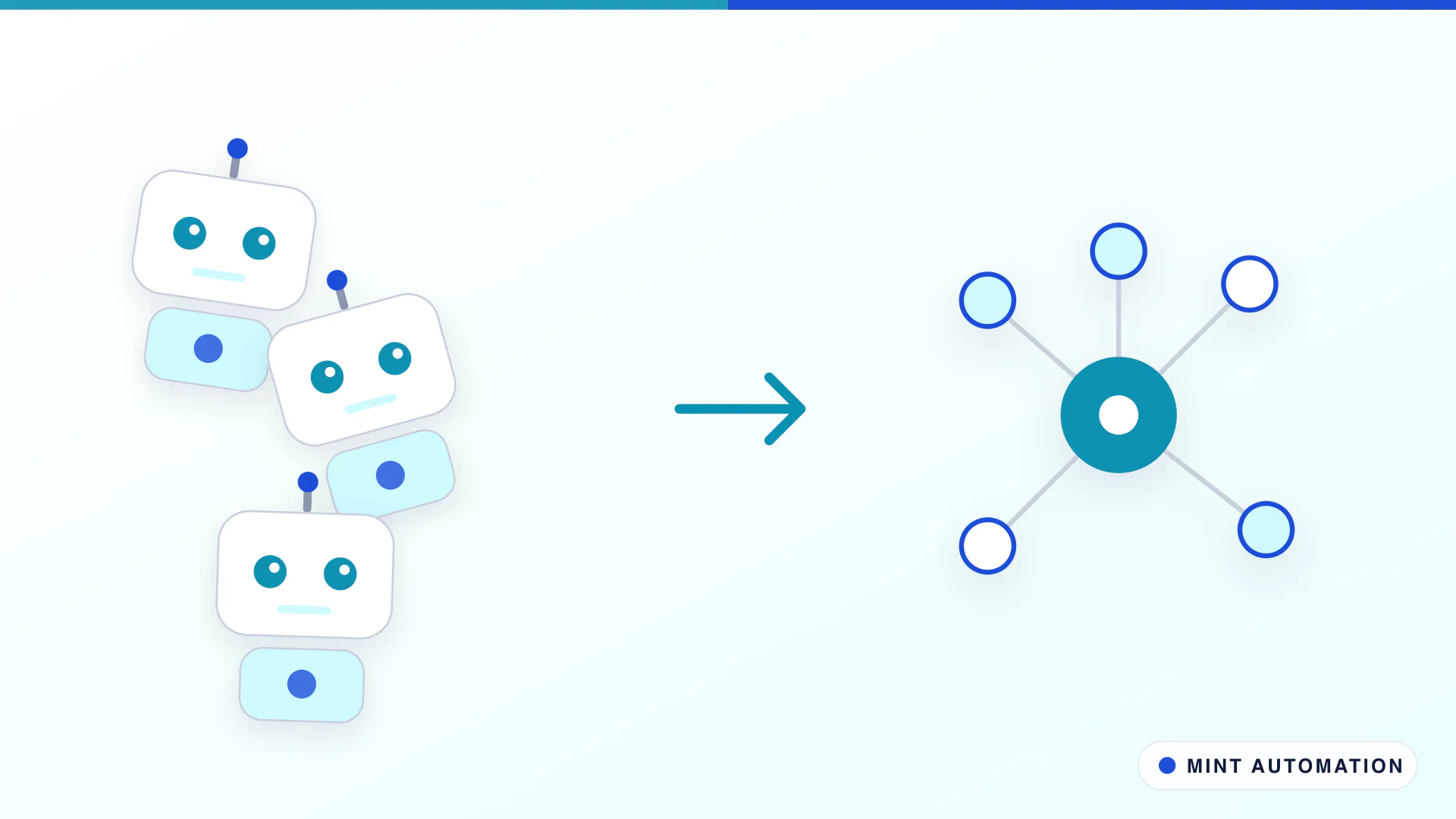
There are two broad types. A scripted bot gives a set menu of buttons and canned answers; the visitor clicks through a decision tree. An AI bot understands plain questions typed in normal language and answers from the content it was given. A chatbot is simply a program that holds a conversation; the difference is whether it follows a fixed script or interprets what was asked.
A chatbot cannot do everything. It does not know anything you have not given it, it can get things wrong when a question is unusual or ambiguous, and it should never be the last line for an upset customer or a complex sale. That is why every good setup keeps a human behind it, ready to take over.
Before you shop, do a gut check. Name the real problem in one sentence. Is it volume (the same questions dozens of times a day), speed (people wait hours for a reply), or coverage (nobody answers evenings and weekends)? Each problem points to a different option, and naming it stops you from buying more than you need. If you are not sure what is worth automating at all, our guide to what can be automated in your business is a sensible first read.
The Three Realistic Options
There are really only three ways to handle website questions, and most businesses end up blending them.
- Manual: a real person answering live chat, backed by a static FAQ page.
- Off-the-shelf tools: a subscription chatbot you configure yourself by feeding it your content.
- Custom build: a chatbot shaped around your content, connected to your systems, and matched to your tone.
Most businesses do not pick once and stop. A common path is manual at the start, an off-the-shelf tool once volume grows, then a custom build when the bot needs to connect to a CRM or booking system. You are choosing a starting point, not a forever answer. This same manual-tool-custom pattern shows up across automation decisions, as our piece on using ChatGPT in business operations lays out in more detail.
Option 1: Keep It Manual
Day to day, this means a person watches a live chat widget and replies while they work, and visitors who arrive after hours read a FAQ page or leave a message. Whoever answers, often the owner, an ops lead, or a shared support inbox, is doing it between other tasks.
Who manual still suits
Manual wins in three situations. When question volume is low, a tool is overkill. When conversations are complex or high-value, a bespoke quote, a sensitive complaint, a big contract, people want a human and will wait for one. And when you are early-stage, every chat is also market research; you learn what customers actually ask by answering yourself.
The warning signs
The hidden cost of manual is quiet but real: slow replies when you are busy, a dead channel after hours, and the same answers typed out again and again. You have outgrown manual chat when you notice yourself copying and pasting the same three replies daily, when leads say “I messaged last night and heard nothing,” or when answering chat is eating an hour or more of your day. At that point a tool usually pays for itself, something we unpack in how to calculate the ROI of automating a business process.
Option 2: Off-the-Shelf Chatbot Tools
A subscription chatbot tool works like this: you point it at your website and upload your FAQs, and it answers visitor questions from that content. Setup is mostly you pasting content and writing a few rules, no build required.
Strengths
You get live fast, often the same day. The cost is predictable, you can switch it off if it does not work, and for standard questions on a simple website it does a decent job. If your questions rarely change and you have someone willing to keep the content current, this is often the right call.
Common limits
The limits show up as you grow. Integrations tend to be narrow, so the bot can tell someone your hours but cannot check whether a specific order has shipped. The tone is generic unless you spend time tuning it. And pricing often carries usage caps, which brings us to cost.
Think of the cost shape as a monthly fee, charged either per seat (per team member using it) or per conversation, plus your own setup and upkeep time. As an illustrative example, a small-business plan might run from a modest monthly fee into the low hundreds per month as conversation volume rises, with higher tiers unlocking more integrations. Treat that as a shape to check, not a quote, and read the usage caps carefully, because a busy month can push you into a pricier tier. For a broader view of what these subscriptions add up to, see what AI automation costs for a small business.
Option 3: A Custom-Built Chatbot
Custom means the bot answers from your real content, not a generic template, connects to the systems you already use (your CRM, booking calendar, or store), and speaks in your brand voice. Instead of just talking, it can act: book a slot, start a quote, look up an order status, or create a lead record.
When custom is worth it
Custom pays off when chat volume is high enough that small gains in accuracy save real hours, when your questions are non-standard and an off-the-shelf tool keeps getting them wrong, or when the bot needs to do something rather than just answer. If “can you check my booking?” or “what’s the price for my setup?” are common questions, a bot that can actually look those up is worth far more than one that says “please email us.” Connecting a bot to your systems is the same work as any integration project, which browser automation vs API integration: which to pick explains in plain terms.
What drives the cost
The cost shape is a larger one-off build plus ongoing upkeep, judged against the hours it saves and the leads it captures. What drives the number: how many systems it connects to, how messy your content is, how many types of question it must handle, and how tightly it needs to match your tone and rules. What you are really buying is control over the answers, accuracy you can trust, and a bot that does work instead of just chatting. Our AI-powered automation solutions page shows the kind of connected workflows a custom bot can sit on top of.
How to Compare the Three Honestly
Here is a side-by-side to judge the options on what matters.
| Factor | Manual | Off-the-shelf tool | Custom build |
|---|---|---|---|
| Speed to launch | Immediate | Hours to days | Weeks |
| Monthly cost | Staff time only | Low to mid monthly fee | Upkeep on top of build |
| Up-front cost | None | Little to none | Larger one-off |
| Answer quality | High, if staff are free | Good for standard questions | Highest, tuned to you |
| Integrations | Whatever the human can open | Narrow | As deep as you need |
| Maintenance | Constant human effort | You update content | Shared with your builder |
Match the option to two things: how many questions you get, and how often the answers change. Low volume and stable answers favour manual or a cheap tool. High volume, or answers that depend on live data like stock or bookings, favour custom.
Some guardrails matter no matter which option you choose. The bot must hand off cleanly to a human when it is unsure. It should log conversations so you can see what people ask and where it fails. And it must be set up to say “I’m not sure, let me get a person” rather than guess, because a confident wrong answer is worse than no answer. That last point is why a cheap tool can cost more than a custom build: if it tells a customer the wrong price or policy, you pay for the mistake in refunds, complaints, and trust, long after you saved a few pounds on subscription fees.
A Short Checklist Before You Buy
Run through this before you pay for anything.
- List your top 20 real questions from chat and email, and note who answers each one today. This is your bot’s actual job description.
- Decide what a good outcome looks like in plain terms: faster replies, more booked calls, or fewer repetitive emails. Pick one to measure.
- Check what it must connect to, your CRM, calendar, online store, or helpdesk, before you assume a tool can reach them.
- Agree how it hands off to a person, and set a weekly habit of reviewing its answers so mistakes get caught early.
- Run a small pilot on one page or one topic (say, booking questions only) before going site-wide. Judge it on real conversations, then expand.
That last step matters most. A pilot tells you the truth about answer quality in a week, for very little money, and it is far cheaper than rolling out a bot everywhere and discovering it gets your pricing wrong.
Sources and further reading
How Mannveer International (MINT) Can Help
We start by scoping your actual problem, is it volume, speed, or after-hours coverage, and looking at your top questions and the systems you use. From there we give you a fixed quote and an honest recommendation. If a subscription tool is enough for you, we will say so and help you set it up properly, rather than selling you a build you do not need.
If you do need a custom bot, we build it around your real content and connect it to your CRM, calendar, or store, with a clean handoff to your team. Standard automations typically go live in three to seven business days, and we begin with a small pilot on one topic so you can judge answer quality before committing to the full rollout. Ongoing support is included so the bot stays accurate as your business changes.
- Contact MINT to talk through which option fits your website.
- Connect with us to share your top questions and systems.
- Browse our case studies to see how we scope and deliver automation.
- Book a free automation assessment to get an honest recommendation and a fixed quote.
FAQ
How much does a website chatbot cost per month?
It depends on the option. A manual setup costs only staff time. Off-the-shelf tools charge a monthly fee per seat or per conversation, often from a modest amount into the low hundreds as volume grows. A custom build has a larger one-off cost plus ongoing upkeep. Treat any figure as an illustrative shape, not a quote.
Can a chatbot connect to my CRM and booking calendar?
Off-the-shelf tools usually offer narrow integrations, so they may not reach your systems. A custom-built bot can connect to your CRM, calendar, or store so it can book slots, create lead records, or look up an order instead of just answering questions. Check what it must connect to before you buy.
What happens when the chatbot cannot answer a question?
A well-built bot admits it is unsure and hands the conversation to a person, or collects the visitor's details so your team can follow up. It should never guess. Set up a clear handoff and review logged conversations weekly so you catch and fix gaps early.
Will a chatbot replace my live chat and support team?
No. A chatbot handles repeat questions and after-hours coverage, freeing your team for complex, high-value conversations. It still needs a human behind it for anything unusual, sensitive, or important. Think of it as a first filter, not a replacement for your people.
How long does it take to launch a chatbot on my website?
An off-the-shelf tool can go live in hours to a few days once you upload your content. A custom build usually takes longer because it is connected to your systems and tuned to your tone. At MINT, standard automations typically go live in three to seven business days, starting with a pilot.
Wondering where AI fits in your operations?
MINT scopes practical AI automations with clear costs, controls, and owners.