What AI Automation Costs for a Small Business
A plain guide to the cost of AI automation for small business: setup, running and maintenance costs, price drivers, and how to judge payback.
You lose hours every week to repetitive computer work, and you want it gone. But you have no clear idea what automation costs or whether a quote is fair. The short answer: most small-business automation falls into either a low monthly subscription for a ready-made tool, or a one-time setup fee plus a smaller ongoing cost for a custom build. What you pay depends on how many systems are involved, how messy your data is, and how many exceptions the process has. This guide shows you how to estimate a realistic budget and judge whether the work will pay for itself.
What You Are Actually Paying For
Automation cost is not one number. It is three things over time: what it costs to build, what it costs to run, and what it costs to change when something shifts.
Think of it in three buckets:
- One-time setup. The work to design, build and test the automation so it does the job reliably.
- Ongoing running costs. The monthly or usage-based fees from the services your automation touches, plus any hosting or subscription.
- Maintenance. The cost of keeping it working when a supplier changes a screen, a login changes, or your own process changes.
The biggest mistake owners make is reading only the first number. A quote that is cheap because it ignores maintenance often costs more within a year, because when it breaks you pay again under pressure. A fair quote names all three buckets up front. If a proposal is silent on what happens when things change, treat that silence as a cost you will pay later. Our page on how MINT delivers automation explains where each of these buckets comes from.
The Main Cost Ranges You Will See
There is no fixed price list for automation, because the same task can cost very differently depending on your systems. But the shapes of the offers are predictable.
Tool subscriptions
Off-the-shelf connector tools charge a low monthly fee. They are the cheapest way to start when your systems are popular and the task is simple. The trade-off is that you are limited to what the tool supports. If your workflow has a step the tool cannot handle, you are stuck, or you end up stitching several tools together and paying for each. Our ready-made automation products sit in this category for common tasks.
Custom builds
A custom build usually means a one-time setup fee plus a smaller ongoing cost. You pay more at the start, but you get something shaped to your exact process, with no monthly fee per connected app. This is the right shape when your systems are unusual, your process has real exceptions, or you want to own the result. See our custom automation services and pricing for how we structure these.
Why ranges vary so much
Here is the honest part: a quote for “automate our invoices” can land anywhere depending on detail. As an illustrative example, a single-task job (take a file from one folder and put clean data into one spreadsheet) is a small piece of work. A multi-step workflow (read invoices from email, pull the line items, match them against purchase orders, and update both your accounting software and a shared sheet) is a different order of effort. Same words in the request, very different builds. That is why a serious provider asks a lot of questions before quoting.
What Drives the Price Up or Down
Six factors move a quote more than anything else. Learn these and you can predict roughly where your project sits.
- How many systems need to talk to each other. One system is simple. Four systems that must stay in sync is where cost climbs, because each connection is a separate piece to build and test.
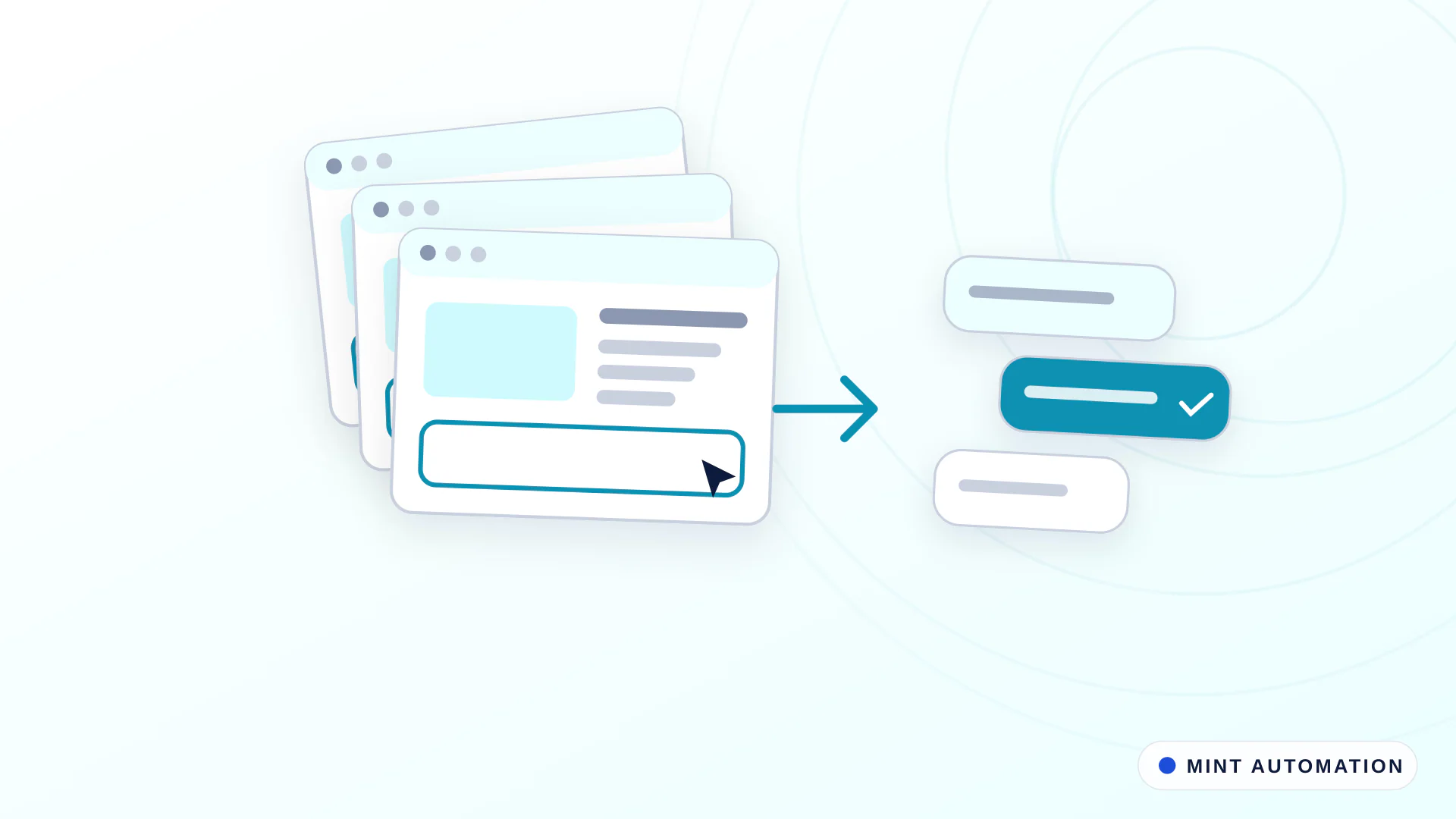
- Whether your software offers a clean connection. Some business software provides a proper, stable way for other tools to connect. Others force a browser-based approach where the automation operates the screen the way a person would. Browser-based work is often more involved to build and maintain. Our comparison of browser automation vs API integration explains the difference and why it matters to your bill.
- Data quality. Clean, consistent inputs are cheap to handle. Messy data (names spelled three ways, dates in different formats, missing fields) costs more because the automation has to be taught to cope with the mess.
- Exceptions and edge cases. A process that is the same every time is cheap. A process with twenty “except when…” rules is expensive, because each exception has to be handled or flagged.
- Volume and frequency. Running once a week is different from running every few minutes against thousands of records. Higher volume can raise both build complexity and running costs.
- Compliance, approvals and audit needs. If the process needs sign-offs, a record of who did what, or handling of sensitive data, that adds work. See our privacy policy for how we treat data in these cases.
Hidden and Recurring Costs People Forget
The setup fee is the number everyone remembers. These are the ones people forget, and they are real.
- Running costs from the services you touch. If your automation sends messages, reads documents, or calls a paid service, those services often charge per use. At low volume this is small; at high volume it is a line item worth estimating before you start.
- Maintenance when a vendor changes something. When a supplier redesigns their portal, changes a login step, or alters an export format, the automation needs an update. This is normal, not a failure. Our guide on automating supplier portal downloads covers why this happens and how to plan for it.
- Staff time to review results and handle exceptions. Most good automation still has a human checking the edge cases it flags. Budget a little ongoing time for that. It is far less than doing the whole job by hand, but it is not zero.
- The cost of errors if it runs unmonitored. An automation left completely alone can repeat a mistake quietly at scale. A small amount of monitoring is cheaper than finding out at month-end that a week of records was wrong.
How to Judge Payback Honestly
You do not need a spreadsheet to decide if automation is worth it. You need an honest estimate.
Follow these steps:
- Start from the hours. Estimate how many hours a week the task takes today. Be honest; include the small interruptions, not just the obvious block of work.
- Use the fully loaded cost of that time. Not just the wage. Include the real cost of employing someone, and the fact that those hours could go to work that grows the business.
- Add the cost of mistakes, delays and rework. Late invoices, missed follow-ups, and retyped data all cost money. Estimate it as a range if you are unsure.
- Compare total first-year cost against first-year savings. Add setup plus twelve months of running and maintenance. Put that next to the hours and error costs you just estimated.
- Work out a rough payback period. If an automation costs a certain amount in year one and saves more than that in year one, it pays back inside twelve months. As an illustrative example, if a build and its first year of running cost the same as about two months of the manual work it replaces, payback is roughly two months.
Be honest about soft benefits versus cash savings. Faster response to leads or fewer late nights are real, but they are not the same as money back in the account. Keep the two separate when you make the case. For a deeper method, see how to calculate the ROI of automating a business process and data entry automation cost: how to judge payback.
Build vs Buy vs Do Nothing
The right answer is not always a custom build. Sometimes it is a subscription, and sometimes it is waiting.
| Option | Best when | Cost shape | Control and fit |
|---|---|---|---|
| Subscription tool | Common software, simple task, low volume | Low monthly, little or no setup | Limited to what the tool supports |
| Custom build | Unusual systems, real exceptions, you want to own it | One-time setup plus smaller ongoing | Shaped to your exact process |
| Do nothing (yet) | Task is rare, about to change, or barely costs you time | No new cost | You keep the manual process |
A subscription tool is the right-sized answer when your systems are mainstream and the job is a single clean step. A custom build pays off when a tool cannot cover your exceptions, when stitching several tools together would cost as much anyway, or when the process is core to how you make money. And the honest answer is sometimes to not automate yet: if a process is about to change, runs rarely, or costs you very little time, the build will not pay back. A good provider will tell you that. Our article on what can be automated in your business helps you sort the worthwhile from the not-yet.
Questions to Ask Before You Approve a Budget
Use this checklist when a quote lands on your desk. A fair proposal answers all of it without being pushed.
- Scope. Exactly which steps are automated, and which stay manual? Where does the automation hand back to a person?
- Running cost. What will it cost per month to run at my expected volume? What goes up if volume grows?
- Maintenance. What happens when a connected system changes? Is there a support arrangement, and what does it cost?
- Ownership. Who owns the automation and the logic behind it? Can I move it or have someone else maintain it later?
- Monitoring. How will I know if it fails? Who gets alerted?
- Exceptions. How are edge cases handled or flagged for a human?
Red flags that signal the price will balloon later: a setup fee with no mention of maintenance, a quote given before anyone asked about your systems or data, vague scope (“we’ll automate your admin”), and no plan for what happens when a connected tool changes.
The safest way to commit is a small paid pilot first. Automate one narrow task, see how it performs against real data, and confirm the running and maintenance costs in practice before approving a full build. A pilot turns guesswork into a number you can trust. The AI agents for business operations buyer’s checklist and the accounts payable automation buyer’s checklist go deeper on reviewing a proposal.
How Mannveer International (MINT) Can Help
You want to stop losing hours to repetitive work, but you need to know the price is fair before you commit. We start by scoping the actual task with you: which steps, which systems, how messy the data, how many exceptions. From that we estimate payback together and give you a clear quote that separates the one-time cost from the ongoing cost, so there are no surprises later. Standard automations typically go live within three to seven business days, and we include ongoing support so the work keeps running when a connected system changes.
We only recommend a custom build where the numbers make sense; if a ready-made tool fits better, we will say so. The work we do includes document and invoice processing, keeping CRMs and spreadsheets in sync, automating lead follow-up, and browser-based tasks for systems that offer no clean connection. The lowest-risk way to begin is a short assessment that tells you what is worth automating and roughly what it will cost.
- Book a free automation assessment to see what is worth automating and the likely budget.
- Contact MINT to talk through your specific task and get a clear quote.
- Connect with MINT if you prefer to start a conversation first.
- Read MINT case studies to see the kinds of problems we solve.
FAQ
How much does it cost to automate one repetitive task?
It depends on your systems and data. A single clean step using a ready-made tool may only need a low monthly fee. A custom build for one task usually means a one-time setup fee plus a smaller ongoing cost. Get a scoped quote before assuming a number.
Is a monthly subscription tool cheaper than a custom build?
Up front, yes. Subscriptions have little or no setup cost and suit simple tasks on mainstream software. But fees add up, and tools cannot handle unusual steps or exceptions. If you would need several tools, or your process is core to the business, a custom build often costs less over time.
What ongoing costs should I expect after the automation is live?
Three things: usage fees from any paid services it touches, maintenance when a connected system changes, and a little staff time to review flagged exceptions. These are usually far smaller than the manual work replaced, but they are not zero. A fair quote names them up front.
How long does it usually take for automation to pay for itself?
It varies with the hours saved and the build cost. Compare total first-year cost against first-year savings in hours and avoided errors. If first-year savings exceed first-year cost, it pays back inside twelve months. A small pilot gives you a reliable number before you commit.
How do I avoid paying for an automation that breaks and needs constant fixing?
Insist on a maintenance plan in the quote, ask how failures are detected and who gets alerted, and confirm who owns the logic. Start with a small paid pilot against real data. Avoid any quote that ignores what happens when a connected system changes.
Wondering where AI fits in your operations?
MINT scopes practical AI automations with clear costs, controls, and owners.