Data Entry Automation Cost: How to Judge Payback
Learn what data entry automation cost really involves, what drives pricing up or down, and how to judge payback honestly before you buy.
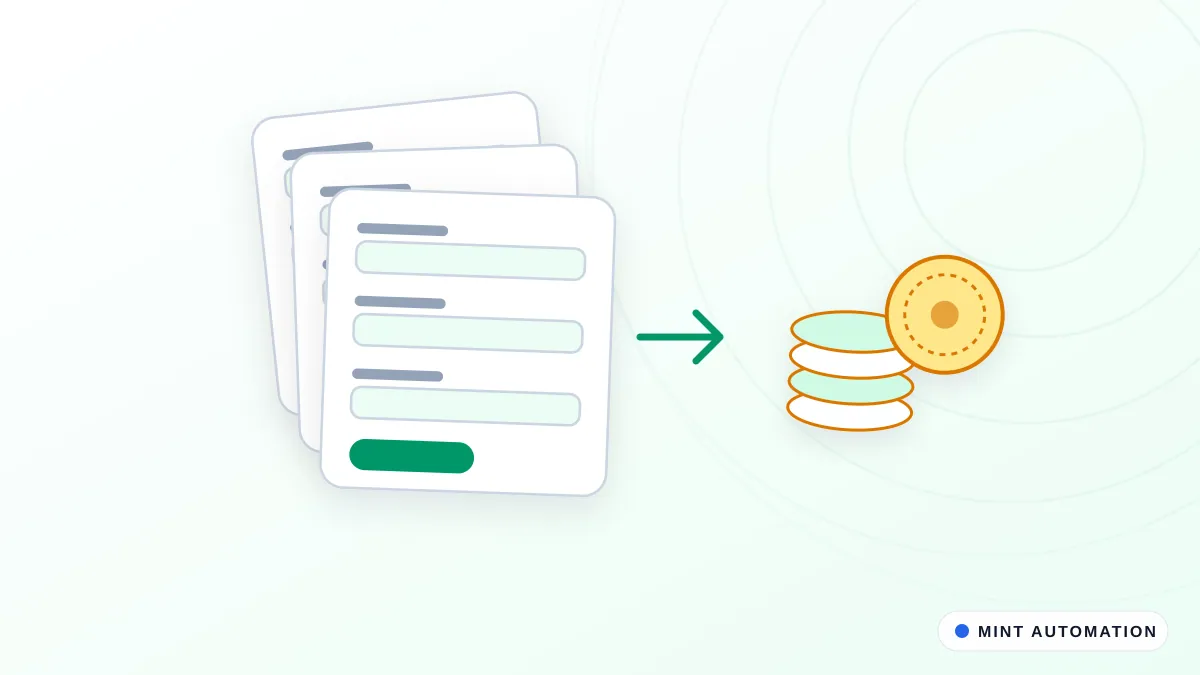
If you lose hours every week retyping the same details between a spreadsheet, your CRM and your accounting software, you want a straight answer on what it costs to stop doing that. The honest short version: most small-business data entry automations fall into a clear cost range once you measure the task, and the payback is usually easy to estimate with your own numbers. This article shows you what drives the price, how one-time and ongoing costs differ, and how to judge whether it is worth it.
What People Mean by Data Entry Automation
Data entry automation means moving information between apps, documents and spreadsheets without a person retyping it. The computer reads the source, applies your rules, and writes the result into the destination.
Common examples look like this:
- Copying order details from an email or form into your CRM
- Keying supplier invoices into QuickBooks or Xero
- Syncing a Google Sheet to another system so both stay current
- Pulling figures from PDFs into a spreadsheet for reporting
Some things stay manual on purpose. Judgment calls, exceptions, and anything that needs a human decision should still land on a person’s desk. A good automation handles the repetitive, predictable work and flags the rest for review. If you want a clearer sense of where that line sits, see what can be automated in your business.
When a provider says “it depends” at this early stage, that is honest, not a dodge. The price depends on your specific systems and data, and anyone quoting a firm number before seeing your process is guessing.
What Actually Drives the Price
Five factors move the price more than anything else:
- Number of steps and systems. Data that touches two systems is simpler than data that moves through five, each with its own quirks.
- How clean the source data is. A tidy, consistent spreadsheet is cheap to work with. Messy, inconsistent or scanned documents cost more because the automation has to handle more variation.
- How the systems connect. Some apps offer a clean, direct connection for sending and receiving data. Others have no such option, so the automation must operate them through their screens the way a person would. The second approach takes more effort to build and keep stable.
- How often the rules change. A stable process is cheaper than one where the logic shifts every month.
- Volume. A few records a day behaves very differently from thousands. Higher volume raises the value of automating, but can also add cost if the systems are slow or fragile.
Simple, medium and complex jobs
A rough way to picture it:
| Job type | What it looks like | Typical effort |
|---|---|---|
| Simple | One clean source, one destination, stable rules, low volume | Smallest build, fastest to deliver |
| Medium | Two or three systems, some formatting cleanup, occasional exceptions | Moderate build, some testing on edge cases |
| Complex | Several systems, messy or scanned inputs, screens instead of clean connections, frequent exceptions | Largest build, most testing and ongoing care |
Where systems lack a clean connection, browser automation operates them through their screens, which sits at the medium-to-complex end.
The hidden cost of messy inputs
Messy inputs are the single most common reason a quote comes in higher than a business owner expects. If your source documents arrive in ten different layouts, or your spreadsheet has free-text fields where dates and amounts should be, the automation has to account for every variation. Reading data from scanned documents and PDFs is a specialised job in its own right; our Document Data Extractor AI exists for exactly that. Cleaning and standardising inputs first often lowers the total cost more than any other single decision.
One-Time Build vs Ongoing Running Costs
There are two sides to the bill, and treating them as one number is a common mistake.
Upfront (one-time): scoping your process, building the automation, and testing it against real examples including the awkward ones. This is where most of the effort usually sits.
Ongoing (recurring): any hosting or tool subscriptions, monitoring so you know it is still running, and fixes when a source system changes. Apps update their screens and formats regularly, and when they do, an automation that reads those screens may need a small adjustment.
Here is the trap: the cheapest build can cost more over a year if it breaks often and nobody is watching. A slightly more careful build with monitoring included can be cheaper in total because it quietly keeps working.
Questions worth asking any provider:
- What ongoing costs will I have, and are they fixed or variable?
- Is monitoring included, or do I find out it broke when the data stops arriving?
- If a connected app changes and breaks the automation, who fixes it and what does that cost?
- Is there a support arrangement, or is every fix billed separately?
Ways to Buy and How Their Costs Compare
You have three broad options, and each trades off differently.
- Keep it manual, or use temporary staff. No build cost. But the labour cost continues forever, errors continue, and it does not scale when volume rises.
- Off-the-shelf tools and connectors you configure yourself. Lower upfront cost and quick to try. You own the setup and the ongoing fiddling, and you are limited to what the tool supports.
- A custom automation built for your exact process. Higher upfront cost, best fit, and someone else can own the maintenance. Worth it when your process does not fit a standard tool.
The real trade-offs are control, fit, time to set up, and who maintains it after launch. For a deeper comparison on a related task, see Google Sheets to CRM sync: manual vs tools vs custom.
When an off-the-shelf tool is enough
If your systems are mainstream, your data is clean, and the connection between them is supported out of the box, a configured tool may be all you need. The work is predictable and the tool vendor handles updates. Our ready-made automation products cover several of these common jobs at a fixed price.
When custom pays off
Custom pays off when your process has quirks a standard tool cannot handle: an app with no clean connection, documents that need reading before the data can move, or rules specific to how your business works. In those cases a configured tool either cannot do the job or needs so much workaround that a custom automation is cheaper to run and more reliable.
How to Estimate Your Own Numbers
You can build a realistic estimate yourself before you talk to anyone.
- Measure the task. Time how long one record takes end to end. Count records per week. Note roughly how often an error slips through.
- Turn hours into money. Pick a loaded hourly rate for the person doing the work. Loaded means wage plus the real cost of employment, not just the headline salary. Multiply hours saved per week by that rate.
- Add the value beyond labour. Fewer errors mean less rework and fewer unhappy customers. Faster turnaround can mean quicker invoicing and getting paid sooner. These matter even though they are harder to count.
- Compare against the cost. Put the yearly savings next to the build cost plus a year of running costs.
For example, if one record takes 4 minutes, you process 250 a week, and your loaded rate is a figure you choose, that is roughly 16–17 hours a week. Swap in your own numbers; the point is to work from measured figures, not a gut feeling. For a fuller method, see how to calculate the ROI of automating a business process.
Judging Payback Honestly
The simplest payback measure is the build cost divided by the monthly savings. If a build costs the equivalent of five months of savings, your payback period is about five months.
Two honesty checks:
- Net the savings. Subtract ongoing running costs from your monthly savings before you divide. Gross savings make payback look faster than it is.
- Do not assume zero exceptions. Some records will still need a human. Base savings on the share that is genuinely automated, not the whole volume.
A reasonable payback window for a small-business automation is usually months, not years. If a quote only pays back over several years, either the volume is too low to justify it yet, or the scope is wrong. Walk away, or shrink the scope to the part with the clearest return.
Red flags to watch for:
- Vague scope that does not say exactly what gets automated and what stays manual
- Savings numbers that quietly assume every record runs without a hitch
- No maintenance plan, so you own every future breakage
- A price with no explanation of what drives it
A Short Checklist Before You Commit
- You have real numbers for time per record, volume, and error rate
- The process is stable enough that the rules will not change next month
- You know who owns monitoring and fixes after launch
- You have a written scope and a payback estimate you actually believe
- You have agreed what stays manual and who handles exceptions
If you cannot tick all five, you are not ready to buy yet, and a good provider will help you fill the gaps rather than rush the quote. A free automation assessment is a sensible first step.
How Mannveer International (MINT) Can Help
We start by mapping your current data entry task exactly as it runs today, then give you an honest cost range before anyone builds anything. We build custom automations for your exact systems, including apps that have no clean connection and must be operated through their screens, and documents that need reading before the data can move. Standard automations are typically delivered in about 3 to 7 business days, with a fixed quote so there are no surprises. You can read about our approach in how MINT delivers automation.
We include monitoring and maintenance so a quiet change in one of your systems does not break things without you noticing. And we help you estimate payback using your own measured numbers, not inflated promises, so you can decide with confidence.
- Contact MINT to describe your data entry task
- Connect with MINT to talk through your systems and volume
- See MINT case studies for examples of similar work
- Book a free automation assessment to get an honest cost range
FAQ
How much does it cost to automate data entry for a small business?
It depends on how many systems the data touches, how clean the source is, and whether the apps offer a clean connection. Simple, tidy jobs cost the least; messy or screen-only systems cost more. The honest step is to measure your task first, then get a fixed quote based on your exact process.
Is data entry automation worth it if my volume is low?
Sometimes not yet. Low volume means smaller savings, so payback can stretch too long to justify a custom build. Start by measuring hours spent per week. If the numbers are small, a ready-made tool or waiting until volume grows may be the better call.
What ongoing costs should I expect after the automation is built?
Expect possible hosting or tool subscriptions, monitoring to confirm it is still running, and occasional fixes when a connected app changes its screens or formats. Ask whether monitoring and maintenance are included or billed separately. The cheapest build can cost more over a year if it breaks often and nobody is watching.
How long does it usually take to see payback?
For a small-business automation, a reasonable payback window is usually months rather than years. Divide the build cost by your monthly savings after subtracting ongoing running costs. If the estimate only pays back over several years, the volume is likely too low or the scope needs trimming.
Can you automate data entry from scanned documents or PDFs?
Yes. Reading data from scanned documents and PDFs is a specialised job because layouts vary, so it sits at the more involved end of the scale. Cleaner, more consistent documents cost less to handle. Our Document Data Extractor AI is built for exactly this kind of work.
Have a repetitive task?
Tell us what your team does by hand. We will tell you honestly whether it is worth automating.