Automating Legacy Desktop Software: What It Costs
What it costs to automate legacy desktop software with no API, what drives the price, and how to judge whether the payback is real.
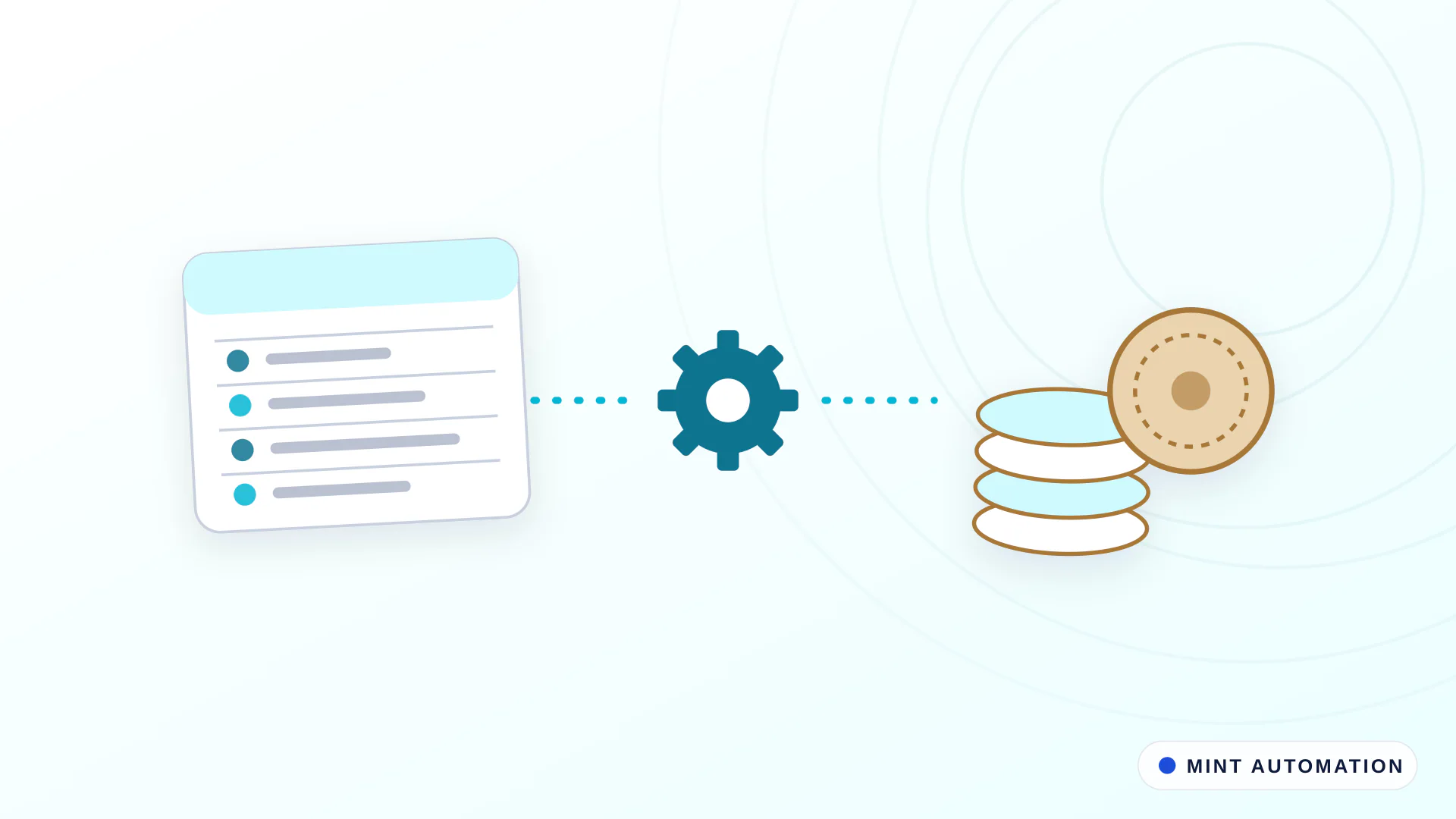
You rely on an old desktop program with no export button and no way to connect it to anything else, so your team spends hours each day clicking through the same screens by hand. The short answer: yes, these programs can usually be automated, and the cost tracks how predictable the program is and how complex the task is. This article explains what you can automate, the honest cost range, what moves the price, and how to check whether the payback is real before you commit.
Why Legacy Desktop Software Is Hard to Automate
By “legacy desktop software” we mean an older program installed on a computer rather than used in a web browser. It usually has no API, no clean export, and often no active vendor support. Many businesses run on these programs because they hold years of records and still do the one job they were bought for. A legacy system is simply an old method or technology that remains in use, often because it still works and replacing it carries risk.
Modern tools are easy to connect because they are built to share data. An API is a published doorway that lets one program talk to another. Old desktop programs rarely have that doorway, so the usual connection methods do not apply. Instead, automation has to work the way a person does: opening the program, reading what is on the screen, and typing into fields. That is slower to build and more fragile than a direct connection, which is the main reason it costs more.
The hidden tax is the manual copying. Someone reads a value in the old program and retypes it into QuickBooks, a spreadsheet, or your CRM. Every retype is a chance for a typo, and every hour spent copying is an hour not spent on real work. The cost is spread thin across the week, so it rarely shows up on a report, but it is real.
“Just replace it” sounds obvious and is often not realistic in the short term. Migrating years of data, retraining staff, and rebuilding the processes around a new system can take months and carry its own risk. Automating the program you already have is frequently the cheaper bridge while you decide whether a full replacement is worth it.
What You Can Actually Automate in an Old Program
Most of the pain in a legacy program comes from a handful of repetitive patterns, and those are exactly what automation handles well.
- Repetitive data entry. Typing the same kind of record into the same screens all day, such as new orders or customer details.
- Pulling data out. Reading values off screens or printed-style reports that the program will not export cleanly, then saving them in a usable format.
- Moving data between systems. Taking what is in the old program and placing it into a CRM, an accounting tool, or a spreadsheet, and bringing updates back the other way.
- Batch jobs. Running the same sequence across hundreds of records overnight, so the work is done before staff arrive.
Good candidates for automation
The best candidates are high-volume, rule-based tasks where the steps are the same every time. If you can write down exactly what a person does, screen by screen, and the answer rarely changes, it is a strong candidate. Tasks that run on a predictable schedule and touch many records give the clearest payback. For a wider view of where automation fits, see what can be automated in your business.
Tasks better left manual or flagged for review
Some steps should stay with a person. Judgement calls, exceptions, and anything involving money moving or legal sign-off are better flagged for a human to check than fully handed over. A sensible design splits the work: the automation does the routine typing and reading, and anything it is not confident about gets set aside for a person. The goal is not to remove people, but to stop them doing the dull, repetitive part.
What It Costs: The Honest Range
There is no single price, because cost tracks two things: how complicated the program is to drive, and how complex the task is. A stable program with clear, consistent screens is cheaper to automate than a cramped one that behaves differently depending on what you clicked before.
To make the bands concrete, here is illustrative framing only, not a quote:
| Scope | What it looks like | Relative cost |
|---|---|---|
| Small, single task | One screen, one job, stable program, few exceptions | Lowest one-time build |
| Medium workflow | Several screens, data moving to one other system, some edge cases | Moderate build |
| Large multi-step workflow | Many screens, multiple systems, overnight batches, many exceptions | Highest build, plus steadier maintenance |
Every automation has a one-time build cost and an ongoing maintenance cost. The build is the engineering to make it work reliably. Maintenance is the smaller, recurring cost of keeping it working as the program and your data change. Expect both; an automation presented with no maintenance plan is usually hiding a future problem.
The value side is easier to picture. For example, if a task takes one person two hours a day, that is roughly ten hours a week you are buying back. Put your own numbers in place of that example before you judge anything. For a deeper walk-through, our guide on data entry automation cost and payback covers the same logic applied to typing work.
What Drives the Price Up or Down
The spread between a cheap build and an expensive one comes down to a few factors. Most are about predictability.
Factors that lower cost
- The program’s screens and behaviour are consistent and predictable every time.
- The program is stable and has not changed in years, so the automation stays valid.
- The records are similar to each other, with little variety to account for.
- There are few exceptions and error paths to handle.
- You have a test copy of the program and realistic sample data ready to work with.
Factors that raise cost
- Screens shift, pop up in a different order, or depend on earlier choices.
- The vendor pushes frequent updates that move or rename things.
- Records vary widely, so the automation needs many branches to cope.
- Many edge cases and error states each need their own handling.
- There is no safe test environment, so work has to be done carefully against live data.
The single biggest lever is predictability. A program that behaves the same way every time can be automated quickly. One that surprises you needs more handling for each surprise, and each one adds build time. The same trade-offs apply when automating web systems without a connection, covered in automating web portals that have no API.
Ongoing Costs People Forget
The build is the visible cost. The ongoing costs are the ones that catch people out.
Maintenance is first. When the program gets an update or a screen shifts, the automation may need adjusting to match. This is normal and expected, not a sign something was built badly. A good build is designed to adapt with as little rework as possible, but no automation that drives a screen is ever fully update-proof.
Monitoring is second and often missed. An automation can fail quietly: it keeps running but stops reading a field correctly, and nobody notices for weeks. By then it may have written bad data into QuickBooks or your CRM. Proper monitoring raises an alert the moment something looks wrong, so a small failure never becomes a large cleanup.
Third, decide who owns fixes. Will your team handle them, will MINT, or is it a shared arrangement? Agree this before the build, not after something breaks. Our how it works page explains how we structure delivery and support.
Finally, there is the cost of doing nothing. The manual hours continue, errors keep slipping through, and staff who spend their days on dull copying are more likely to leave. That cost is quiet but it compounds, and it belongs in any honest comparison.
How to Judge Payback Honestly
Payback is simple arithmetic once you measure the right things. The common mistake is underestimating the true cost of the manual task.
- Measure the real time the task takes today, including checking the work and fixing the errors it produces, not just the typing.
- Multiply by a realistic hourly cost. Use the fully loaded cost of employing someone, not just the wage, because taxes, software, and overhead are real.
- Add up the total first-year cost: the one-time build plus a year of expected maintenance and monitoring.
- Compare the hours saved, valued in money, against that first-year cost. If the saving clears the cost comfortably within a year, the case is strong.
A short payback checklist
- Have I timed the task honestly, including error-fixing and re-checking?
- Did I use the fully loaded hourly cost, not just the wage?
- Have I included first-year maintenance and monitoring, not only the build?
- Does the yearly saving clearly beat the yearly cost?
- Is the volume high enough that the saving is worth managing an automation?
For the full method with worked reasoning, see how to calculate the ROI of automating a process.
Red flags that payback is weaker than it looks
Be cautious if the task is low-volume, if the program changes often, or if the saving depends on removing a role you were never going to remove. If the numbers are thin, the honest answer may be to wait, or to put the money toward replacing the software instead of automating a system you plan to retire soon. A good partner will tell you when that is the case.
Questions to Ask Before You Pay Anyone
Use these questions to separate a careful builder from a risky one. The answers tell you more than any price.
- How will the automation handle unexpected screens or errors? You want it to stop safely and flag the issue, never guess and carry on.
- What happens when the legacy program updates? Ask how changes are detected and how quickly the automation can be adjusted.
- How will we know if it silently stops working? Monitoring and alerts should be part of the build, not an afterthought.
- Who can change or extend it later, and at what cost? Avoid being locked to one person with no documentation.
- Can we start with one task to prove the value before scaling? A willingness to start small is a good sign.
Sources and further reading
How Mannveer International (MINT) Can Help
We start by assessing your legacy program and telling you honestly whether automation pays off. If the numbers do not work, or you would be better served by replacing the software, we will say so. When the case is strong, we scope one high-volume task first, measure it against the real hours it saves, and give you a fixed quote and an expected payback before any build begins. Standard automations are typically delivered within three to seven business days.
We build reliable handling for errors and program updates, with monitoring so a silent failure never corrupts your data. We connect the old program to the tools you already use, such as QuickBooks, Xero, or your spreadsheets, and we provide ongoing support so the automation keeps working as the program changes. You can read how we approach custom automation and driving software through its screens to understand the methods behind this.
- Contact MINT to describe your legacy program and the task you want off your team’s plate.
- Connect with us to talk through whether automation or replacement makes more sense.
- Browse our case studies to see how we have approached similar problems.
- Book a free automation assessment to get an honest payback estimate before you spend anything.
FAQ
How much does it cost to automate an old desktop program with no API?
There is no single price. Cost tracks how predictable the program's screens are and how complex the task is. A small, stable single-task build costs far less than a multi-step workflow touching many systems. Expect a one-time build cost plus smaller ongoing maintenance. Get a fixed quote tied to your specific task.
Is it worth automating legacy software instead of replacing it?
Often yes, in the short term. Replacing a system means migrating data, retraining staff, and rebuilding processes, which takes months and carries risk. Automating the program you already have is usually a cheaper bridge. If you plan to retire the software soon, put the money toward replacement instead.
What happens to the automation when the old program gets updated?
An update can move or rename screens, so the automation may need adjusting to match. This is expected, not a fault. A good build is designed to adapt with minimal rework, and monitoring should alert you the moment something stops working so bad data is never written for weeks unnoticed.
How long before automating a legacy task pays for itself?
Measure the real time the task takes today, including fixing errors, and value it at the fully loaded hourly cost. Compare the yearly saving against the first-year cost of build plus maintenance. If the saving clears that cost comfortably within a year, the case is strong.
Can you automate a program that only runs on one old computer?
Usually yes. If the program runs and a person can operate its screens, an automation can generally be built to do the same steps. The main factors are how predictable the screens are and whether a safe test copy and sample data are available.
Stuck re-typing data into web portals?
MINT builds and maintains browser automations for portals that have no API.