Tender Alert Automation: How It Works and When It Pays
Learn how tender alert automation works, when it pays off for a small business, and how to choose between paid alert services and a custom setup.
If someone on your team checks several tender websites by hand each week, you risk missing good opportunities and wasting hours on poor fits. Tender alert automation is a system that checks those sources for you, filters out what does not match, and sends the rest to the right person with the deadline. It pays off when you watch several sources and bid regularly. It rarely pays off if you bid a few times a year.
What Tender Alert Automation Is
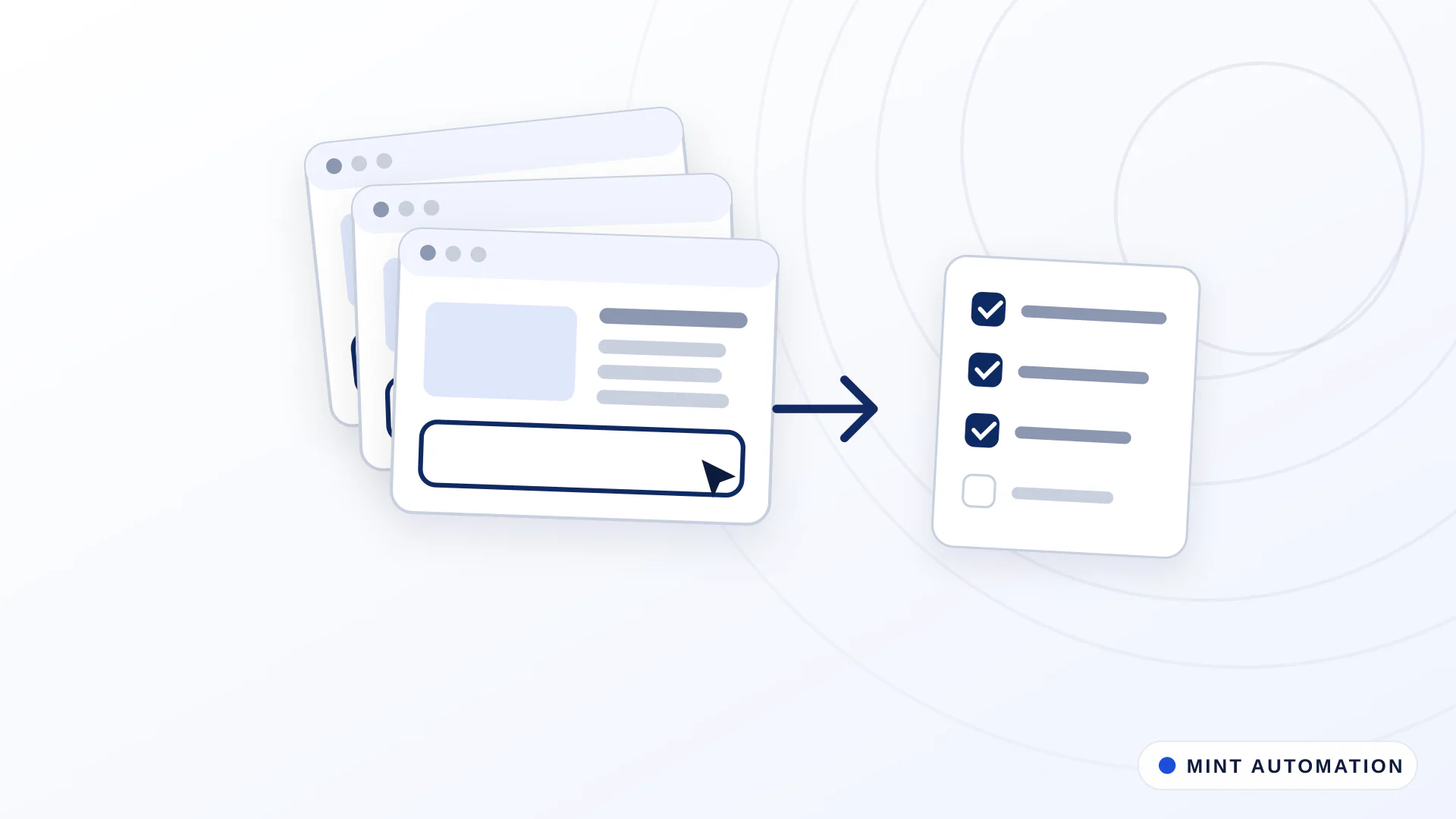
Tender alert automation is a system that does three jobs. It checks the places where buyers publish tenders. It picks out the ones that match your business. It tells the right person, quickly, with a link and a closing date.
Think of it as a very reliable assistant whose only task is to read new notices every day and pass on the relevant ones. It does not get tired, forget a portal, or skip a Friday.
It is just as important to know what it does not do. It does not write your bid. It does not decide whether you should bid. It does not judge whether a buyer is a good client or whether you can meet the requirements. Those calls stay with your people. The automation’s job is to make sure they see the right notices in time.
Tender, bid, RFP and RFQ: the terms in plain words
The words change by country, industry and buyer, but the idea is the same: a buyer announces a need and invites suppliers to offer a price and a plan. Wikipedia’s page on calls for bids gives a general overview of the process.
- Tender or call for bids: the general term, common in public sector and international work.
- Bid: your offer in response to a tender. People also use “bid” for the opportunity itself.
- RFP (request for proposal): the buyer wants a proposal that explains your approach as well as your price.
- RFQ (request for quotation): the buyer mainly wants a price for a clearly defined item or service.
A good alert system treats all of these as the same kind of thing: an opportunity with a buyer, a description, a value, and a closing date. If you search for “RFP alert automation” or “bid opportunity alerts”, you are describing the same need.
The Manual Routine It Replaces
Most small teams run some version of this routine each week:
- Open several tender or procurement portals, one after another.
- Search the same keywords on each.
- Scroll through the results and open anything that looks promising.
- Copy the buyer, title, value and deadline into a spreadsheet.
- Forward the interesting ones to a colleague, often by email or chat.
This works when one careful person does it and nothing else competes for their time. It tends to break in predictable ways:
- Missed deadlines. A notice is found with two days left, which is not enough time to prepare a good response.
- Inconsistent searching. One person types a keyword another would not. Last week’s search differs from this week’s.
- Duplicate entries. The same tender appears on two portals and gets logged twice, or reviewed twice by different people.
- Reliance on one person’s memory. When that person is on leave or leaves the company, the routine stops, and nobody notices until a deadline has passed.
There is also a cost that is easy to overlook: time spent reading notices that were never a fit. Hand-checking is slow partly because most of what you see is irrelevant.
Illustrative example only: if one person spends 3 hours a week checking portals, that is roughly 150 hours a year (3 hours x 50 working weeks). Replace this with your own numbers. Ask the person who does the checking how long it really takes, including the copying and forwarding, not just the searching.
How Tender Alert Automation Works Step by Step
The details differ between systems, but most follow the same five steps.
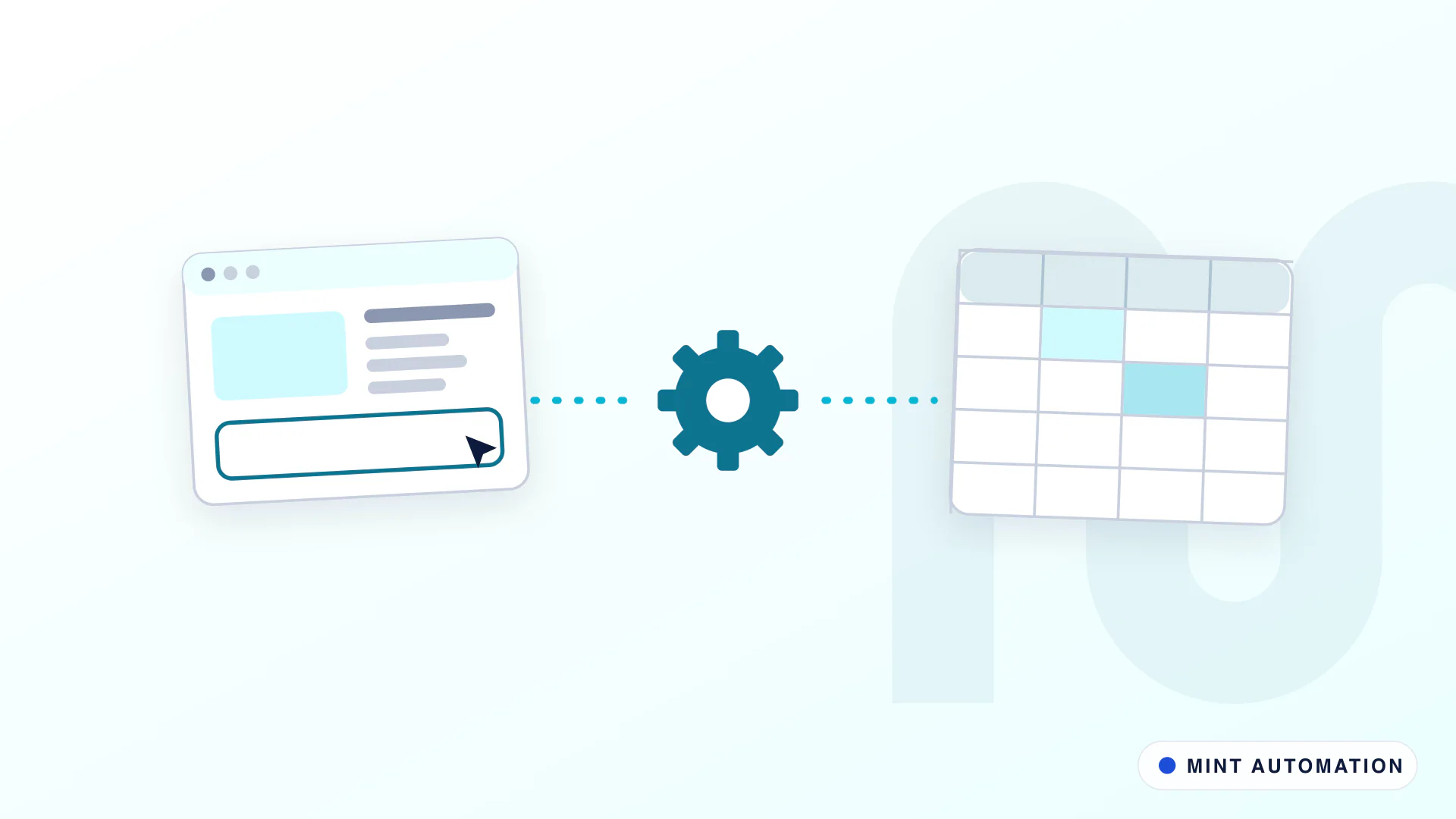
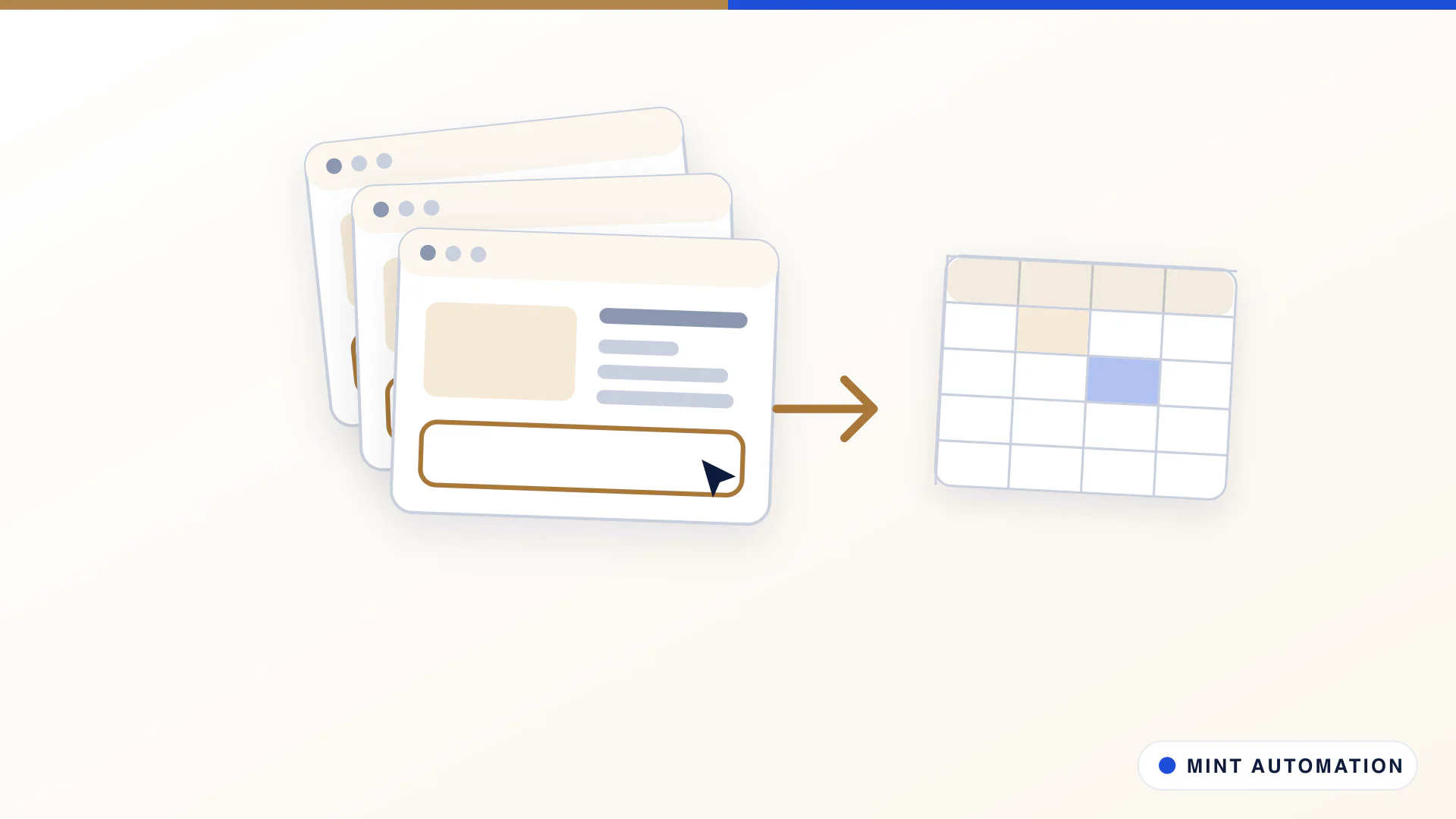
- Sources. The system visits the portals, email lists and buyer pages you choose, on a schedule. That might be every morning, or several times a day for fast-moving sources. This is the kind of work MINT’s browser automation covers: a system that opens a web page, reads what is there, and records it, much as a person would, but on a timetable.
- Matching. It filters what it finds using your rules. Typical rules are keywords, location, contract value, buyer type and closing date. It can also exclude words that signal a poor fit.
- Cleaning. It removes duplicates and puts the details into one consistent format, so a notice from one portal looks like a notice from another.
- Alerting. It sends a short summary by email, WhatsApp or a shared sheet, with a link to the original notice and the deadline.
- Tracking. It logs each opportunity in your spreadsheet or CRM with a status such as reviewing, bidding or passed.
The result is that your team starts the day with a short, filtered list instead of a round of portal searches.
What a good alert contains
An alert should let someone decide in under a minute whether to read further. A useful alert has:
- The buyer’s name and the notice title
- A two-line summary of what is being bought
- The closing date, shown clearly, and ideally the days remaining
- The estimated value, if the notice states one
- The location or delivery area
- Which of your rules it matched (for example, the keyword that triggered it)
- A direct link to the original notice
Showing which rule matched is easy to forget and very useful. It tells you quickly which rules are too loose.
AI-assisted summaries can help here. They can turn a long notice into a short plain-language description and pull out dates and requirements. But a summary can misread a notice, or miss a condition buried on page 12. A person must still read the original notice before deciding to bid. Treat the summary as a way to triage, not as the source of truth.
Where the information lands: email, chat, spreadsheet or CRM
The best destination is the one your team already looks at.
- Email suits small teams and gives a record that is easy to search.
- Chat or WhatsApp suits teams that need a quick nudge. A tool such as the WhatsApp & Email Notifier shows what this kind of alert delivery looks like.
- A shared spreadsheet suits teams that want one list with status columns and filters.
- A CRM suits teams that already track sales opportunities there and want tenders in the same pipeline. If your records live in a sheet today, see how Sheets and CRM sync keeps the two consistent.
Many teams use two: a short alert in chat or email, plus a full log in a sheet or CRM.
Three Ways to Get Tender Alerts
You do not have to build anything to start. There are three realistic options.
Free portal email alerts. Many portals let you save a search and receive an email when something new matches. This costs nothing and takes minutes to set up. The limits are that each alert covers one portal and the filters are basic.
Paid tender alert services. These companies collect notices from many sources and send you matches. They need little setup and cover a lot of ground. The trade-off is that filters and formats are fixed. You work the way the service works, and niche portals may not be included.
Custom automation. A system built around your own sources, rules and workflow. It suits unusual or local portals, and cases where alerts must feed straight into your CRM or approval process. It takes more effort to start.
| Free portal alerts | Paid alert service | Custom automation | |
|---|---|---|---|
| Effort to start | Very low | Low | Medium (scoping and a pilot) |
| Ongoing cost type | None | Subscription | Build cost plus support |
| Flexibility of rules | Basic | Fixed set of filters | Built to your rules |
| Coverage of niche portals | One portal only | Broad, but niche sources may be missing | Any source you can legitimately access |
| Fit with your internal process | Manual follow-up | Export or email | Alerts and tracking in your own tools |
No option is best for everyone. A business that bids on common public tenders in one country may be well served by a paid service. A business that watches a mix of regional portals, buyer websites and email lists often finds that no off-the-shelf service covers all of them. For a broader look at this kind of decision, see Website Change Monitoring: Manual vs Tools vs Custom.
Questions to ask any provider about coverage and accuracy
Whether you choose a paid service or a custom build, ask:
- Which sources do you cover today, and can I see the list?
- How often do you check each source?
- What happens if a source changes or stops working? How would I find out?
- How do you handle duplicates across sources?
- Can I set my own keywords, exclusions, value range and regions?
- Have you missed notices before, and how do you measure that?
- Can I export my data and rules if I leave?
- Who can see my search terms and my login details?
A provider who answers these plainly is a better bet than one who promises full coverage without showing it.
When It Is Worth Automating (and When It Is Not)
Signs it pays off:
- You watch several sources, not just one.
- You bid regularly, so a missed notice has a real cost.
- Deadlines are tight, so finding a notice a day late matters.
- More than one person is involved in finding, reviewing or deciding.
- You have already missed an opportunity and heard about it afterwards.
Signs it does not:
- You bid only a few times a year.
- One portal’s free alerts already cover nearly everything you want.
- Nobody has time to act on alerts. Faster notice does not help if you cannot respond.
A simple payback check. You need four numbers, all your own:
- Hours spent each week finding and logging tenders
- The cost of those hours
- The value of one extra win per year, even a small one
- The build and running cost of the option you are considering
Compare the yearly value of the time saved plus one extra win against the yearly cost. If the result is clearly positive, automation deserves a closer look. If it is close, a cheaper option may be enough.
Illustrative example only: suppose the weekly checking takes 3 hours and your time is worth 25 per hour. That is 75 a week, or about 3,750 over 50 weeks. If an extra win would bring in 5,000 in profit, the yearly benefit in this made-up case is 8,750. Your real figures will differ, so replace each one. For a fuller method, read How to Calculate the ROI of Automating a Business Process.
If you want a second opinion on whether your volume justifies it, the free automation assessment is a low-pressure way to test the numbers.
Risks and Limits to Plan For
Automation reduces routine work. It does not remove the need for care. Plan for these points.
- Portals change. A portal may change its layout, add a login step, or add a check meant to stop automated visits. When that happens, a check can stop working. Good systems include monitoring that tells someone when a source returns nothing unusual, so a silent failure does not look like a quiet week. Automating Web Portals That Have No API explains why this happens.
- Terms of use. Check each portal’s terms and whether an official data feed or email service exists. Where an official option is available, it is usually the safer and more stable route. See also Web Scraping for Business: Common Mistakes to Avoid.
- Rules that are too broad or too narrow. Too broad, and your team drowns in noise and starts ignoring alerts. Too narrow, and you miss opportunities that used a different word. Plan a review of the rules after the first month, using what was flagged, what was passed, and anything found elsewhere that the system missed.
- Human decisions. Keep a person responsible for every decision to bid. Keep a fallback check for your most important buyers, such as a quick manual look each week, so one failed source does not cost you a key contract.
- Data handling. Decide who can see the tender list and who can see any login details used for portals. Limit access to those who need it. MINT’s approach to personal data is described in its privacy policy.
A Short Checklist Before You Start
Work through this before you talk to any provider. It also makes quotes easier to compare.
- List the sources you check today and how often you check each one.
- Write down your match rules: keywords, regions, value range, buyer types and exclusions.
- Decide who receives alerts, and who decides whether to bid.
- Choose where opportunities are tracked: a sheet, a CRM or another tool.
- Note which buyers are so important that you will always check them by hand.
- Set a success measure, such as hours saved per week or the share of opportunities reviewed before a set number of days to the deadline.
- Pick a review date, about one month after launch, to adjust the rules.
If you cannot fill in the first two items, start there. Clear rules matter more than any technology.
Sources and further reading
How Mannveer International (MINT) Can Help
MINT builds custom automations that watch your chosen sources, apply your rules, and send alerts into the tools you already use, such as email, WhatsApp, a shared sheet or your CRM. We begin with a review of your current routine and sources, then agree the scope and give a fixed quote. Standard automations are typically delivered in 3 to 7 business days, and we start with a small pilot so you can judge the results before expanding. Ongoing support covers fixes when a portal changes. You can read more about how MINT delivers automation and our services and pricing.
If you want to discuss your tender sources and what a pilot would involve, use any of these:
- Contact MINT to describe your sources and rules
- Connect with MINT to start a conversation
- Read MINT case studies to see how our projects are run
- Book a free automation assessment to test whether your volume justifies a build
FAQ
What is tender alert automation?
It is a system that checks the websites and email lists where buyers publish tenders, filters them using your rules, and sends matching opportunities to the right person with the deadline. It saves manual searching but leaves the bid decision to you.
Is tender alert software enough, or do I need a custom setup?
Paid alert software is often enough if your sources are common and its fixed filters suit you. A custom setup makes sense when you watch niche portals, need your own rules, or want alerts to feed directly into your CRM or sheet.
Can automation monitor portals that need a login?
Often yes, but check the portal's terms of use first and look for an official feed or email service. Logins add risk, so decide who can see the credentials. Changes to the login process can also break checks, so monitoring is needed.
How much time can tender alert automation save a small business?
It depends on how much checking you do now. If one person spends 3 hours a week on portals, that is about 150 hours a year, and part of it can be removed. Measure your own routine before estimating.
Will automation write my bids or decide which tenders to pursue?
No. Automation finds, filters and delivers notices, and can log them in your tracker. AI-assisted summaries can help you triage, but a person should read the original notice and make every decision to bid.
Stuck re-typing data into web portals?
MINT builds and maintains browser automations for portals that have no API.