Instagram DM Automation for Business: Mistakes to Avoid
Avoid the Instagram DM automation mistakes that get accounts banned and lose sales. Questions to ask before you automate Instagram DMs.
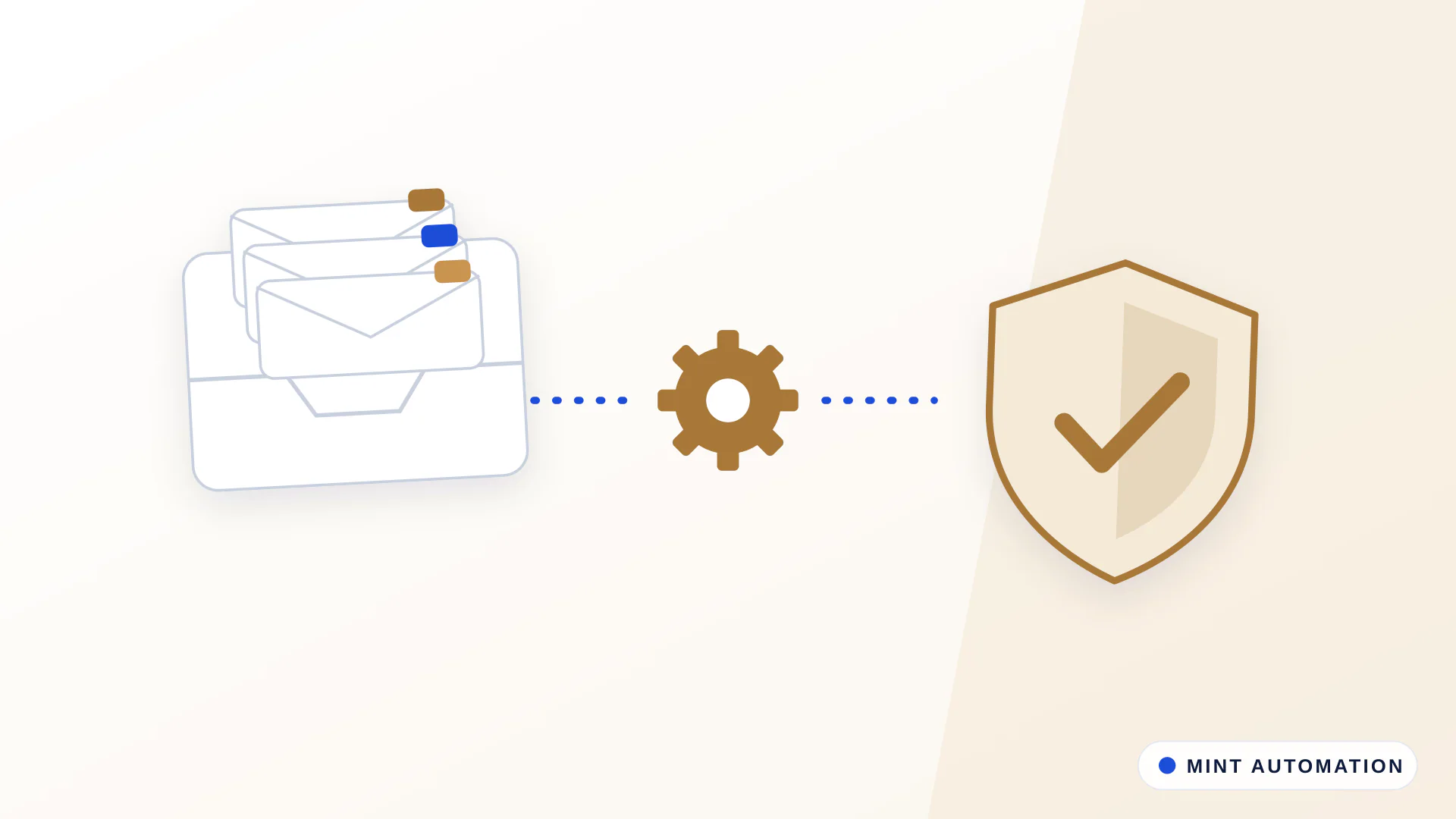
You get more Instagram messages than your team can answer, and you are weighing automation but worried about losing your account, sounding robotic, or missing real buyers. The short answer: automation can handle first replies, common questions and routing without much risk, but only if it uses Instagram’s approved messaging access, keeps humans on the hard conversations, and connects to where you track leads. The mistakes below are the ones that cost accounts, sales and trust.
What Instagram DM Automation Actually Means
Instagram DM automation for business covers any setup that answers, sorts or follows up on direct messages without a person typing each reply. That sounds simple, but there are two very different ways to do it, and the difference decides how risky your setup is.
The common jobs people automate are narrow and repetitive: the first reply when someone messages you, answers to frequently asked questions (hours, price, location, shipping), routing a message to the right person, capturing a name and contact detail, and a polite follow-up when a conversation goes quiet. These are the messages your team retypes all day.
What automation does not do well is anything that needs judgement. Nuanced sales conversations, complaints, refund disputes and sensitive questions all need a person. A bot that tries to handle those usually makes things worse. The distinction between the safe, repetitive jobs and the risky, human ones is what separates automation that helps from automation that costs you.
Approved messaging access vs. acting as a logged-in user
Instagram, which is owned by Meta and is one of the most-used social platforms in the world (Wikipedia: Instagram), offers official messaging access that businesses can use to send and receive DMs through approved channels. This is the sanctioned path.
The other approach is a tool that logs in as if it were you, then clicks and types like a human would. That might look identical from the outside, but it works around Instagram’s rules instead of through them. Approved access is built for business messaging and is far less likely to get your account flagged. A tool pretending to be a logged-in person is the setup that gets accounts restricted.
Where the line sits between helpful and spammy
Helpful automation responds to people who messaged you first, answers what they actually asked, and hands off when it cannot help. Spammy automation reaches out to people who never contacted you, sends the same message in bulk, and fires off replies faster than any human could type. Staying on the helpful side of that line is both a results decision and a safety decision.
Mistake 1: Ignoring Instagram’s Rules and Risking the Account
The fastest way to lose an Instagram account is to run a tool that logs in and behaves like a human at machine speed. Spam detection looks for exactly that pattern: rapid-fire messages, bulk sending, and activity that no real person could sustain. Trip those signals and the account can be restricted or banned.
Unsolicited DMs are the biggest trigger. If your setup messages people who never contacted you, or blasts the same text to a long list, you are doing the thing the platform is built to catch. The same goes for replying to dozens of messages in the same second.
Here is the part owners underestimate: losing the account is far more expensive than the time automation saves. Your followers, your message history, your tagged posts and your proof of being a real business can disappear. For many small businesses, Instagram is a main sales channel. Rebuilding it from zero can take months.
Before you approve any approach, ask one direct question: does this use Instagram’s approved messaging access, or does it log in and act as me? If a provider is vague, treat that as a red flag. Our automation FAQ and our privacy policy explain how we think about working within platform rules rather than around them.
Mistake 2: Replacing People Where a Human Is Needed
The second common mistake is pointing automation at the wrong conversations. Auto-replying to a complaint, a refund request or a sensitive question tells the customer you did not read their message and do not care. That damages trust faster than a slow reply ever would.
Then there is the dead-end problem. A bot answers, cannot help, and offers no way to reach a person. The customer is stuck talking to a wall. They do not buy, and often they do not come back. A good setup always has an exit to a human.
The maths is uncomfortable: automating the wrong 20% of conversations can cost more than automating the right 80% saves. A handful of mishandled complaints or lost high-value buyers wipes out the time you saved on FAQs.
Signs a message needs a person
- The customer is upset, confused or mentions a problem with an order
- They ask about a refund, cancellation or something outside your standard answers
- The message is a real sales enquiry with specific requirements or budget
- They use words like ‘urgent’, ‘complaint’, ‘wrong’, or ‘disappointed’
- Anything the bot has already failed to answer once
Handing off without making the customer repeat themselves
A clean handoff passes the full conversation to the person taking over, so the customer never has to explain again. The worst version makes someone retell their whole story to a human after already telling the bot. Decide upfront which messages route to a person, and make sure the history goes with them. The same principle applies to phone and email queues covered in our Inbox Triage AI approach.
Mistake 3: Messages That Sound Like a Robot
Generic auto-replies are easy to spot and they make your brand feel hollow. If your Instagram presence is friendly and informal but your automated DM reads like a bank notice, people notice the mismatch immediately. The reply should sound like the same person who runs your feed.
The worst offender is the one-size-fits-all reply: the customer asks about delivery to a specific city and gets a generic ‘Thanks for your message, we’ll get back to you soon.’ That answers nothing. It tells the customer a machine is standing between them and a real answer.
Good automated replies use what you already know: the customer’s name, the thing they asked about, and context from their original message. ‘Hi Sam, yes we ship to Leeds, usually within three days’ beats a canned greeting every time.
Before you go live, test replies against your real past conversations. Pull a sample of the DMs your team answered last month and check whether the automated version would have answered each one correctly. If it would have missed or mangled replies, fix it before customers ever see it. This mirrors the testing approach in our guide to lead follow-up that still feels personal.
Mistake 4: Data, Privacy and Consent Gaps
DMs often turn into data collection without anyone thinking it through. Asking for a phone number or email inside a chat is fine, but only if the customer knows what you will do with it. Collecting contact details with no clear opt-in creates a privacy problem you may not notice until it matters.
Moving a conversation to WhatsApp or email without permission is another common slip. The customer messaged you on Instagram. Pushing them to another channel, or adding them to a list, needs their agreement, not an assumption.
Think about where the DM data ends up and who can see it. If messages, names and numbers flow into a spreadsheet or another tool, that store needs the same care as any customer record. Keep the whole setup inside the privacy expectations your customers and your local rules assume. Our privacy policy and our note on WhatsApp Business automation both cover how consent should work when you move a conversation off Instagram.
Mistake 5: No Handoff to Your CRM or Sales Process
The most expensive quiet failure is the lead that gets a lovely auto-reply and then vanishes. The customer felt looked after. Nobody followed up. The sale went to whoever answered next.
When DMs sit disconnected from your CRM or spreadsheet, you create double work. Someone copies details across by hand, or worse, nobody does, and the same lead gets contacted twice or not at all. You lose track of who was promised what and when the next follow-up is due.
A clean handoff pushes the important details from the DM straight into the system you already use to track sales. The lead’s name, what they asked about, and a reminder to follow up all land where your team actually looks. That is the difference between a DM channel that feeds your pipeline and one that leaks out the bottom. We cover the mechanics of this in Sheets ↔ CRM Sync and in our guide on Google Sheets to CRM sync options.
Mistake 6: Automating Before You Know What Good Looks Like
Automating a messy process just makes the mess happen faster. If your team does not agree on how to answer common questions today, a bot will spread the confusion at speed. Sort out the right answers first, then automate them.
Many businesses also skip the step of deciding which questions are worth automating. If a question comes up fifty times a week, automating it saves real time. If it comes up twice a month, a template for your team is enough. And if you launch with no way to measure response time, handoffs or missed messages, you cannot tell whether the automation helped or quietly dropped buyers.
Questions to answer before you automate
- Which three or four questions do customers ask most often in DMs?
- Which messages must always reach a human?
- What does a correct, on-brand answer to each common question look like?
- Where should a captured lead go so your team follows up?
- How will you know if the automation misses or mishandles a message?
Simple ways to measure if it is working
Use a short checklist instead of guessing:
- Average time to first reply, before and after
- Number of messages handed off to a human, and how fast
- Messages the bot could not answer
- Leads captured and passed to your sales tool
- Any complaints about robotic or wrong replies
If those numbers move the right way over a few weeks, the automation is earning its place. If not, you know where to fix it. Our free automation assessment and the method in how to calculate the ROI of automating a process walk through this before you commit.
Sources and further reading
How Mannveer International (MINT) Can Help
You do not need to guess which DMs to automate and which to keep human. We start by mapping your real conversations: the repetitive questions worth automating, the sensitive ones that must reach a person, and the leads that should flow into your CRM or spreadsheet. We build setups that use Instagram’s approved messaging access and respect your customers’ privacy, so you are not risking the account to save a few hours.
We scope the work, give you a fixed quote, and deliver standard automations in a typical three to seven business days, with ongoing support after launch. We start small, test against your past conversations, and adjust before scaling, so you see what good looks like before it touches every message.
- Contact MINT to talk through your Instagram DM volume and where messages are slipping
- Connect with MINT to scope a setup that fits your team and tools
- Browse MINT case studies to see how we approach messaging and lead follow-up
- Book a free automation assessment to find out whether DM automation is worth it for you
FAQ
Can automating Instagram DMs get my account banned?
It can, if the setup logs in and acts like a human at machine speed or sends bulk unsolicited messages. That trips spam detection. Automation built on Instagram's approved messaging access, replying only to people who contacted you, is far safer and is the approach we use.
What parts of Instagram DMs should stay human?
Complaints, refunds, cancellations, and any sensitive or specific sales enquiry should always reach a person. Automate the repetitive questions like hours, price and shipping, but make sure every conversation has a clear, fast way to reach a human when the bot cannot help.
How do automated DMs connect to my CRM or spreadsheet?
A good setup pushes the key details from each DM, the customer's name, what they asked, and a follow-up reminder, straight into the tool you already use. That stops leads getting a nice reply and then falling through the cracks with no one following up.
Will automated replies make my business sound robotic?
They will if you use generic one-size-fits-all messages. Replies should match how your brand talks and use the customer's name and question. Test the automation against your real past conversations before going live to catch answers that sound canned or miss the point.
Is Instagram DM automation worth it for a small business?
It is worth it when a few questions come up often and your team cannot keep up. Automate those, keep humans on the hard conversations, and connect leads to your sales process. If questions are rare or varied, templates for your team may be enough.
Losing leads to slow follow-up?
MINT automates lead capture, routing, and follow-up so no enquiry waits.