Lead Follow-Up Automation That Still Feels Personal
How to automate lead follow-up by email and WhatsApp without sounding robotic: what to automate, what to leave to people, typical costs and mistakes to avoid.
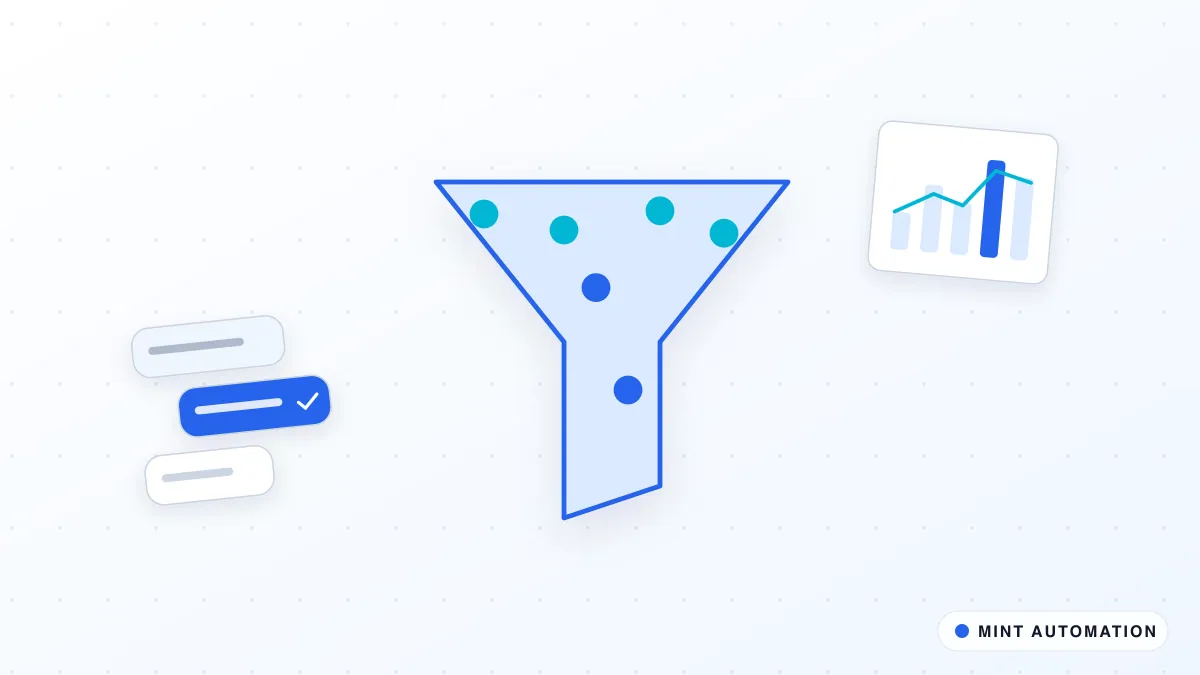
Lead follow-up automation makes sure every enquiry gets a fast, relevant reply and a sensible series of follow-ups, without your team having to remember who to chase and when. Done well, it does not replace the personal touch. It protects it, by taking care of timing and routine so your people can spend their attention on real conversations.
This guide covers why leads go cold, what to automate and what to leave to people, how a good follow-up sequence is built, what it typically costs and the mistakes that make automation feel robotic.
Why good leads go cold
Most businesses do not lose leads because their offer is wrong. They lose them because follow-up is slow or inconsistent. The reasons are familiar:
- Enquiries arrive everywhere. Website forms, emails, WhatsApp, phone calls, marketplace messages and social media all bring leads, and nobody sees them all in one place.
- Busy days win. When the team is delivering for existing customers, new enquiries wait until tomorrow, and tomorrow becomes next week.
- Nobody owns the second and third message. The first reply usually goes out. The follow-ups after a quote or a missed call are where most deals quietly disappear.
- Context gets lost. When someone finally follows up, they have to dig through emails to remember what the lead asked for.
None of these are effort problems. They are system problems, which is exactly what automation is good at fixing.
What to automate and what to keep personal
The most effective setups draw a clear line:
Automate:
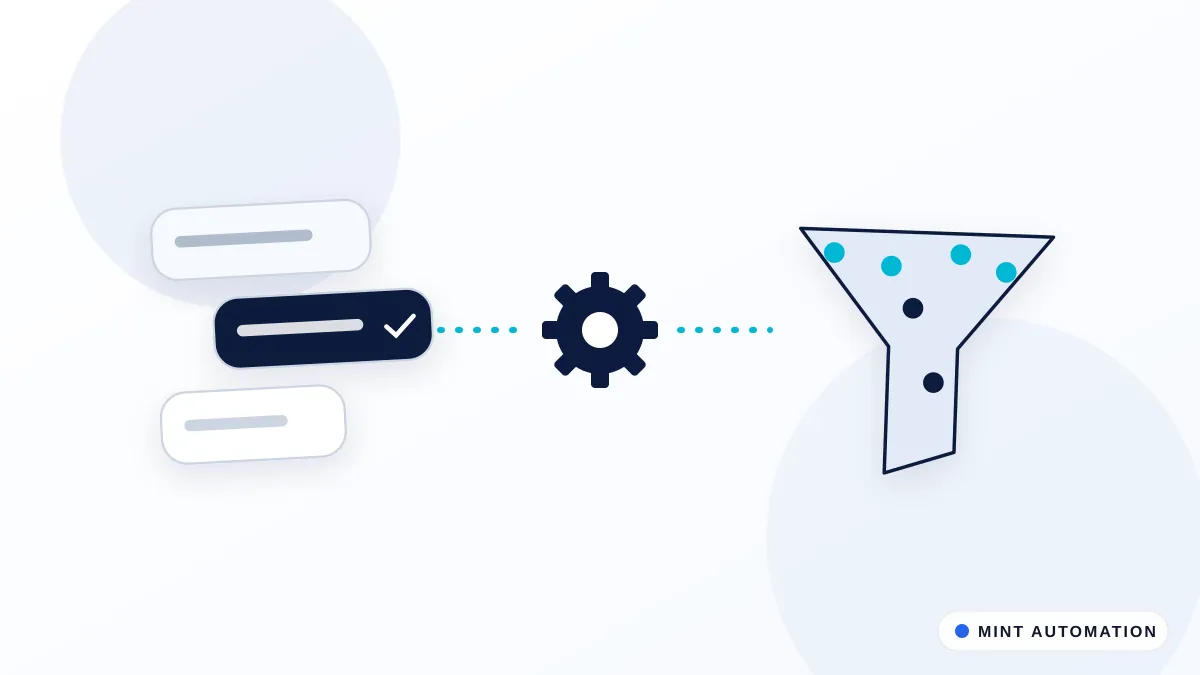
- Capturing every enquiry from every source into one list or CRM.
- Sending an immediate, relevant acknowledgement, with a clear next step such as booking a call.
- Reminding the right salesperson when a lead needs attention.
- Sending planned follow-ups when a lead goes quiet after a quote or a missed call.
- Stopping all automated messages the moment the lead replies.
- Recording every message and reply against the contact.
Keep personal:
- Answering questions and objections.
- Pricing conversations and negotiation.
- Anything sensitive, such as complaints or unusual requests.
- The decision about when a lead is ready to buy.
When this line is respected, customers experience a responsive business, not a machine.
How a good follow-up sequence works
A typical sequence for a new enquiry looks like this:
- Instant acknowledgement. Within a minute or two, the lead receives a short message confirming what they asked about, who will help them and how to book a call. Our booking automation suite can add a live calendar link.
- Team alert. The assigned salesperson gets a notification, for example on WhatsApp, Telegram or Zoho Cliq, with the lead’s details and the original message. The WhatsApp notifier is a common way to do this.
- First follow-up. If there is no reply and no call booked, a helpful follow-up goes out a day or two later, ideally with something useful, such as a relevant guide or an answer to a common question.
- Quote follow-up. After a quote is sent, reminders are scheduled for the salesperson and, if appropriate, a polite check-in goes to the lead.
- Graceful close. After a set number of attempts with no response, the sequence ends with a friendly message that leaves the door open, and the lead is marked accordingly in the CRM.
The exact timings depend on your sales cycle. A restaurant booking enquiry needs a reply within minutes; a large B2B project can be followed up over weeks.
Making automated messages feel personal
The difference between a helpful sequence and spam is mostly in the details:
- Use what the lead told you. Refer to the product, service or problem they mentioned, not just their first name.
- Write like your team writes. Short, plain sentences in your normal tone, signed by a real person who will actually reply.
- Respect the channel. WhatsApp messages should be brief and conversational. Emails can carry a little more detail.
- Stop when they reply. Nothing feels more robotic than a scheduled message arriving after someone has already answered.
- Respect consent and preferences. Only message people who have agreed to hear from you on that channel, and always make it easy to opt out.
Channels: email, WhatsApp and SMS
Email remains the default for most B2B follow-up and for anything with attachments, such as quotes. WhatsApp often gets faster responses, particularly for smaller businesses and consumer services, but it has rules: automated messages must go through the official WhatsApp Business platform, use approved templates for messages outside an active conversation, and only reach people who have opted in. SMS is useful as a short reminder, for example before an appointment.
Many businesses use two channels together: WhatsApp for the quick acknowledgement and reminders, email for detailed information and quotes. A workflow automation keeps both in sync with your CRM, so the team sees one conversation history.
What lead follow-up automation costs
As a guide, a standard setup that captures your main enquiry sources, connects one CRM and runs follow-ups on email or WhatsApp typically falls between $499 and $1,200 as a fixed price. Larger setups, for example several teams, territories or a CRM plus a separate quoting or accounting system, are usually in the $1,500 to $3,500 range. See our services page for how we quote.
Running costs depend on the tools involved. WhatsApp Business messaging and some email platforms charge per message or per month, and a good provider will estimate those costs for you based on your real lead volumes.
Common mistakes that make follow-up feel robotic
- Too many messages, too close together. More is not better. Fewer, well-timed and useful messages perform better and protect your reputation.
- Generic templates. “Just checking in” adds nothing. Every message should give the lead a reason to reply.
- No stop rule. Sequences must end immediately when someone replies, books or says no.
- Messaging without consent. Beyond being bad practice, it can break platform rules and data protection law.
- Automating before agreeing the process. Decide who owns each lead and what “followed up” means before building anything.
How to tell whether it is working
Automation should make your sales process measurably better, not just busier. A handful of simple measures, reviewed monthly, tell you whether it is doing its job:
- Time to first reply. How long a new enquiry waits before it hears from you. This is usually the first number to improve.
- Leads with no follow-up. How many enquiries went more than a few days without a second contact. With automation in place, this should fall close to zero.
- Reply and booking rate. What share of leads respond or book a call after the sequence starts. If it drops, the messages need rewriting, not more of them.
- Opt-outs and complaints. A rising number is an early warning that messages are too frequent or not relevant enough.
- Where good leads come from. Once every enquiry is captured in one place, you can see which channels bring customers who actually buy, which helps you spend your marketing budget more wisely.
A short monthly report, sent automatically to the owner or sales lead, is often enough. Our report builder pack is one way to produce it without anyone compiling spreadsheets by hand.
What a typical rollout looks like
- List your enquiry sources. Website forms, inboxes, WhatsApp numbers, marketplaces and phone enquiries.
- Agree ownership and timing. Who handles which leads, how fast the first reply should be, and when a lead counts as closed.
- Write the messages together. Short, specific and in your voice, with a clear next step in each.
- Connect the CRM and channels and test with internal enquiries before any real lead is contacted.
- Go live and review after two weeks. Look at the first results with your team, adjust timings and wording, then move to a monthly review. You can see how this fits our wider process on the how it works page.
Is your business ready?
You are likely ready if:
- You receive enquiries from more than one channel each week.
- Leads sometimes wait more than a day for a first reply.
- Follow-ups after quotes depend on someone remembering.
- You have a CRM or at least a consistent spreadsheet of leads.
If you are not sure where you stand, our free automation assessment gives you a quick, honest view.
How Mannveer International (MINT) Can Help
Mannveer International (MINT) builds lead follow-up automations around the channels, CRM and sales process you already use. We start by mapping where your enquiries come from and how your team handles them today, then write the messages with you so they sound like your business. You get a fixed quote before work starts, and standard setups are typically delivered in 3 to 7 business days.
After launch we monitor the automation, review how leads respond and adjust timings and messages with you, so your follow-up stays fast, personal and consistent.
- Contact MINT to describe how your enquiries arrive today
- Connect with MINT directly by WhatsApp or phone
- Explore MINT case studies to see the kind of work we deliver
- Take the free automation assessment to check how automatable your sales follow-up is
FAQ
Will automated follow-up make us sound like a robot?
Not if it is set up well. Messages are written in your voice, use details the lead actually gave you, and stop as soon as the person replies. The automation handles timing and consistency; real conversations stay with your team.
Can follow-up be automated on WhatsApp as well as email?
Yes. Many businesses, especially in India, the Middle East and the UK, get faster replies on WhatsApp. Automated WhatsApp messages must use the official business platform and approved message templates, and only go to people who have agreed to be contacted that way.
Which CRMs does lead follow-up automation work with?
It works with the CRM you already use, such as Zoho CRM, HubSpot, Salesforce or Pipedrive, and with simpler setups based on Google Sheets. Leads, messages and replies are recorded against each contact so your team always sees the full history.
How long does it take to set up lead follow-up automation?
A standard setup covering your main enquiry sources, one CRM and email or WhatsApp is typically delivered by MINT in 3 to 7 business days, after the messages and rules have been agreed with you.
Losing leads to slow follow-up?
MINT automates lead capture, routing, and follow-up so no enquiry waits.