Zoho CRM Automation Mistakes That Cost You Deals
Spot the most common Zoho CRM automation mistakes, check if your setup is safe, and learn what to fix before you automate more deals.
You run sales or operations on Zoho CRM, you have set up or inherited some automation, and now you are not sure whether it is helping or quietly creating duplicate records, misrouted leads and annoyed customers. The short answer: most automation problems come from building rules on messy data, letting rules conflict, and having no one watching when something breaks. This article shows you how to spot those mistakes and what to fix first.
What People Mean by Zoho CRM Automation
When owners talk about Zoho CRM automation, they usually mean a handful of everyday tasks: assigning leads to reps, sending follow-up reminders, moving deals between stages, firing email alerts, and syncing data with accounting or spreadsheet tools. Each of these can be set up as a rule that runs on its own.
The trouble starts when you move from one rule to many. A single rule is easy to reason about: when X happens, do Y. But a chain of rules can touch the same record, trigger each other, and produce results nobody intended. One rule changes a field; that change trips a second rule; the second rule sends an email. You did not design that sequence, but it happens anyway.
Automation that looks fine on day one can also drift. You set it up for a team of three and a clean pipeline. A year later you have eight people, new deal stages, a former employee still listed as an owner, and fields that half the team fills in differently. The rules did not change, but the ground underneath them did. That drift is where quiet damage accumulates.
Mistake 1: Automating a Messy Pipeline
The most common mistake is building rules on top of a pipeline that is not ready. If your stages are inconsistent, you have duplicate records, and your fields are half-filled, automation does not fix that. It acts on the mess faster and at scale.
Bad inputs lead directly to bad actions. A rule that moves a deal when a field equals a certain value will move the wrong deals if that field is entered three different ways. A rule that emails a contact will email the wrong person if you have two records for the same company. Automation is literal; it does exactly what the data tells it, including when the data is wrong.
The fix is boring but essential: clean the pipeline before you add a single rule. Standardise your stages so everyone uses the same names in the same order. Decide which fields are required and enforce it. Merge or remove duplicates. Only then does automation have a solid foundation to stand on.
Signs your data is not ready
- The same company or contact appears more than once, with slightly different spellings.
- Reps use different stage names or skip stages entirely.
- Key fields (source, owner, deal value, next step) are blank on many records.
- Two people describe the same stage differently when you ask them.
- Reports never quite match what the team believes is in the pipeline.
What to fix first
Start with stages, because almost every rule depends on them. Agree on one set of stage names and what each one means. Next, decide your required fields and clean the existing records so they comply. Then run a deduplication pass so you are confident each company and contact exists once. A dedicated data cleaner and deduplicator can handle that pass at scale, and our Data Cleaner & Deduplicator is built for exactly this step before you automate anything else.
Mistake 2: Rules That Fire Too Often or Conflict
The second mistake shows up once you have several rules running. Two workflow rules update the same field under different conditions, and they undo each other. A deal flips back and forth, or an owner gets reassigned and reassigned again, and no one can explain why.
Another version is the trigger that runs on every edit. Someone updates a note, the rule fires, an alert goes out. Multiply that across a busy day and your team learns to ignore alerts entirely, which defeats the point. The same problem creates duplicate customer emails: two rules each think they are responsible for the follow-up, so the customer gets the message twice.
The cure is a map. Write down every rule, what triggers it, which fields and stages it touches, and what it does. Once you can see the whole set in one view, the conflicts become obvious: two rules writing to the same field, two rules sending similar emails, a trigger set to run far more often than it needs to. You cannot coordinate rules you cannot see. This same discipline applies to reminders specifically, and our guide on CRM reminder automation mistakes to avoid goes deeper on the duplicate-alert problem.
Mistake 3: Wrong Lead Assignment and Ownership
Lead assignment is where mistakes cost you deals directly. Round-robin and territory rules are meant to spread leads fairly, but they fail quietly. A rule routes leads to a rep who left the company. A territory condition never matches a new region, so those leads sit unassigned. Nobody owns them, so nobody follows up.
The cost is speed. A lead that waits because the routing rule sent it nowhere goes cold while your competitor answers. Even correct-but-slow routing hurts: if a lead waits a day for someone to notice it is unassigned, the first-response advantage is gone.
For example, if 1 in 10 of your leads is misrouted or unassigned, and each one needs a timely follow-up to convert, those lost touches add up across a month. The exact number depends on your volume, but the pattern is consistent: a small routing error rate produces a steady leak of opportunities. The fix is to test every routing rule against real scenarios, confirm every possible lead has a valid owner, and add a catch-all so nothing can land unassigned. If you also want the follow-up itself to stay timely and human, our piece on lead follow-up automation that still feels personal covers how to do that without sounding robotic.
Mistake 4: Broken Sync With Your Other Tools
Most businesses connect Zoho CRM to something else: accounting, email, spreadsheets, or an e-commerce store. The fourth mistake is connecting those systems without clear field mapping and without deciding who owns the truth.
When two systems both think they are the source of truth for the same field, they fight. Your CRM updates a phone number; your accounting tool overwrites it with an old one; the next sync pushes the old one back into the CRM. The data looks alive but it is actually unreliable. Clear mapping and a single source of truth per field prevent this.
The quieter danger is the silent failure. A sync stops working. No error reaches you. For weeks, new records never arrive in the other system, and you only find out when a customer asks why their order is not reflected anywhere. This is why you need alerts when a sync fails, not just a green light when it works. A sync that cannot tell you it broke is worse than no sync, because you trust it.
One-way vs two-way sync
| One-way sync | Two-way sync | |
|---|---|---|
| How it works | One system sends, the other receives | Both systems send and receive |
| Best for | A clear source of truth (e.g. CRM feeds billing) | Fields that genuinely change in both places |
| Risk level | Lower; fewer conflicts | Higher; needs conflict rules |
| What to decide | Which system leads | Which system wins per field |
Many teams reach for two-way sync by default when one-way would be safer and simpler. Start one-way unless you have a real reason both systems must write the same field.
Deciding the source of truth
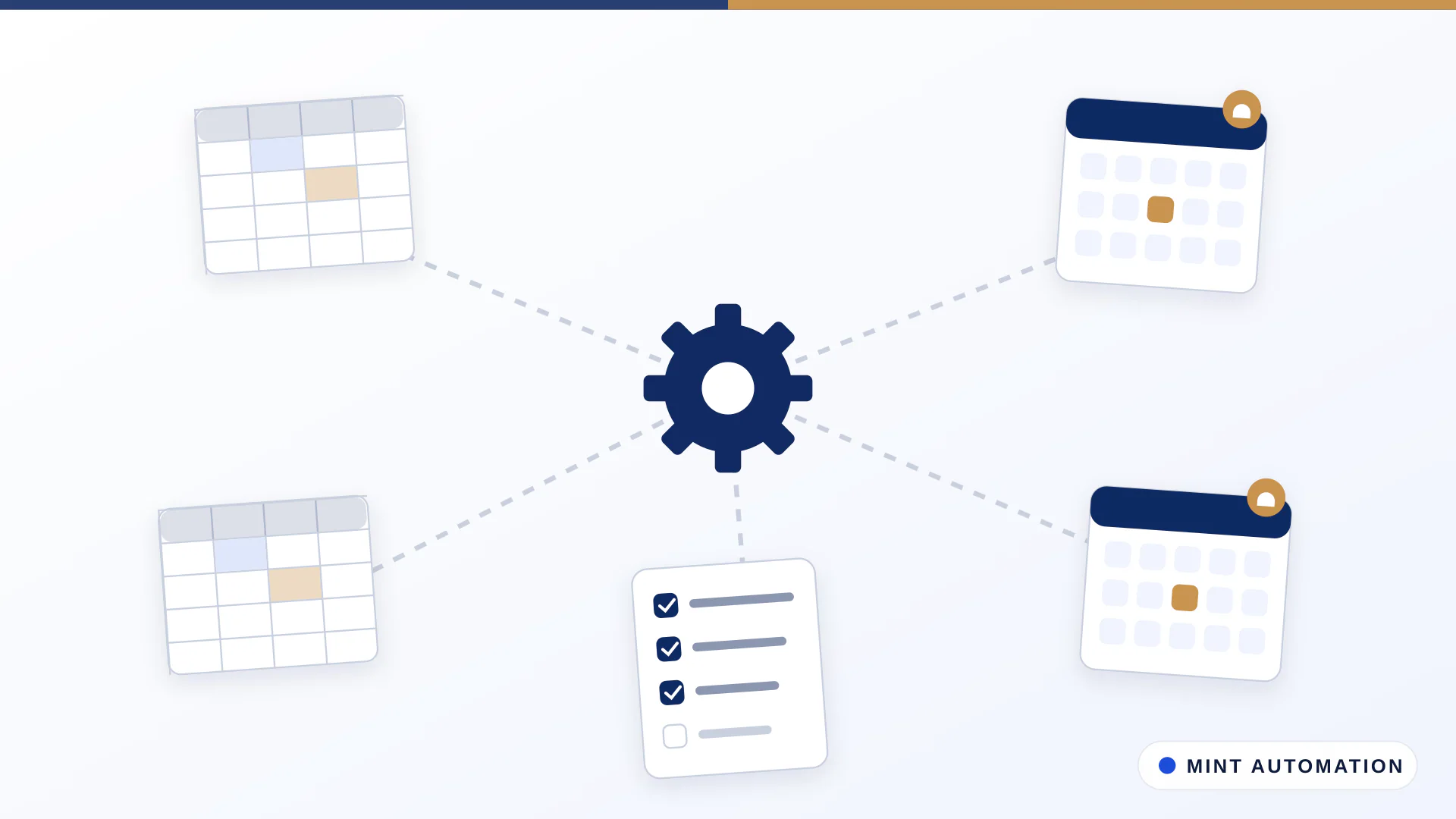
Go field by field, not system by system. For each important field, name the one system that is allowed to change it. Contact details might live in the CRM; invoice totals might live in accounting. Write this down so every integration respects the same rule. For the broader decision of how to connect systems in the first place, browser automation vs API integration explains the tradeoffs, and our API and app integrations service covers the mapping and alerting work directly. If a spreadsheet sits in this chain, our Sheets ↔ CRM Sync product keeps the CRM and your sheets aligned with defined ownership.
Mistake 5: No Testing, No Logs, No Owner
The last mistake is organisational, not technical. Rules get turned on live, with no safe way to test them first. Someone changes a condition on a Friday, and the whole team feels it on Monday.
Without logs, you cannot answer basic questions. Why did this deal move to closed? Why did this customer get an email? If nothing records what changed and why, every investigation becomes guesswork. A clear log of what each rule did, and when, turns a mystery into a five-minute check.
The third gap is ownership. When a rule misbehaves, who is responsible for fixing it? If the answer is “the person who set it up,” and that person has left, you have automation running your business that nobody understands and nobody owns. That is a real risk, and it grows every month the rule keeps running untouched.
How to Review Your Zoho CRM Automation Safely
You do not need to rebuild everything to make your automation safer. You need a review habit. The goal is simple: know what every rule does, test before you change, and get told when something breaks.
A simple audit checklist
- List every active rule in one place: workflow rules, assignment rules, and any sync.
- For each rule, record what triggers it, what it changes, and who owns it.
- Flag any two rules that touch the same field or stage; those are your conflict risks.
- Pick a few sample records and trace what happens to them before and after a change.
- Confirm every lead and deal has a valid owner, and add a catch-all for anything unassigned.
- Set up failure alerts on every sync so a broken rule tells you, not your customer.
- Assign one named person as the owner of the whole automation set.
Run this review every quarter, and again after any team change or process change. Those two moments, new people and new processes, are when quiet drift turns into visible damage.
When to pause and rebuild
If your map shows rules you cannot explain, owners who have left, or syncs nobody is watching, stop adding new automation. Pause, clean the data, document what exists, and rebuild from a known-good state. It is faster than patching a system you no longer understand. If you are weighing whether to keep patching or move to something sturdier, when to move beyond your current tools walks through realistic options.
Sources and further reading
How Mannveer International (MINT) Can Help
If you recognise your own setup in these mistakes, the first step is to see clearly what you have. We audit your existing Zoho CRM automation and map every rule and sync, so you can finally see what each one triggers, what it changes, and who owns it. Then we fix the conflicts, the routing errors and the broken integrations, and we add alerts so silent failures surface immediately instead of reaching your customers. We scope the work up front and give you a fixed quote, with standard automations typically delivered in three to seven business days and ongoing support after.
When we build new automation, we test it on sample records first, give it a clear owner, and document it so your team understands it without you. You tell us the outcome you want; we build and maintain the automation behind it. Start with our free assessment, or get the full picture of our approach on how MINT delivers automation and our custom automation services.
- Contact MINT to describe your current Zoho CRM setup and what is going wrong.
- Connect with MINT to talk through an audit before you automate more.
- See MINT case studies for examples of automation we have cleaned up and rebuilt.
- Book a free automation assessment to find out whether your current rules are safe.
FAQ
How do I know if my Zoho CRM automation is actually working correctly?
List every active rule and trace a few real records through it. If you can explain why each deal moved and each email sent, and every sync has a failure alert, it is working. If you cannot, you have blind spots worth auditing before you add more.
Why is my Zoho CRM creating duplicate records or sending duplicate emails?
Usually two rules are doing the same job without knowing about each other, or you have duplicate records that each trigger the same action. Map every rule and field, remove the overlap, and deduplicate your records so each contact and deal exists only once.
Should I fix my CRM data before automating, or can automation clean it up?
Fix the data first. Automation acts on whatever it finds, so messy stages and duplicates make it move the wrong deals faster. Standardise stages, set required fields, and deduplicate before adding rules. Automation can help maintain clean data afterwards, but it cannot replace that first cleanup.
How often should I review my Zoho CRM workflow rules?
Review the full set every quarter, and again after any team change or process change. New people and new stages are when rules quietly drift out of line. A short recurring audit catches conflicts and broken syncs before they cost you deals.
When is it worth hiring someone to set up Zoho CRM automation instead of doing it in-house?
When your rules conflict, syncs fail silently, or nobody owns the setup, outside help pays off. A specialist maps what exists, fixes conflicts, adds failure alerts, and documents everything with clear ownership, so the automation survives staff changes and keeps working without your constant attention.
Want your apps to stay in sync on their own?
MINT connects your CRM, accounting, and spreadsheets so data moves without copy-paste.