CRM Data Cleaning and Deduplication in Plain English
Learn how CRM data cleaning and deduplication works, what messy records cost, when automating it pays off, and what to ask before you start.
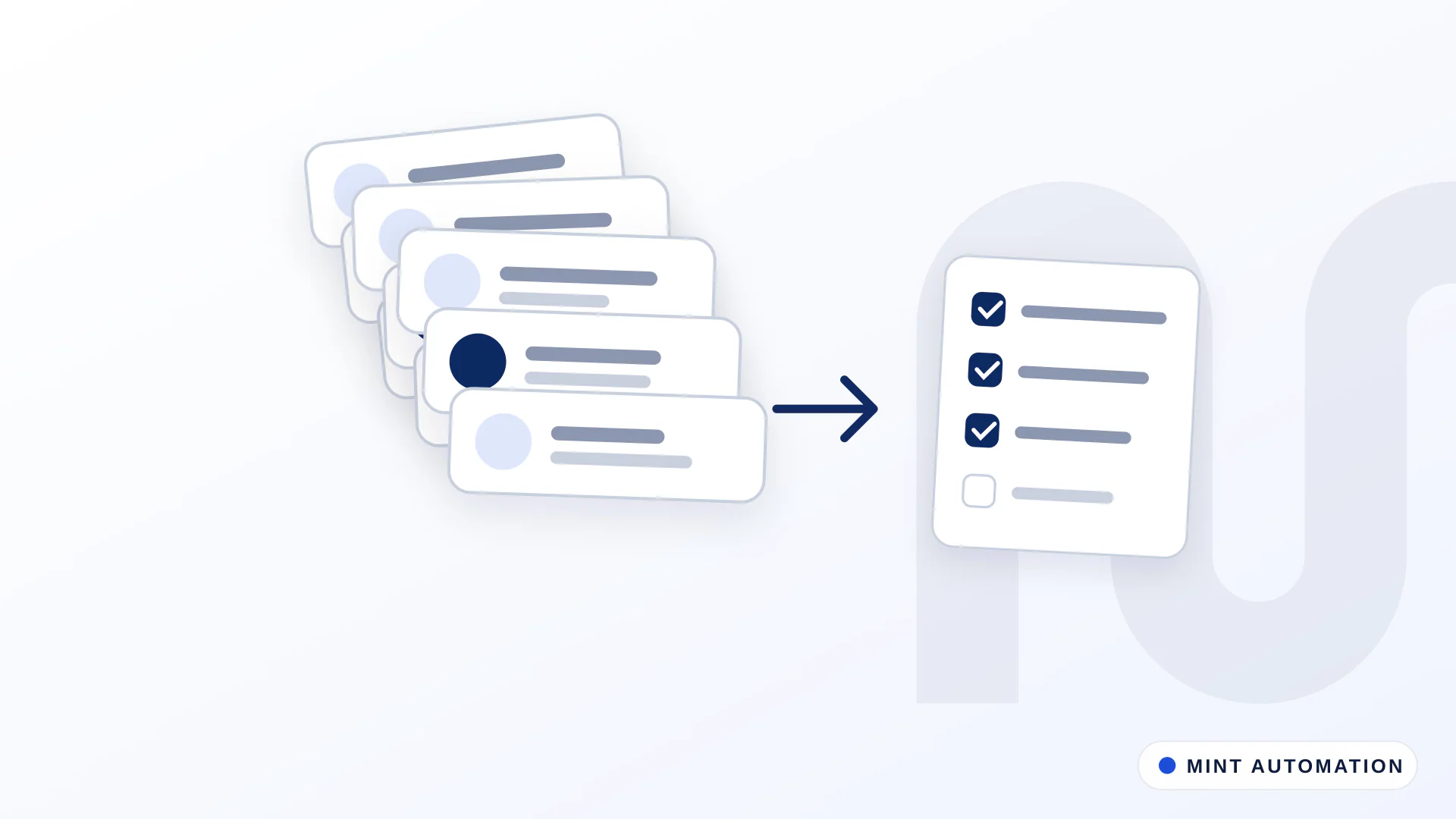
Duplicate contacts, old details and inconsistent entries make your team waste time, contact the same customer twice and doubt their own reports. The short answer: standardise how records look, match the ones that describe the same person or company, merge them by clear rules, and have a person check the uncertain cases. This article explains each part so you can decide whether to do it by hand, automate it, or leave it alone.
What CRM Data Cleaning and Deduplication Actually Means
CRM data cleaning and deduplication is the work of finding records that are wrong, incomplete, inconsistent or repeated, then fixing or merging them. The result is one accurate record per person and per company, with details your team can trust.
The wider idea is called data cleansing. It is a long-established practice in any system that stores records, not only CRMs. Wikipedia’s article on data cleansing gives a general overview if you want the background.
Cleaning versus deduplication
The two jobs overlap but are not the same.
- Cleaning fixes the content of a single record. It corrects a phone number format, fills a missing country, removes a dead email address or repairs capitalisation.
- Deduplication deals with several records that describe the same real-world person or company. It decides which one to keep and what to do with the rest.
Cleaning usually comes first. Records that follow the same format are far easier to compare. If one phone number has spaces and another has a country code, a matching rule may miss that they are the same.
Why it is a business problem and not an IT problem
The people who feel the damage are in sales, finance and customer service. IT can run the tools, but only the business knows that two companies with similar names are really separate customers, or that a former contact should now be marked inactive. The rules for what counts as a duplicate, and who wins when two records disagree, are business decisions. That is why this article focuses on how to judge the work and not on how to build it.
How Bad CRM Data Builds Up
Bad data rarely comes from one big mistake. It collects through everyday habits.
- Manual typing. Typos, abbreviations and different spellings of the same name.
- Web forms. A returning customer fills in your form again, sometimes with a different email address.
- Spreadsheet imports. A trade show list or an old export is loaded without checking it against what is already there.
- Several people adding the same contact. Two reps meet the same buyer and each creates a record.
- Staff changes. A new person follows different habits, or an old owner’s records are never reviewed.
- Documents retyped by hand. Details from invoices, quotes and forms are copied in and mistakes creep in.
Typical examples look like this:
- ‘Jon Smith’ and ‘Jonathan Smith’ at the same company
- ‘Acme Ltd’ and ‘ACME Limited’ entered as two customers
- A phone number written as 07700 900123, +44 7700 900123 and (0)7700-900-123
- An email address for a person who left their job two years ago
The problem grows quietly. Each duplicate looks harmless on its own. No alarm goes off when the 500th one appears. You notice only when a customer complains about getting three identical emails, or a report shows more customers than you really have. By then the cleanup is much larger than it would have been a year earlier.
What Messy Data Costs You
The day-to-day effects are easy to spot once you look for them:
- Two reps contact the same lead, and the lead sees a disorganised company.
- Customers receive duplicate emails or two versions of the same offer.
- Invoices go to a contact who no longer handles payments.
- Reports overcount customers, so growth looks better than it is, or conversion rates look worse.
The hidden costs are harder to see but often larger:
- Staff time. People search for the right record, compare two entries and fix errors one at a time.
- Lost trust. When people believe the CRM is unreliable, they keep their own spreadsheets. Then you have a second set of data to maintain.
- Poor targeting. Campaigns built on a messy list reach the wrong people, or the same people more than once.
An illustrative example (not a real statistic): For example, if 8% of 10,000 contacts are duplicates, that is 800 extra records. If each pair takes a person about two minutes to find, compare and merge, that is around 1,600 minutes, or roughly 27 hours of work. Your own numbers will differ. The point is to put your own record count and your own time per fix into the same sum.
To turn that kind of figure into a payback decision, use the method in How to Calculate the ROI of Automating a Business Process. It covers the calculation, so it is not repeated here.
How Cleaning and Deduplication Works Step by Step
Whether done by hand or by an automation, the process follows the same order.
- Take a backup and define a ‘same’ record. Export a full copy of your CRM data before touching anything. Then agree which fields identify the same person or company: email, phone, company name, account number, or a combination.
- Standardise formats. Make names, phone numbers, addresses, country names and capitalisation consistent. This step removes many false differences.
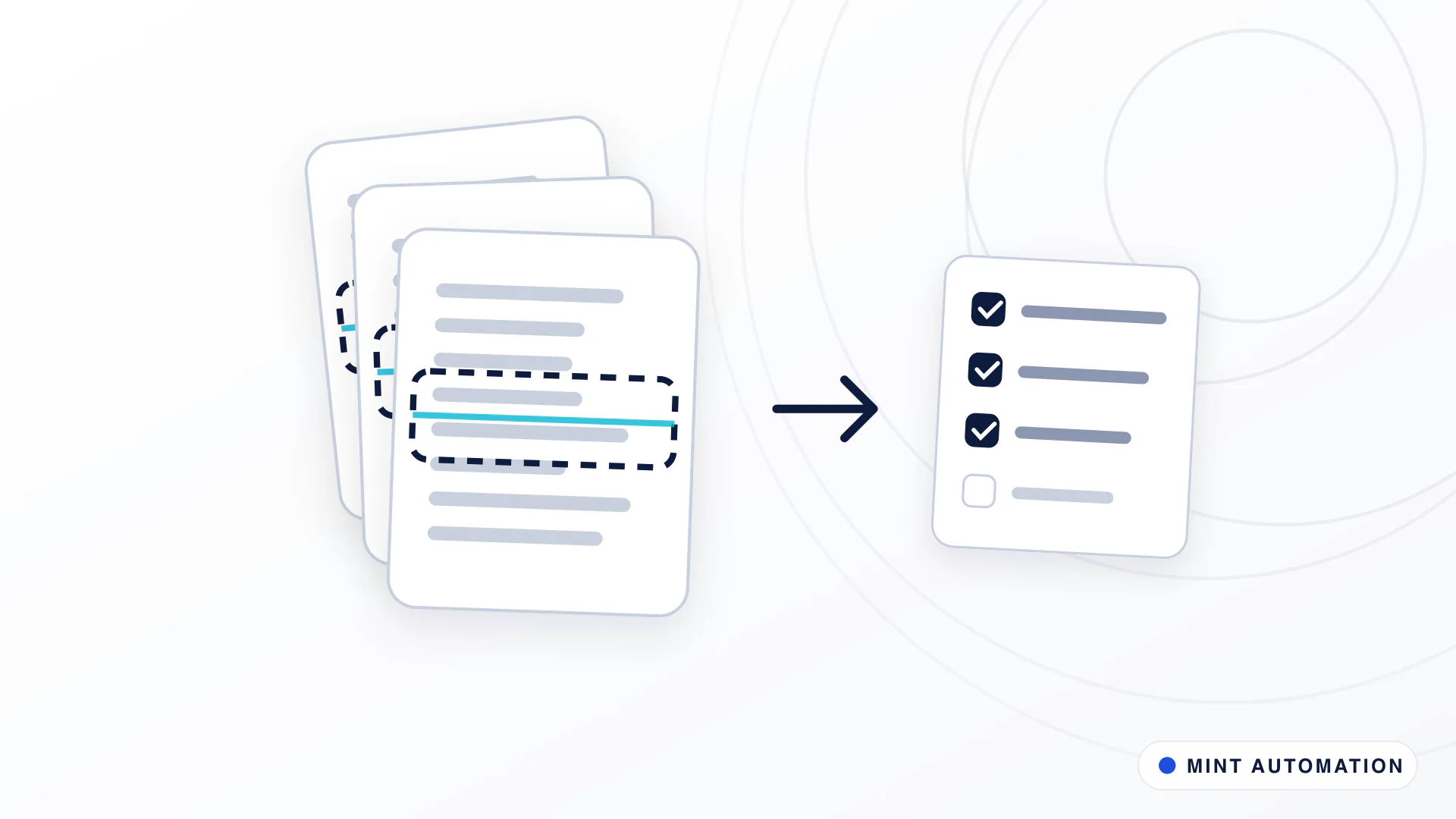
- Match records. Apply exact rules and ‘close enough’ rules, and give each match a confidence score.
- Decide what happens to each match. High-confidence matches can merge automatically. Medium-confidence matches go to a person for review. Low-confidence matches are left alone.
- Choose the surviving record and winning values. Decide which record stays and which field values win. Common rules are most recent, most complete, or from a trusted source such as your accounting system.
- Log every change. Keep a record of what was merged, what changed and why, so each action can be checked and reversed.
Exact matches versus fuzzy matches
An exact match means the key field is identical, such as the same email address. It is fast and safe, but it misses a lot. ‘Jon Smith’ with one email and ‘Jonathan Smith’ with another will not match this way.
A fuzzy match looks for ‘close enough’. It allows for small spelling differences, nicknames, transposed letters and abbreviations. It catches more duplicates, but it also produces more wrong guesses. That is why each fuzzy match gets a score. A score near the top might be ‘Acme Ltd’ and ‘ACME Limited’ with the same phone number. A middling score might be two people with the same name at different companies.
What happens to notes, deals and activity history when records merge
A good merge keeps the history. Notes, deals, emails, calls and tasks from the record that is being retired should be attached to the surviving record. Before you start, ask how your CRM handles this and test it on a small sample. Some merges keep everything, while others drop certain fields or lose the link to older activity. This is one of the main reasons for the backup and the change log in steps 1 and 6.
Why a human check is still needed
Software can tell that two records look alike. It cannot know that two people named ‘A. Sharma’ at the same large company are different colleagues, or that a customer has deliberately kept two accounts for two branches. When the evidence is mixed, a wrong merge does more damage than a leftover duplicate. So uncertain matches should go to someone who knows your customers, with the evidence shown side by side.
One-Off Cleanup vs Keeping Data Clean Automatically
There are two different goals here, and they suit different situations.
One-off cleanup suits a backlog. It is a good fit before a CRM migration, before a large campaign, or when you have just joined several lists together.
Ongoing automation checks each new record as it arrives from web forms, spreadsheets, documents and other systems. It catches a duplicate on day one instead of year three.
| One-off cleanup | Ongoing automation | |
|---|---|---|
| Effort | Heavy up front, then finished | Setup effort, then light review |
| Main cost drivers | Record count, number of fields, how messy the data is | Number of sources feeding the CRM, how many rules, how many systems connect |
| Risk | Wrong merges across a large batch at once | Rules that drift as your business changes |
| Who owns the result | Whoever runs the project, then often no one | A named data owner who reviews flagged items |
| Best for | Migrations, campaigns, inherited lists | Teams with steady inflow from several sources |
Prevention at the source is often cheaper than repeated cleanup. Required fields on forms, a consistent way of entering names and companies, and controlled imports (for example, checking a spreadsheet against the CRM before loading it) stop many duplicates from being created at all. Automation then handles what gets through.
Two existing articles cover how clean data gets in. Google Sheets to CRM Sync: Manual vs Tools vs Custom looks at spreadsheet feeds, and PDF to CRM Automation: Stop Retyping Data from Documents looks at document data. Connecting your CRM to your other systems is covered under API and app integrations.
When Automating It Is Worth It (and When It Isn’t)
Automation is worth considering when:
- Several people or systems feed the CRM.
- You hold thousands of contacts.
- Your team regularly complains about duplicates.
- Campaigns or invoices have gone to the wrong person.
It is probably not worth it when:
- You have a few hundred records.
- One person maintains the list.
- A manual check takes about an hour a quarter and nobody is bothered by the result.
For a rough sense of manual effort, here are estimates only. A careful person might spend 1 to 3 minutes comparing and merging one suspected duplicate pair, and a few seconds to fix a single formatting error. A list of 300 records may take a few hours. A list of 10,000 with a moderate duplicate rate could take several working weeks of attention. Your results will depend on how messy the data is and how many fields each record has.
A short decision checklist
Give yourself one point for each statement that is true.
- More than two people or systems add contacts to the CRM.
- You have more than about 2,000 contacts.
- People in your team have mentioned duplicates in the last three months.
- A customer has received a repeated message or the wrong invoice because of CRM data.
- Your reports need manual correction before anyone trusts them.
- You plan a migration, a big campaign or a new system in the next six months.
- Nobody is clearly responsible for data quality today.
A score of 0 to 2 suggests a manual check and better entry habits are enough. A score of 3 to 4 suggests a one-off cleanup is worth pricing. A score of 5 or more suggests ongoing automation deserves a serious look. This is a rule of thumb, not a measurement.
The broader question of which tasks suit automation is covered in What Can Be Automated in Your Business (and What Shouldn’t Be).
Risks and Questions to Ask Before You Start
The biggest risk is wrongly merging two different people or companies. It can mix up their deals, invoices and conversations, and it is awkward to untangle if no one kept a record. Every other risk is smaller than that one.
Questions to ask any provider
- Is there a full backup before any change is made?
- Can each merge be undone?
- Who reviews uncertain matches, and how are they shown?
- Is there a change log that lists every edit?
- How is customer data stored, accessed and kept private?
- What happens to notes, deals and activity history after a merge?
Data privacy basics
Customer records contain personal data, and rules differ by country. If you hold contacts in the US, UK, Canada, Australia or India, the obligations on how you store, use and share that data may differ. Check your obligations with a qualified adviser before you share records with any outside party. MINT’s own approach is described in the MINT privacy policy.
Who should own data quality afterwards
Name one person. A sales operations lead, office manager or customer service lead often fits. Their job is small: review flagged matches, approve changes to the rules, and notice when a new source starts feeding in messy data. Without an owner, even a well-cleaned CRM drifts back.
A preparation checklist
- Export a sample of your records, including some you already know are duplicates.
- List the fields in your CRM and mark which ones matter most.
- Name every system, form and spreadsheet that feeds the CRM.
- Agree what counts as a duplicate, for example same email, or same company name plus same phone.
- Decide which source you trust most when two records disagree.
Sources and further reading
How Mannveer International (MINT) Can Help
MINT builds custom automations that clean, standardise and match CRM records, then keep them tidy as new data arrives from forms, spreadsheets and extracted document data. We work with the CRM you already use, such as Zoho CRM. If you want a ready-made starting point, see the Data Cleaner & Deduplicator. For connecting several systems, see our API and app integrations.
A typical project starts with a review of a sample of your data. We agree matching and merge rules with you, run a reviewed first pass so your team can see what would change, and then automate the ongoing checks. You get a fixed quote after scoping, standard automations are typically delivered in 3 to 7 business days, and ongoing support is available afterwards. We do not promise specific results before we have seen your data. See how MINT delivers automation for the full process.
- Contact MINT to start a scoping conversation
- Connect with MINT for other ways to reach us
- Read MINT case studies to see how we work
- Book a free automation assessment to check whether this fits your business
FAQ
What is the difference between CRM data cleaning and deduplication?
Cleaning fixes the content of individual records, such as phone formats, capitalisation, missing fields and outdated emails. Deduplication finds separate records that describe the same person or company and merges them. Cleaning usually comes first, because consistent records are easier to match.
How often should a business clean its CRM data?
It depends on how much data comes in. A small team with one list may check once or twice a year. A team with several forms, imports and users benefits from checks on each new record, plus a periodic review of flagged items.
Can duplicate records be merged without losing notes and deal history?
Usually yes, if the merge is set up well. Notes, deals and activities from the retired record should move to the surviving one. Test it on a small sample first, and keep a backup and change log in case something is missed.
Can CRM deduplication be fully automatic, or does someone need to review it?
Clear-cut matches, such as identical emails, can merge automatically. Uncertain matches should go to a person who knows your customers. A wrong merge is harder to fix than a leftover duplicate, so a review step is sensible.
How much does CRM data cleanup cost for a small business?
There is no fixed figure. Cost depends on record count, number of fields, how messy the data is and how many systems feed the CRM. A scoping review of a data sample lets a provider give a fixed quote for your case.
Want your apps to stay in sync on their own?
MINT connects your CRM, accounting, and spreadsheets so data moves without copy-paste.