Timesheet and Time Tracking Automation Explained
Time tracking automation explained: how it captures, checks and routes hours into payroll and invoices, and how to judge if it pays off.

You spend hours each week chasing late timesheets, fixing errors and copying hours between apps. Time tracking automation handles the chasing, checking and copying so your team stops retyping data, while people keep the judgement calls like approvals and exceptions. Whether it pays off depends on how many staff you have, whether you bill by the hour, and how often time data moves between tools.
What Timesheet and Time Tracking Automation Really Means
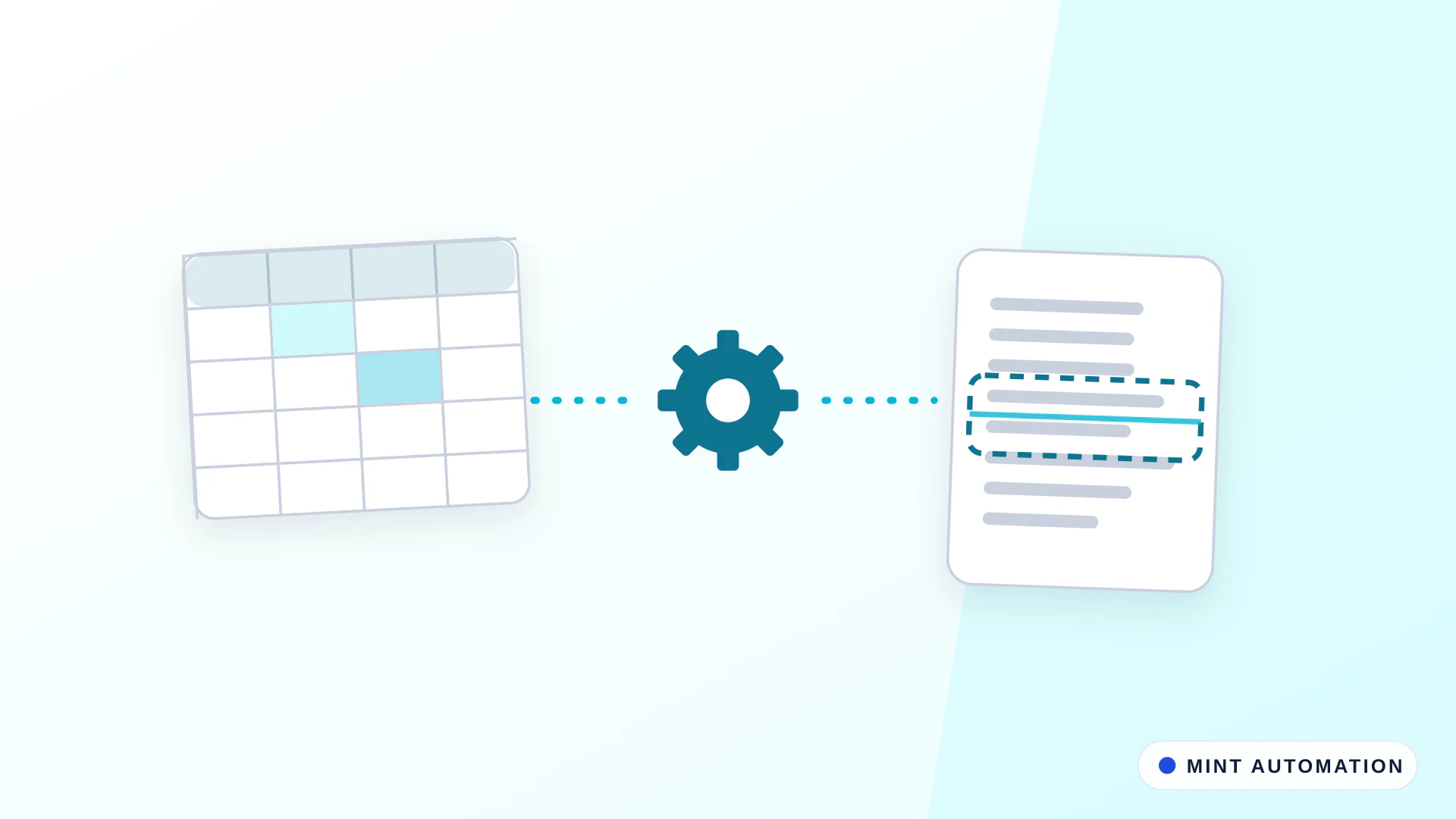
In plain terms, timesheet automation is software that captures hours, checks them for problems, and moves the approved data into payroll, accounting or invoicing tools, so no one has to retype it by hand. The goal is not to replace managers. It is to remove the dull copy-and-paste work that sits between someone logging their hours and finance paying or billing for them.
There is a useful distinction hidden in the word “timesheet.” A timesheet is simply the record of how time was spent. Capturing that record and processing it are two different jobs, and most businesses already do the first one in some form.
Time tracking vs timesheet processing
Time tracking is capturing hours: a staff member starts a timer, fills a form, or logs time against a project. Timesheet processing is everything that happens after: checking the entries make sense, getting them approved, and routing them to wherever they need to go. Many companies have decent time tracking and almost no processing, which is why finance ends up doing it manually every week.
Automated time tracking speeds up the capture step. Timesheet automation handles the processing step. You can improve one without the other, but the biggest gains usually come from connecting both so hours flow from entry to payroll without a human in the middle moving files.
What does not get automated
Some things should stay human. A manager still decides whether overtime was justified or whether hours logged against a project look reasonable. Exceptions, like a staff member who forgot to clock out or logged time to the wrong client, need a person to review and correct them. Automation’s job is to surface those cases quickly and clearly, not to rubber-stamp them.
Think of it this way: the system does the counting, flagging and moving. People do the deciding. A good setup makes the human decisions faster by putting the right information in front of the right person, instead of asking them to hunt for it.
The Manual Process and Where Hours Leak
A typical week looks like this. Staff fill in timesheets, usually at the last minute. A manager notices a few are missing and sends reminders. Once everything is in, finance exports the data, cleans it up, and copies it into payroll or client invoices. Somewhere in that chain, time quietly leaks away.
The leaks are predictable. Late submissions delay the whole payroll or billing run. Rounding errors creep in when hours are copied by hand. Double entry between two apps doubles the chance of a typo. And billable hours get missed entirely when someone forgets to log a short task, which means work you did never makes it onto an invoice.
These small errors do not stay small. A few wrong minutes on a payroll run becomes a dispute with a staff member who checks their pay carefully. A handful of unlogged billable hours each week becomes a meaningful amount of revenue you never charged for over a year. Time data feeds two of the most sensitive things in a business, pay and client bills, so accuracy matters more here than in most back-office tasks.
If you want a structured way to put numbers on this, our guide to calculating the ROI of automating a business process walks through how to measure what a manual process actually costs.
How Timesheet Automation Works, Step by Step
Most setups follow the same four steps. Understanding them helps you see what you are buying and where the value comes from.
- Capture. Hours come in from wherever your team already logs them: a time tracking tool, a calendar, a project app, or a simple form.
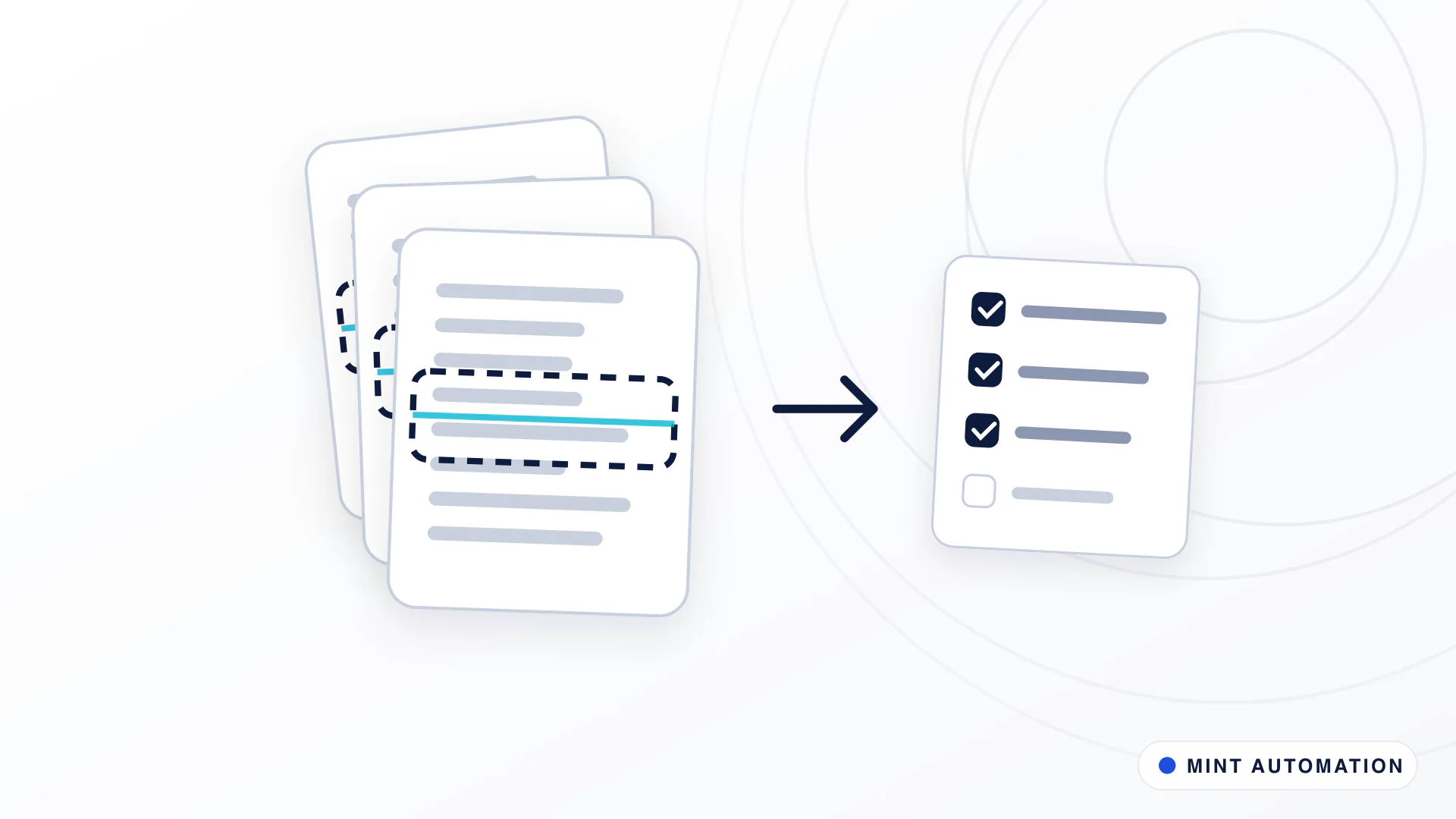
- Check. Before anyone approves, the system flags gaps, overlaps, unexpected overtime and missing entries.
- Route. Approved hours flow into payroll, accounting or invoicing tools without anyone re-keying them.
- Notify. Automatic reminders go out for missing or unapproved timesheets, so chasing is not a manual job.
Where the data comes from
The capture step matters because it decides how clean everything downstream is. If staff already use a time tracking tool, automation reads from it directly. If they log time in a project app or a shared spreadsheet, that becomes the source. The aim is to collect hours from the tools people already use, rather than forcing a new habit that staff will resist.
What the system checks automatically
The checking step is where a lot of the accuracy gain lives. A good setup can flag an entry with no end time, two overlapping entries, a day with no hours logged, or totals that cross an overtime threshold. These are exactly the errors a person misses when scanning dozens of rows late on a Friday. The system does not decide what to do about them. It just makes them impossible to miss.
Where approved hours go
Once a manager approves, routing takes over. For payroll, that means approved hours land in your payroll run with no copy-paste. For billable work, it means hours attach to the right client and project ready for invoicing. This is the step that removes double entry, and it is usually the single biggest time saver. For a wider view of what else fits this pattern, see what can be automated in your business.
Where It Connects to the Tools You Already Use
Automation is only useful if it fits the tools you run today. In practice, that means building links between your time data and the places it needs to go.
On the payroll and accounting side, hours connect to software like QuickBooks or Xero so pay runs and bookkeeping use the same approved figures. On the billing side, hours pull into client invoices, so the time you tracked becomes the amount you charge, with no step in between where hours get lost. For routine reporting on top of all this, a tool like our Automated Report Builder can turn approved hours into weekly summaries without manual assembly.
Sometimes a tool has no clean export or connection. An older system, a portal with no proper link, or a format that will not play nicely with anything else. This is common and solvable. The usual answer is to automate the retrieval or entry carefully around that tool rather than abandoning it. We cover the trade-offs in browser automation vs API integration.
The thread running through all of this is keeping one source of truth. The problem with manual processes is that the same hours end up in a tracking tool, a spreadsheet and a payroll system, and the three copies drift apart. A good automation setup keeps approved hours in one authoritative place and pushes from there, so everyone is working from the same numbers. This is the core idea behind workflow automation: connecting steps so data moves once, correctly.
When Automation Is Worth It (and When It Isn’t)
Automation is not always the right call, and it is worth being honest about that before you spend anything.
It is usually worth it when you have many staff, when you bill clients by the hour, when payroll runs frequently, or when time data is copied between two or more apps. Any of these means the manual work scales up fast and errors have real consequences.
It is probably not worth it yet if you have a handful of salaried staff on stable hours and you do not bill based on time. In that case the manual effort is small and predictable, and automation would add complexity without saving much.
As an illustrative example, if your finance person spends four hours every week fixing and copying timesheets, that is a clear, measurable target. You can time the manual process now, estimate what is left after automation, and judge the gap. (That four-hour figure is an example to show the method, not a measured result.)
Watch for signs the manual process costs more than it looks: payroll that is always a day late, recurring pay disputes, invoices that go out with hours missing, or a key person who is the only one who knows how the timesheet shuffle works. Those are hidden costs that a simple time estimate misses.
What It Costs and How to Judge Payback
Cost falls into three buckets. First, setup: the one-time work to connect your tools and build the checks and routing. Second, any tool subscriptions, if your setup relies on a paid time tracking or payroll product. Third, ongoing maintenance, because tools change and rules evolve. A provider should be clear about all three, not just the first. For a broader sense of the numbers, see what AI automation costs for a small business.
Estimating hours saved
Start by timing the real manual process over a couple of normal weeks. Count the chasing, the corrections, the copying and the invoice prep. Then estimate what remains after automation, which is mostly approvals and the occasional exception. The difference is your weekly hours saved. Multiply by a realistic hourly cost, and you have one side of the payback picture. The same method applies to any back-office task, as shown in our data entry automation cost guide.
The hidden cost of errors
Time saved is the obvious benefit, but accuracy gains often matter more. Fewer payroll corrections means fewer disputes and less rework. Catching billable hours that used to slip through means recovering revenue you were already entitled to. For a business that bills by the hour, recovered billable time alone can outweigh the hours saved. These gains are harder to see on a spreadsheet, which is exactly why they get underestimated.
Before committing to any provider, ask a few direct questions: What exactly does setup include? Which of my tools will it connect to, and which will it not? What happens when a connected tool changes? How are corrections handled after approval? What does ongoing support cost? Clear answers here separate a solid setup from one that breaks the first time something changes.
How to Evaluate a Timesheet Automation Setup
Use this checklist when you look at any proposed setup:
- Connections: Does it link to every tool that matters, including payroll, accounting and your invoicing system?
- Approvals: Is it clear who approves hours and how, with the right person seeing the right entries?
- Exceptions: How are gaps, overlaps and corrections handled, and can a human step in easily?
- Reminders: Does it chase missing and unapproved timesheets automatically?
- Privacy: Who can see hours, where does the data live, and is there an audit trail of changes?
Data and privacy deserve particular attention because timesheets reveal when people work and what they work on. You should know who has access, where the records are stored, and whether every change leaves a trace you can review later. If you want our general stance on handling data, see the MINT privacy policy.
Think through the awkward cases too. What happens when someone forgets to log time, or a connected tool updates and breaks a link? A good setup expects these and handles them gracefully with reminders and clear flags. Red flags include rigid setups that cannot adapt to a small change, no reminder system, and no clean way to correct an entry after it has been approved. Any of those means you will be back to manual work the moment reality deviates from the happy path.
Sources and further reading
How Mannveer International (MINT) Can Help
We start by mapping your current timesheet flow end to end, from how staff log hours to how finance gets them into payroll and invoices, and we find exactly where hours leak. From there we build a setup that captures, checks and routes your time data into the tools you already use, rather than forcing you onto something new. We handle the tricky parts too: tools with no clean connection, multi-step approvals, and the exception rules that keep the whole thing trustworthy.
Most standard automations are scoped with a fixed quote and typically delivered in three to seven business days, with ongoing support so the setup keeps working as your tools change. The best first step is a short review of your process to see whether automation actually pays off for your size and billing model, with no obligation to proceed.
- Contact MINT to describe your current timesheet process and the tools involved.
- Connect with MINT to talk through whether automation fits your business.
- See MINT case studies for examples of how we approach similar work.
- Book a free automation assessment to get a clear read on payback before you commit.
FAQ
What is the difference between time tracking and timesheet automation?
Time tracking captures hours, through a timer, form or project app. Timesheet automation is what happens next: checking those hours for errors, routing them to approval, and moving approved data into payroll or invoices without retyping. You can have one without the other, but connecting both delivers the biggest gains.
Will timesheet automation work with my existing payroll and accounting software?
Usually yes. Common tools like QuickBooks and Xero connect cleanly, so approved hours flow straight into pay runs or invoices. If a tool has no clean export or connection, the work can be automated carefully around it instead. Ask any provider exactly which of your tools it will and will not connect to.
How much time can a small business realistically save by automating timesheets?
It depends on your current manual effort. As an illustrative example, if finance spends four hours a week chasing, fixing and copying timesheets, much of that can be removed. Time the real process over a couple of weeks, estimate what remains after automation, and the difference is your realistic saving.
What happens when an employee forgets to log their hours?
A good setup catches it. The system flags days with no hours and sends automatic reminders before approval, so gaps surface early rather than during the payroll run. The entry is then logged or corrected by a person. Lack of reminders or correction handling is a red flag when evaluating any setup.
Is timesheet automation worth it for a business with only a few staff?
Often not yet. If you have a handful of salaried staff on stable hours and do not bill by time, manual effort is small and automation adds complexity. It becomes worth it once you bill hourly, run payroll often, add staff, or copy time data between two or more apps.
Have a repetitive task?
Tell us what your team does by hand. We will tell you honestly whether it is worth automating.