Multichannel Inventory Sync: How It Works and When It Pays
Learn how multichannel inventory sync works, which setup fits your business, and use a five-minute checklist to decide if automating stock counts pays off.
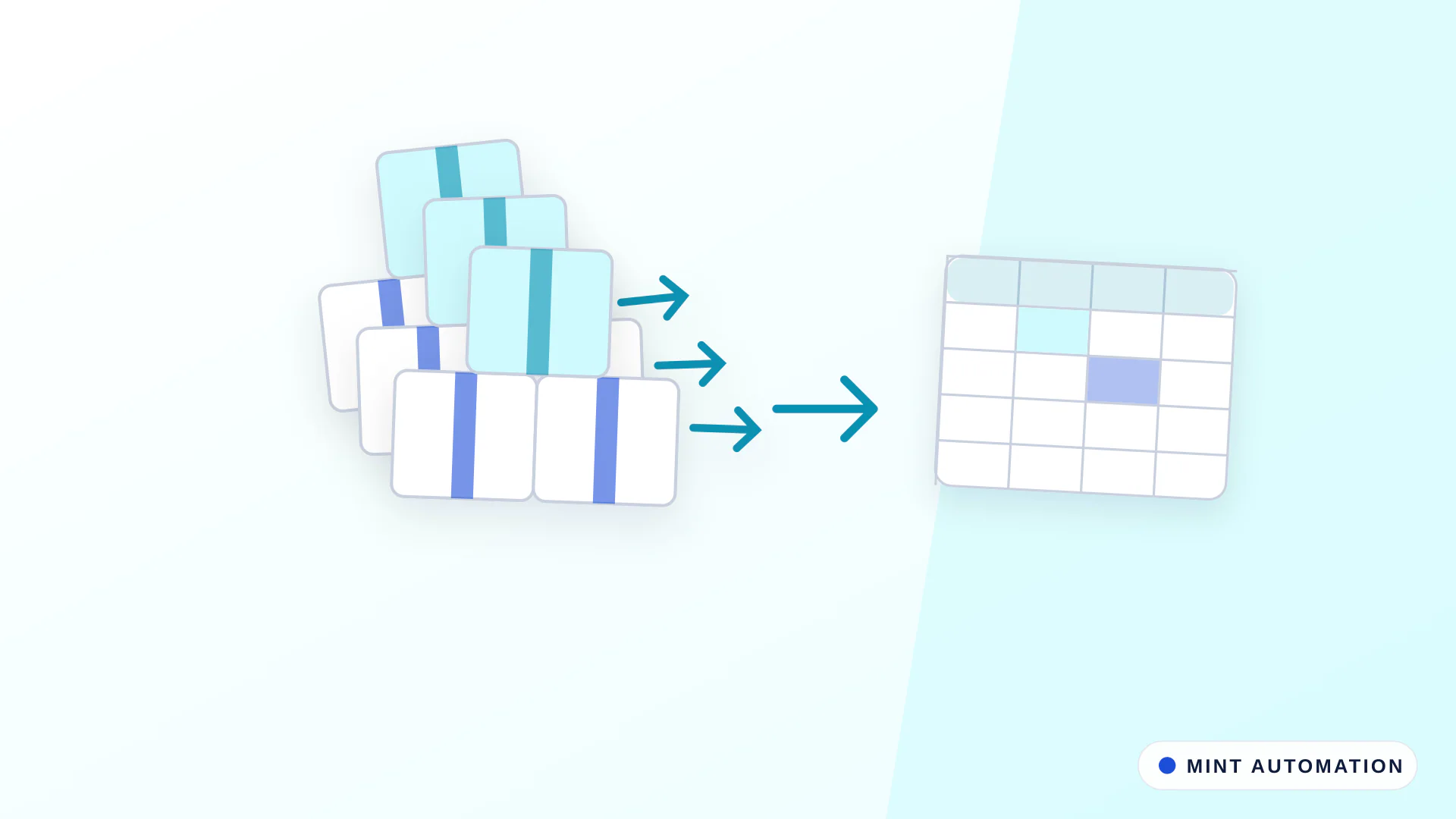
If you sell on your website, a marketplace, a shop counter and to wholesale buyers, you probably update stock counts by hand in several places. Sooner or later you sell something you no longer have. Multichannel inventory sync fixes this by keeping one stock number that every channel agrees on, and this article explains how it works, which setup fits, and when it is worth the effort.
What Multichannel Inventory Sync Means
Multichannel inventory sync means one stock number for each product, shared by every place you sell it. When something sells, is returned or arrives from a supplier, the number changes once, and every channel shows the new figure within a set time. You may also see it called inventory synchronization across sales channels.
The channels it can cover include:
- Your online store, for example Shopify or WooCommerce
- Marketplaces such as Amazon or eBay
- A point of sale system at a shop counter
- Wholesale or phone orders, often typed into an accounting system
- A spreadsheet or warehouse list that someone keeps up to date
Sync is narrower than full inventory management software. According to Wikipedia’s overview of inventory management software, that category is built around tracking stock, orders and sales. In practice, those tools often also handle purchasing, supplier orders and demand forecasting. Sync does one job: it makes sure the number you see on each channel is the same number. Many businesses need only that, and some need both.
If you want the wider picture of what can and cannot be handed to software, see our guide on what can be automated in your business.
What Goes Wrong When Stock Is Updated by Hand
Manual updating works when you have ten products and one channel. It breaks as soon as orders arrive faster than someone can edit counts.
Overselling. A customer orders an item that is already gone. You cancel the order, refund the payment and send an apology. Some marketplaces also track seller cancellations and may limit or penalise accounts with too many. Check the rules of each marketplace you use.
Underselling. The opposite problem is quieter. A return is put back on the shelf but the listing still says zero, or a delivery arrives and nobody updates the website. Units sit on the shelf while buyers see ‘out of stock’ and go elsewhere. You never see this loss, because nobody complains about a sale that did not happen.
Hidden costs. These add up in several places:
- Time spent copying numbers between systems
- Cancelled orders, refunds and the staff time to handle them
- Possible marketplace penalties for cancellations
- Customers who do not come back
- Arguments inside the team about whose number is right
Here is an illustrative example, not a measured figure. If a shop makes 30 manual stock edits a day and each takes 2 minutes, that is 60 minutes of work every day. Over a five-day week it is five hours. Swap in your own numbers: count how many edits happen on a normal day and how long each one takes, including the time to find the right listing.
How Multichannel Inventory Sync Works in Plain English
The idea is simple even when the setup is not. Every sync, whatever tool does it, follows the same four steps.
- Choose one source of truth. Pick the place where the official count lives. It might be your accounting system, a warehouse list, your main online store or a spreadsheet.
- Record each change. Every sale, return, transfer between locations or delivery from a supplier changes the count.
- Send the change to every other channel. The new number is pushed to each connected channel, so a sale on one marketplace reduces the stock shown on your website and at the shop counter.
- Check and flag differences. The system compares the numbers across channels. Where they do not match, it reports the gap so a person can review it, rather than quietly guessing.
The same steps apply whether you want to sync inventory between Shopify and Amazon or between a point of sale and a wholesale spreadsheet.
One source of truth versus two-way sync
In a single source of truth setup, one system owns the count. Other channels receive numbers from it and never change it directly. Sales on those channels are reported back as deductions, and the master recalculates. This is the easier model to trust, because there is always one answer to ‘what do we have?’.
In a two-way setup, several systems can change the count and the changes are merged. This is more flexible, but two edits made at the same moment can conflict. If you choose it, you need clear rules for which edit wins and a report of every conflict. For most small businesses, a single source of truth is the safer starting point.
Real-time versus scheduled updates
Real-time stock level updates usually mean near-real-time: a change reaches other channels within seconds to a minute or two. Scheduled updates run every few minutes, hourly or once a night.
The right speed depends on how fast your stock sells out:
- Fast-moving or limited items, such as a product with five units left, need quick updates.
- Slow sellers with deep stock can usually wait for an hourly or nightly update.
- Some channels limit how often they accept changes, so faster is not always possible.
A buffer, described in the next section, covers the gap while an update is in transit.
How systems get connected
There are three common ways to connect the systems that hold your stock:
- Built-in connections. Some platforms ship with a link to another platform that you switch on in settings.
- Ready-made connector tools. These are sync apps or services that sit between your channels and move data according to settings you choose.
- Custom automation. Someone builds the connection around your exact systems and rules.
Within these, systems differ in how they let outside software in. Some offer a direct data link, designed so that other software can read and change stock safely. Others only allow actions through a logged-in screen, the same way a person would use them. A direct data link is faster and more reliable when it exists. A logged-in screen can still be automated, but it needs more care and monitoring. Our article on browser automation versus API integration explains the trade-off, and our page on API and app integrations shows how we approach it.
The Details That Make or Break a Sync
Most failed syncs do not fail because the idea is wrong. They fail on small details that nobody planned for. Cover these before you start.
Matching products across channels. The same item may have different names on each channel. The reliable link is a product code (SKU) that is identical everywhere. Also decide how to handle variants such as size and colour, bundles that contain several products, and kits sold as one item. If a bundle of three items sells, the count of each item must drop.
Buffer stock. A buffer is a number of units held back from sale on each channel. If you have 10 units and a buffer of 2, channels show 8. This protects you when an update is slow and two orders arrive at nearly the same moment. Fast sellers need a bigger buffer than slow ones.
Returns, damaged goods, backorders and pre-orders. Decide what each does to the count. A return might go back on sale only after someone inspects it. Damaged items should leave the count right away. Backorders and pre-orders need a separate rule so that a negative or future stock number does not confuse the channels.
Multiple locations. A shop, a warehouse and a supplier who ships directly each hold stock. Decide whether each channel sees the total or only one location, and how a drop-ship item is shown when you never hold it yourself.
When a channel is down. Platforms go offline. A good setup holds the pending changes in a queue, sends them when the channel returns, and alerts a named person if the delay lasts too long.
An audit trail. Every change should record what moved, when, where it came from and why. When someone asks why the count for a product dropped by 12 overnight, you should be able to answer in a minute.
Your Options: Built-In Features, Sync Apps or Custom Automation
The choice between inventory sync software and custom automation comes down to how standard your setup is. This table compares the three routes.
| Built-in features | Off-the-shelf sync apps | Custom automation | |
|---|---|---|---|
| Best fit | Two common channels, simple products | Standard channels, standard rules | Unusual systems, spreadsheet stock, supplier portals, special rules |
| Setup effort | Low, mostly settings | Low to medium | Medium, needs scoping |
| Running cost | Often included in your plan | Usually a monthly fee that grows with products or orders | Build cost, then support; no per-order fee is required |
| Flexibility | Limited to what the platform offers | Moderate, within the app’s options | High, built around your rules |
| Who fixes it | The platform’s support team | The app vendor | Whoever built it, under a support agreement |
Built-in features are the right first step if you sell on two popular channels and each product is a single item with no variants or bundles. Try them before paying for anything else.
Off-the-shelf sync apps suit standard setups. They can struggle with bundles, unusual rules, or a mix of old and new software, for example a modern online store connected to an older accounting package.
Custom automation suits stock held in a spreadsheet, systems with no ready-made connection, supplier portals you must log in to, and special rules such as different buffers per channel. It costs more to start. See our page on services and pricing and our article on what AI automation costs for a small business for how we think about price.
If you already run a spreadsheet-to-CRM link, the same comparison applies. Our article on Google Sheets to CRM sync: manual vs tools vs custom walks through it for customer data.
When Multichannel Inventory Sync Is Worth It
Signs it is time:
- You oversell at least once a week.
- Someone updates stock by hand every day.
- Counts in different places often disagree.
- You plan to add a new channel soon.
Signs it can wait:
- You sell on one channel only.
- You have few products.
- Orders are low enough that a person can check stock before each one.
A five-minute self-check
Give yourself one point for each statement that is true.
- We sell on three or more channels, or are about to add one.
- We oversold something in the last month.
- Someone spends over an hour a day on stock edits.
- Our spreadsheet and our online store showed different counts last week.
- We have bundles, variants or kits.
- Stock is held in more than one location.
- Only one person knows how the counts are updated.
- We have turned down growth because stock tracking is too fragile.
A score of 0 to 2 suggests built-in features or manual checks are enough for now. A score of 3 to 5 suggests a sync app or a small custom build is worth pricing. A score of 6 or more suggests manual updating is already costing you, and automation should be a priority. This is a rough guide, not a measured test.
How to estimate payback
Use your own figures for three items:
- Hours spent each week on manual stock updates, multiplied by what an hour of that person’s time costs you.
- Cancelled-order costs: the number of cancelled orders a month, multiplied by the staff time, refund fees and any marketplace penalty for each.
- Lost sales from false out-of-stock: the number of products wrongly shown as unavailable and for how long, multiplied by your usual sales rate and margin. This is the hardest to measure, so use a cautious estimate.
An illustrative example, with made-up figures: if you spend 5 hours a week on updates at 20 per hour, that is 100 a week. If you cancel 4 orders a month at 15 each in lost time and fees, that is 60 a month. Add them up, compare with the quoted cost of the build, and see how many months it takes to recover. Replace every figure with yours. For a fuller method, see our general guide to calculating the ROI of automating a business process.
How to Prepare Before You Automate
Good preparation shortens the build and prevents most surprises. Work through this list.
- Clean up product codes and names. Each product should have one code that is the same on every channel. Fix duplicates and blanks first.
- Decide which system holds the master count. Name it and tell the team that edits go there only.
- List every channel and location. Write down who changes stock today and how.
- Write down your rules. Include buffers, how to treat backorders, and how bundles are made up.
- Run a count. A sync spreads whatever number it starts with, so make the starting number one you trust.
- Start with your top sellers. Connect the products that sell fastest first, check the results for a few weeks, then add the rest.
If your orders also feed your accounts, you may want to read about POS to ERP integration, which covers getting store sales into your books.
Sources and further reading
How Mannveer International (MINT) Can Help
MINT builds custom automations that keep stock counts matched between the systems you already use. That includes spreadsheets, and systems that have no ready-made connection. We start by scoping your channels, where the master count lives and how you handle exceptions such as returns and bundles. You then get a fixed quote. Standard automations are typically delivered in 3 to 7 business days, and we provide ongoing support after launch. More complex setups with several locations or unusual systems may take longer, and we will say so in the quote. You can see our process on the how it works page.
We will also tell you if a built-in feature or a standard sync app already does the job. If that is the cheaper and safer route for you, we will say so. If you want a short review of your current process, use one of these:
- Contact MINT to describe your channels and ask a question
- Connect with MINT to set up a conversation about your stock process
- Read MINT case studies to see how we describe our work
- Request a free automation assessment to review where manual stock updates cost you time
FAQ
What is multichannel inventory sync?
It is a setup where every sales channel, such as your website, marketplaces, shop counter and wholesale orders, shows the same stock number. When a sale, return or delivery changes the count, the change reaches all channels automatically, so you stop overselling and stop updating by hand.
How often should inventory sync between channels?
It depends on how quickly items sell out. Fast-moving or low-stock items need updates within seconds to a minute or two. Slow sellers with deep stock can update hourly or nightly. Channel limits also matter, and a small buffer covers any delay.
Can I sync inventory if I track stock in a spreadsheet?
Yes. A spreadsheet can serve as the single source of truth, with custom automation reading it and updating each channel, then recording sales back to it. Clean product codes and one trusted starting count matter most. Many standard apps do not support this setup.
How do I stop overselling on multiple marketplaces?
Use one master count, update every channel whenever stock changes, and hold back a small buffer on fast sellers so a slow update does not cause a double sale. Also set alerts for failed updates, and review mismatches regularly.
Do I need inventory management software or just a sync tool?
If your only problem is mismatched stock counts, a sync tool or custom automation may be enough. If you also need purchasing, supplier orders and demand forecasting, you need inventory management software, possibly with a sync layer connecting it to your channels.
Want your apps to stay in sync on their own?
MINT connects your CRM, accounting, and spreadsheets so data moves without copy-paste.