Document Data Extraction: Manual vs Tools vs Custom
Document data extraction compared: manual entry vs off-the-shelf tools vs a custom build, so you can match the right fit to your volume and accuracy needs.
Your team spends hours each week reading numbers off PDFs, scans and emailed documents, then typing them into your accounting software or CRM. The short answer: there are three realistic ways to stop this, and the right one depends on how many documents you handle, how varied they are, and how much a single wrong figure costs you. This guide helps you judge manual work, an off-the-shelf tool, or a custom build on effort, cost, accuracy and flexibility.
What document data extraction actually means
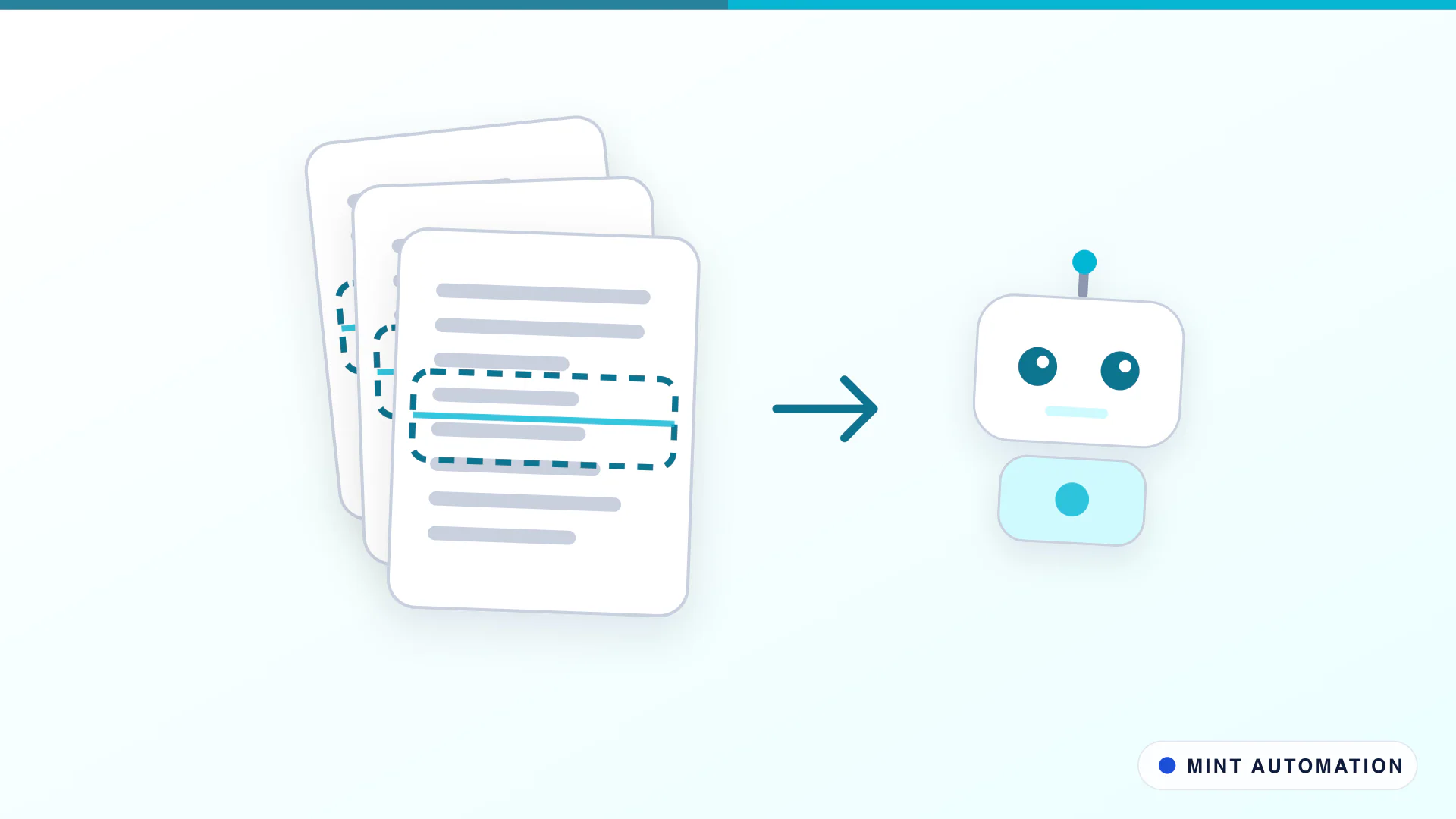
Document data extraction means pulling specific fields out of a document and into a system you can actually use. Think dates, totals, supplier names, reference numbers and line items lifted from a file and dropped into a row, a record or a ledger entry. Instead of a person reading and retyping, the useful pieces are captured and sent where they belong.
The documents are familiar: supplier invoices, receipts, purchase orders, delivery notes, intake forms, contracts and bank statements. The data usually needs to land in one of a few places: your accounting software like QuickBooks or Xero, a CRM, a spreadsheet in Excel or Google Sheets, or an ERP that runs the wider business.
It sounds simple until you look at a real pile of documents. Two suppliers can send invoices for the same thing and lay them out completely differently. One puts the total top-right, another buries it under a tax breakdown, a third calls it “amount due” instead of “total”. Extraction has to cope with that variety, not just one tidy template.
Structured vs semi-structured vs messy documents
Structured documents follow a fixed layout every time, like a form where the same box always holds the same field. Semi-structured documents carry the same information but move it around, which is most invoices and receipts. Messy documents have no reliable pattern at all, such as scanned contracts or handwritten notes. The messier the mix, the more effort any solution needs to read it reliably.
Why a scan is different from a native PDF
A native PDF, like one exported straight from accounting software, already contains the text as text, so the values can be read directly. A scan or a photo is really just a picture of a document. To get data out of a picture, the characters have to be recognised first, a process called optical character recognition, or OCR (Wikipedia: Optical character recognition). OCR quality drops with poor lighting, skewed pages, low resolution or faint print, which is why a crumpled receipt is far harder than a clean export.
The three realistic options at a glance
There are three honest paths, and most businesses land on one of them:
- Manual entry: a person reads each document and types the data into your system.
- Off-the-shelf tools: ready-made document processing software you configure yourself.
- Custom build: a solution shaped around your exact documents, fields and destination systems.
Here is how they compare on the things that actually matter:
| Option | Setup effort | Ongoing cost | Accuracy on your mix | Flexibility |
|---|---|---|---|---|
| Manual entry | None | High (staff time) | Good at first, slips when tired | Total, but slow |
| Off-the-shelf tool | Low to medium | Per-page, per-document or monthly | Strong on common formats | Limited to what it supports |
| Custom build | Higher upfront | Predictable, usually lower per document at volume | Tuned to your documents | High |
Keep this table in mind as you read the detail below. The best choice is rarely the cheapest sticker price; it is the one that fits your volume, mix and accuracy needs over a full year.
Option 1: Manual entry
Manual entry genuinely makes sense when volume is low, variety is high, or documents change constantly. If you process a handful of one-off documents a week and each looks different, a careful person is often cheaper and more reliable than any software you would spend weeks configuring.
The real cost is time, plus the errors that creep in on repetitive typing. People are accurate on the first few documents and slower and sloppier by the fiftieth. A transposed figure or a mistyped reference can flow straight into your accounts unnoticed.
As an illustrative example, if one person spends two minutes per document and handles 300 documents a week, that is roughly 10 hours a week on typing alone, before any checking or fixing. Count your own document volume and typing time to get a figure that reflects your business. Our guide on calculating the ROI of automating a process walks through how to turn those hours into a number you can act on.
The hidden costs add up quietly: rework when a mistake is caught late, invoices paid or sent behind schedule, and good staff worn down by dull, repetitive tasks they resent. None of these show up on an invoice, but all of them cost you.
Option 2: Off-the-shelf tools
Off-the-shelf document processing software does common document types well. Standard invoices, receipts and simple forms are what these tools are built and trained for, so for a clean, predictable mix they can get you running quickly with little setup.
Where they struggle is the edges: unusual layouts, non-English fields, poor scans, and pushing the extracted data cleanly into your specific systems. A tool might read an invoice fine but then leave you exporting a file and importing it by hand, which quietly recreates the manual work you were trying to remove. That handoff into your accounting software or CRM is often the weakest link.
Pricing usually takes one of three shapes: per page, per document, or a monthly tier with an included allowance. Per-page and per-document pricing feels cheap at low volume and climbs as you grow, so a tool that suits you now can become expensive at the exact point you are busiest. Model the cost at your expected volume in a year, not today’s.
Setup and maintenance are not zero. Someone on your team has to configure templates, map fields, test results and keep things working when documents shift. Budget real hours for that, not just the subscription.
Questions to ask a vendor before you buy
- Can it read my messiest real documents, not just clean samples?
- Does it handle my language, currency and date formats?
- How does it get data into my exact system, and is that automatic or a manual export?
- What is the price at my expected volume in 12 months?
- What happens, and what does it cost, when a supplier changes their layout?
Watch for per-document fees that grow with you
A per-document fee is fine when you are small. The trap is that your bill rises in lockstep with your success, and you have little control over the per-unit rate. Before committing, project the cost at two or three times your current volume so a growth surprise does not become a budget shock.
Option 3: A custom build
A tailored solution pays off when you have high volume, many supplier formats, or a tricky handoff into your systems that an off-the-shelf tool cannot manage. At that point the setup effort buys you something the shelf product cannot: a fit to your actual business.
A custom build can handle your exact fields, apply your validation rules, and deliver straight into the destination your team already uses, whether that is an ERP, a CRM or a specific spreadsheet. If you want the total checked against the line items, or a supplier code matched to your records, those rules are built in rather than worked around. Our AI-powered automation solutions and the Document Data Extractor AI are built for exactly this kind of varied, real-world document mix, and you can see the full approach in our walkthrough of turning PDFs into live CRM records.
The trade-off is honest: more upfront work, and a partner to build and maintain it as your documents evolve. In return you get something off-the-shelf tools rarely offer at a predictable cost per document at volume.
What good looks like is not “100% automatic”. It is accuracy checks on every field, a human review step for low-confidence results so a person confirms the few the system is unsure about, and clear error handling when a document cannot be read. That combination gives you speed on the easy 90% and control over the risky remainder.
How to choose: a short decision checklist
Work through these five questions before you spend anything:
- Count your volume. How many documents per week, and how much layout variety? High volume with low variety favours automation; low volume with high variety often favours manual.
- Define your accuracy needs. What does a single wrong figure cost you? A mispriced invoice is an annoyance; a wrong bank detail is a real problem. Higher stakes justify stronger checks.
- Map the destination. Where must the data end up, and how clean must it be before it lands? A messy handoff can undo all the time extraction saves.
- Weigh total cost over a year. Add setup, subscription or build cost, per-document fees at your real volume, and the staff hours for review and maintenance. Compare that against today’s manual hours.
- Decide how much control you need. How much review and oversight of the output do you want to keep? Be realistic about the review step rather than assuming it away.
If you want help putting numbers against these, a free automation assessment will size it against your actual documents.
Common mistakes when evaluating extraction options
The first mistake is judging a tool on a few clean sample documents instead of your messiest real ones. Vendors demo with tidy files; your Monday inbox is not tidy. Always test against the worst documents you actually receive.
The second is ignoring the handoff. Extraction is useless if the data does not land in your system cleanly. If someone still has to copy results from a download into your CRM, you have moved the manual work, not removed it. Our piece on Google Sheets to CRM sync covers why that final step matters so much.
The third is underestimating maintenance. Suppliers change their formats, add a field or switch templates, and a solution that worked last quarter quietly starts missing data. Someone has to notice and fix it, whichever option you choose.
The fourth is chasing full automation and rejecting anything less. As an illustrative example, if a system reads 95% of documents cleanly and flags the last 5% for a quick human check, that is usually a better outcome than insisting on 100% and getting silent errors instead. A sensible review step is a feature, not a failure.
Sources and further reading
How Mannveer International (MINT) Can Help
We start by looking at your real documents and your actual volume, not a demo set. From there we tell you honestly whether manual entry, an off-the-shelf tool or a custom build fits best, even when the honest answer is not a build. If a tool solves it for less, we will say so. You can see how we scope and deliver on our how it works page.
When a custom solution does fit, we build extraction that matches your exact fields and lands the data straight into the tools you already use, with accuracy checks and a review step for low-confidence results so you keep control. Standard automations are quoted at a fixed price and typically delivered in about three to seven business days, with ongoing support after that. The best first step is a short review of a sample of your documents so we can give you a realistic estimate.
- Contact MINT to describe your documents and the systems they need to feed.
- Connect with us to talk through your current manual process.
- Browse our case studies to see how we approach similar work.
- Book a free automation assessment to size the effort against your real volume.
FAQ
How accurate is automated document data extraction?
Accuracy depends on document quality and layout variety. Clean, native PDFs read very well; poor scans and unusual formats read less reliably. A good setup pairs high accuracy on routine documents with a human review step that catches the few low-confidence results before they reach your system.
How much does document data extraction cost for a small business?
It varies by option. Off-the-shelf tools often charge per page, per document or a monthly tier, so costs rise with volume. A custom build costs more upfront but can be more predictable at scale. Weigh total cost over a year, including staff review hours, not just the sticker price.
Can extraction handle scanned documents and photos, not just PDFs?
Yes. Scans and photos are read using optical character recognition, which converts the image into text first. Quality matters: clear, well-lit, straight pages read far better than faint, skewed or crumpled ones. Better source images mean fewer errors and less manual correction.
What happens when a supplier changes their invoice layout?
A format change can cause a solution to miss or misread fields. This is why maintenance matters whichever option you pick. A well-built setup flags low-confidence results so the change is noticed quickly, and the extraction can be adjusted to handle the new layout rather than failing silently.
Do I still need a person to check the extracted data?
Usually yes, and that is a strength, not a weakness. The sensible approach automates the straightforward documents and routes only low-confidence results to a person for a quick check. You get most of the time savings while keeping control over the figures that carry real risk.
Wondering where AI fits in your operations?
MINT scopes practical AI automations with clear costs, controls, and owners.