How Bank Reconciliation Automation Speeds Up Month-End
What bank reconciliation automation does, where it saves finance teams time, what stays with people, and how to judge payback for your business.
Every month, someone on your finance team opens the bank statement in one window and the accounting software in another, then works down the list line by line. Most entries match. A handful do not, and those few eat the afternoon. Bank reconciliation automation takes over the matching and the checking, so your team spends its time on the handful of real questions rather than on the hundreds of entries that were always going to agree.
This guide explains what bank reconciliation automation actually does, where it saves time, where people still need to stay involved, and how to judge whether it is worth it for a business of your size.
What Bank Reconciliation Automation Actually Does
Bank reconciliation is the routine of proving that the money your books say you have matches the money the bank says you have. The standard definition is simple: compare the bank’s record of transactions with your own record, explain every difference, and correct whatever is wrong (Wikipedia: Bank reconciliation).
Automation does not change that definition. It changes who does the repetitive part.
The three jobs inside every reconciliation
Whether it is done by hand or automatically, a reconciliation always involves three jobs:
- Getting the data together. Bank transactions arrive as statements, downloads or feeds. Your own records sit in your accounting software, invoicing tool or spreadsheets.
- Matching. Each bank line is paired with the invoice, bill, payout or expense it belongs to.
- Explaining the rest. Whatever does not match is investigated: a missing entry, a duplicate, a bank fee, a timing difference, or a genuine error.
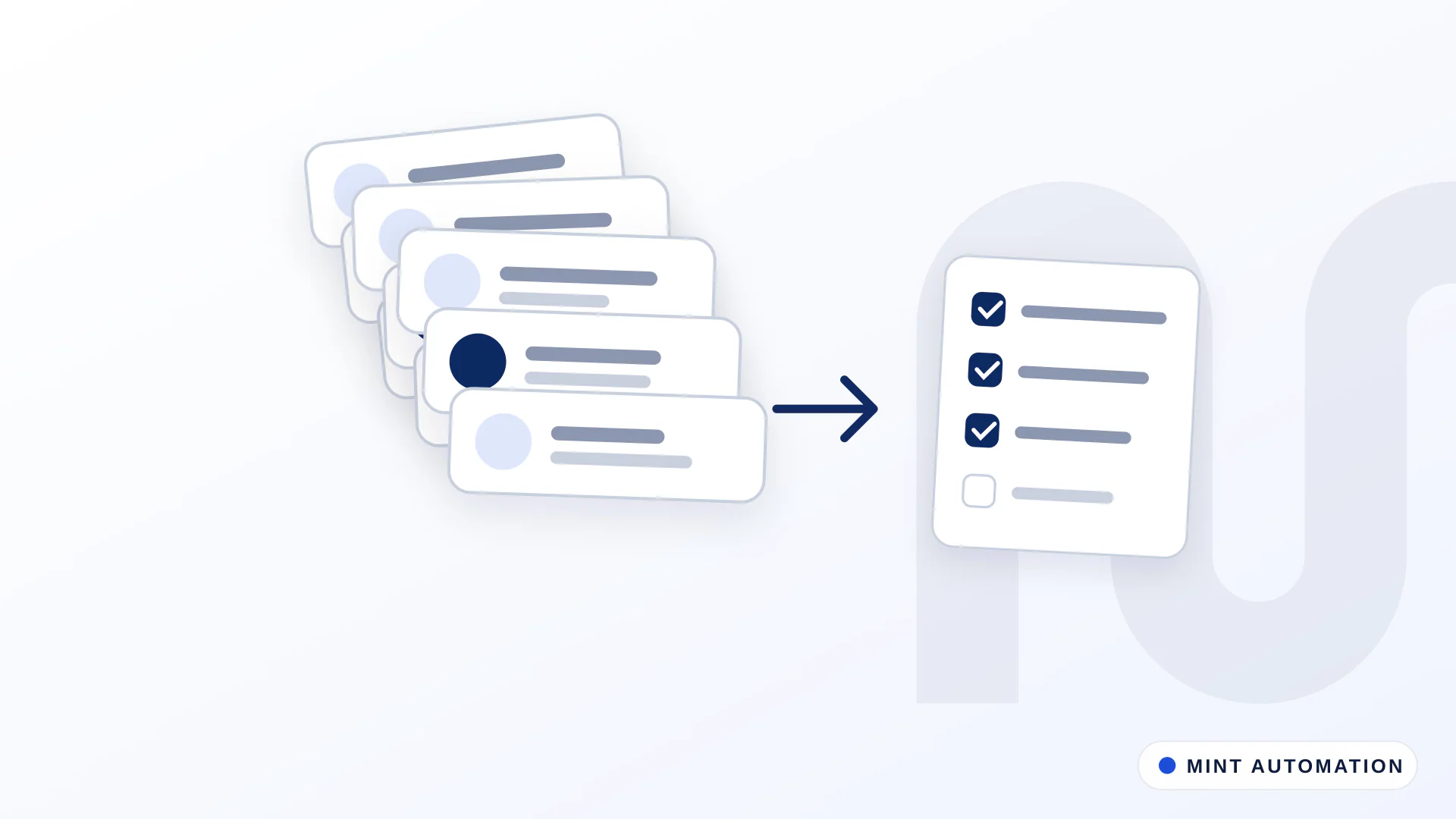
The first two jobs are mechanical and repetitive. The third needs judgement. Good automation takes the first two almost entirely off your team’s plate and makes the third faster by handing people a short, well-labelled list instead of a full statement.
What stays with people
Automation should never decide on its own that an unexplained difference is fine. Write-offs, adjustments, suspected fraud and anything involving a customer dispute stay with a person. The automated part prepares the evidence; your team makes the call.
Why Manual Reconciliation Takes So Long
If reconciliation were only matching identical numbers, it would be quick. It takes long because real transactions rarely line up neatly.
- One payment, many invoices. A customer pays three invoices in one transfer, and the amount matches none of them on its own.
- Fees and deductions. Card processors and marketplaces pay out the total minus their fees, so the deposit never equals the sale.
- Timing. A payment recorded on the 30th clears on the 2nd of the next month.
- Unclear references. The bank shows a truncated name or a reference number that means nothing until someone looks it up.
- Several accounts and currencies. Each account, card and wallet needs its own pass, and foreign-currency amounts drift with exchange rates.
None of these is hard on its own. Together, across hundreds of lines, they turn a simple check into a recurring, error-prone chore that often slips to the end of the month and delays everything that depends on clean books.
How Automated Matching Works, Step by Step
The details depend on your tools, but the flow of a well-built setup is consistent.
Step 1: Bring the data in on a schedule
Bank lines are collected automatically — daily or weekly rather than once a month — from bank feeds, downloaded statements or exported files. Records from your accounting software come in the same way. Reconciling little and often is easier than reconciling a month at once, because each batch is small and memories are fresh.
Step 2: Match with rules, from strict to flexible
Matching runs in passes. The first pass pairs exact matches: same amount, same date window, recognisable reference. Later passes handle the awkward cases with rules your team agrees in advance, for example:
- a deposit that equals the sum of several open invoices from the same customer;
- a payout that equals sales minus a known fee percentage;
- a payment that arrives within a few days of the recorded date.
Rules are written in plain terms your finance team can read and adjust. Anything that matches only loosely is marked as a suggestion, not an answer.
Step 3: Flag what is left, with context
Unmatched lines go to a review list that says why each one is there — no likely match, several possible matches, or an amount that is close but not exact. Each item comes with the nearest candidates, so the reviewer starts from evidence instead of a blank search.
Step 4: Record decisions and keep a trail
When someone confirms a match or makes an adjustment, the decision is recorded with who made it and when. That trail matters at year end and in any audit, and it lets the matching rules improve: a correction made twice is usually a rule waiting to be written.
Where It Connects to the Tools You Already Use
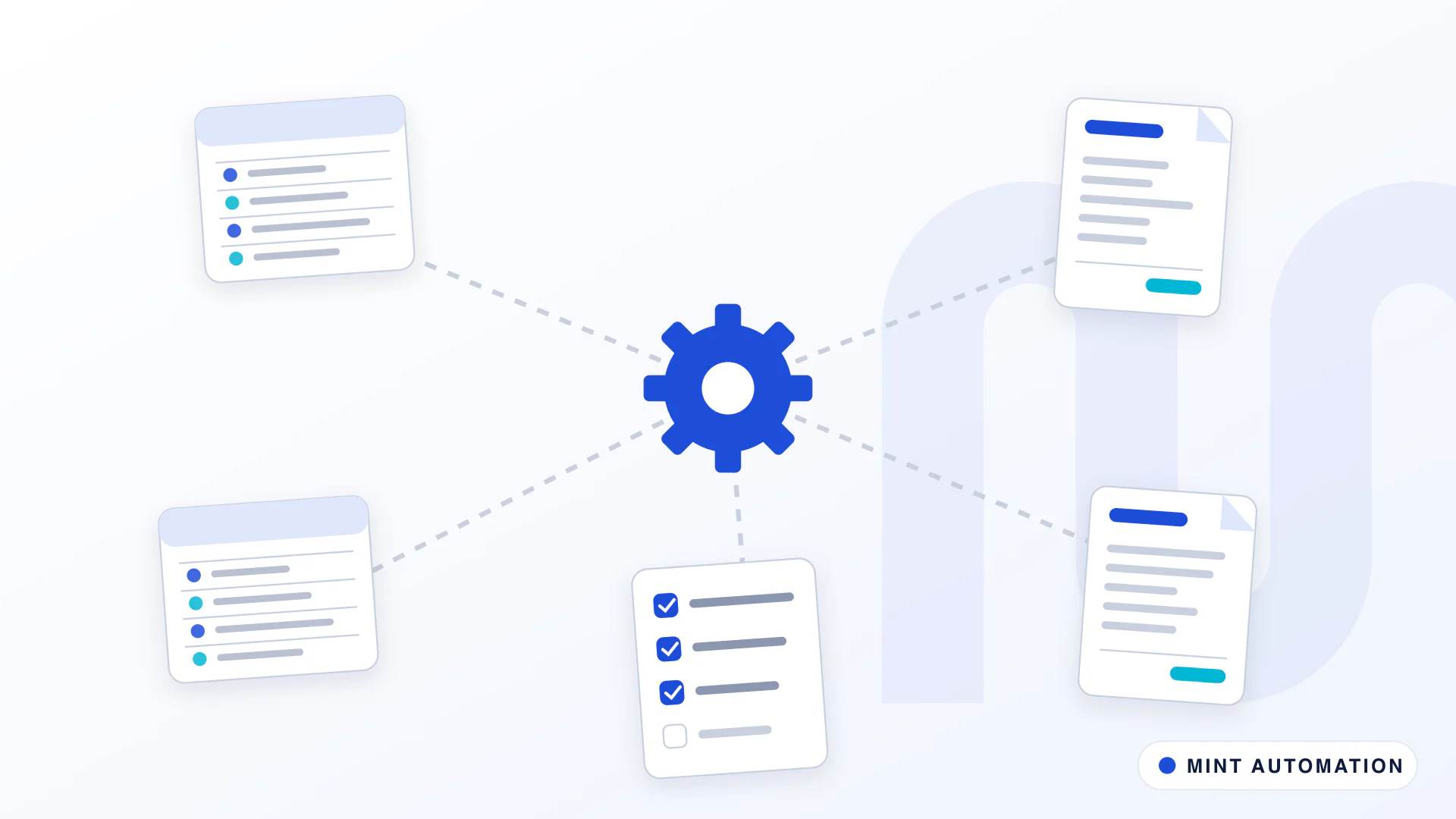
Reconciliation is only useful if it fits the systems your team already relies on. In practice that means:
- Accounting software such as QuickBooks, Xero, Tally or Zoho Books, where invoices, bills and ledgers live.
- Payment platforms and marketplaces whose payouts arrive net of fees.
- Spreadsheets that some teams still use for petty cash, cards or project costs.
- Bank portals that offer downloads but no clean connection — these can still be included by collecting the statements automatically.
If a tool has no direct connection, that is not a dead end. It changes how the data is collected, not whether it can be reconciled. Our API and integration work covers exactly this kind of connection, and our guide to syncing Stripe with accounting software looks at one of the most common payout cases in detail.
When Automation Is Worth It, and When It Isn’t
Automation is not automatically the right answer. It earns its place when the volume or complexity is high enough that the manual effort is real and recurring.
Usually worth it when:
- you reconcile several bank accounts, cards or payment platforms;
- transactions run into the hundreds each month;
- customers often pay several invoices at once, or payouts arrive net of fees;
- month-end close is regularly delayed by reconciliation;
- errors found late have caused awkward conversations with customers, suppliers or your accountant.
Often not worth it yet when:
- you have one account and a few dozen transactions a month;
- your accounting software’s built-in matching already handles nearly everything;
- your process changes every few weeks and has not settled.
A useful middle ground is to automate collection and exact matching first, then add the flexible rules once you can see which mismatches really recur.
Costs and How to Judge Payback
The honest way to judge payback is to measure your own process rather than rely on general claims.
Measure the current effort
For two or three cycles, note how long reconciliation takes from start to finish, including chasing missing information. As an illustrative example, if one person spends six hours a month and another spends two hours reviewing, that is eight hours a month — close to a hundred hours a year.
Estimate what remains after automation
Exact matches and collection usually disappear from the workload. The review of genuine exceptions does not. If, in that example, review time stays at about two hours, the saving is roughly six hours a month. Put a cost on those hours and compare it with the price of the setup and its ongoing support.
Count the cost of errors and delays
Some benefits do not show up as hours: a payment applied to the wrong invoice, a duplicate supplier payment caught late, a month-end close that holds up reporting. If these happen in your business, they belong in the calculation too.
Our guide to judging automation payback walks through the same method for other finance tasks, and the Report Builder Pack shows how reconciled data can then feed regular reports without extra work.
Common Mistakes to Avoid
- Automating a messy process as it is. If references are inconsistent and nobody owns the review list, automation makes the mess faster. Agree the matching rules and the owner first.
- Letting loose matches through silently. A near-match that is accepted without review is how small errors become large ones. Loose matches should always be suggestions.
- Reconciling once a month. Monthly batches are large and slow to explain. Daily or weekly runs keep each review short.
- No trail of decisions. Without a record of who confirmed what, the audit work simply moves to year end.
- Ignoring the edge cases. Refunds, chargebacks, partial payments and currency differences need their own rules from the start.
A Simple Way to Start
You do not need to change everything at once. A sensible first step looks like this:
- List every account, card and platform you reconcile, with rough monthly volumes.
- Write down the five mismatches your team sees most often.
- Automate collection and exact matching for the busiest account.
- Add rules for the most common mismatch, then the next.
- Review the exception list weekly and turn repeated corrections into rules.
This approach shows value within weeks and keeps your team in control of every judgement call. If you want to see how we usually run a project like this, how MINT works explains each stage.
Sources and further reading
How Mannveer International (MINT) Can Help
Our team starts by mapping how your reconciliation works today: which accounts and platforms are involved, where the data comes from, and which mismatches take the most time. From that, we build a setup that collects your bank and accounting data on a schedule, matches it with rules your finance team can read, and hands your people a short, clearly labelled list of genuine exceptions — inside the tools you already use.
Standard automations are scoped with a fixed price before work starts and are typically delivered in three to seven business days, with ongoing support so the setup keeps working as banks, formats and tools change. The best first step is a short review of your current process to see whether automation pays off for your volumes.
- Contact MINT to describe your current reconciliation process and the tools involved.
- Connect with MINT to talk it through with our team.
- See MINT case studies for examples of how we approach similar finance work.
- Book a free automation assessment to get a clear read on payback before you commit.
FAQ
What is bank reconciliation automation?
It is a setup that collects your bank transactions and your accounting records on a schedule, matches them using agreed rules, and gives your team a short list of the entries that do not match. The repetitive matching is automated; decisions about real differences stay with people.
Does automated reconciliation replace an accountant or bookkeeper?
No. It removes the line-by-line matching, which is the repetitive part. Investigating differences, approving adjustments and anything involving a dispute still needs a person, and the automated trail of decisions makes that review faster.
Can it work with QuickBooks, Xero, Tally or Zoho Books?
Usually yes. Common accounting tools can be connected so records flow in automatically. Where a bank or tool offers only downloads, the statements can be collected on a schedule instead, so the reconciliation still runs without manual copying.
How often should reconciliation run once it is automated?
Daily or weekly works best for most businesses. Small, frequent batches are quicker to review than one large monthly batch, and problems are spotted while the details are still fresh.
Is bank reconciliation automation worth it for a small business?
It depends on volume and complexity. With one account and a few dozen transactions a month, built-in matching may be enough. With several accounts, card or marketplace payouts, or hundreds of monthly transactions, the time saved usually justifies it. Measure your current effort to decide.
Want your apps to stay in sync on their own?
MINT connects your CRM, accounting, and spreadsheets so data moves without copy-paste.